Tally is the form builder everyone loves, and for good reason: free, unlimited, clean, European.
So when the urge to build a quiz hits, a lot of coaches open it naturally. Looking at French-speaking coaches' quizzes online in October 2026, a good share of them ran on Tally.
And they nearly all had one thing in common: no result page. The result went out by email, and two of them asked for the email before the very first question.
That's not those coaches' fault. It's what the tool makes easy, and what it makes hard. I'll show you both, honestly.
What Tally can do for a quiz
Everything below is included in Tally's free plan (pricing page checked October 2, 2026):
- Unlimited forms and submissions, "within fair use".
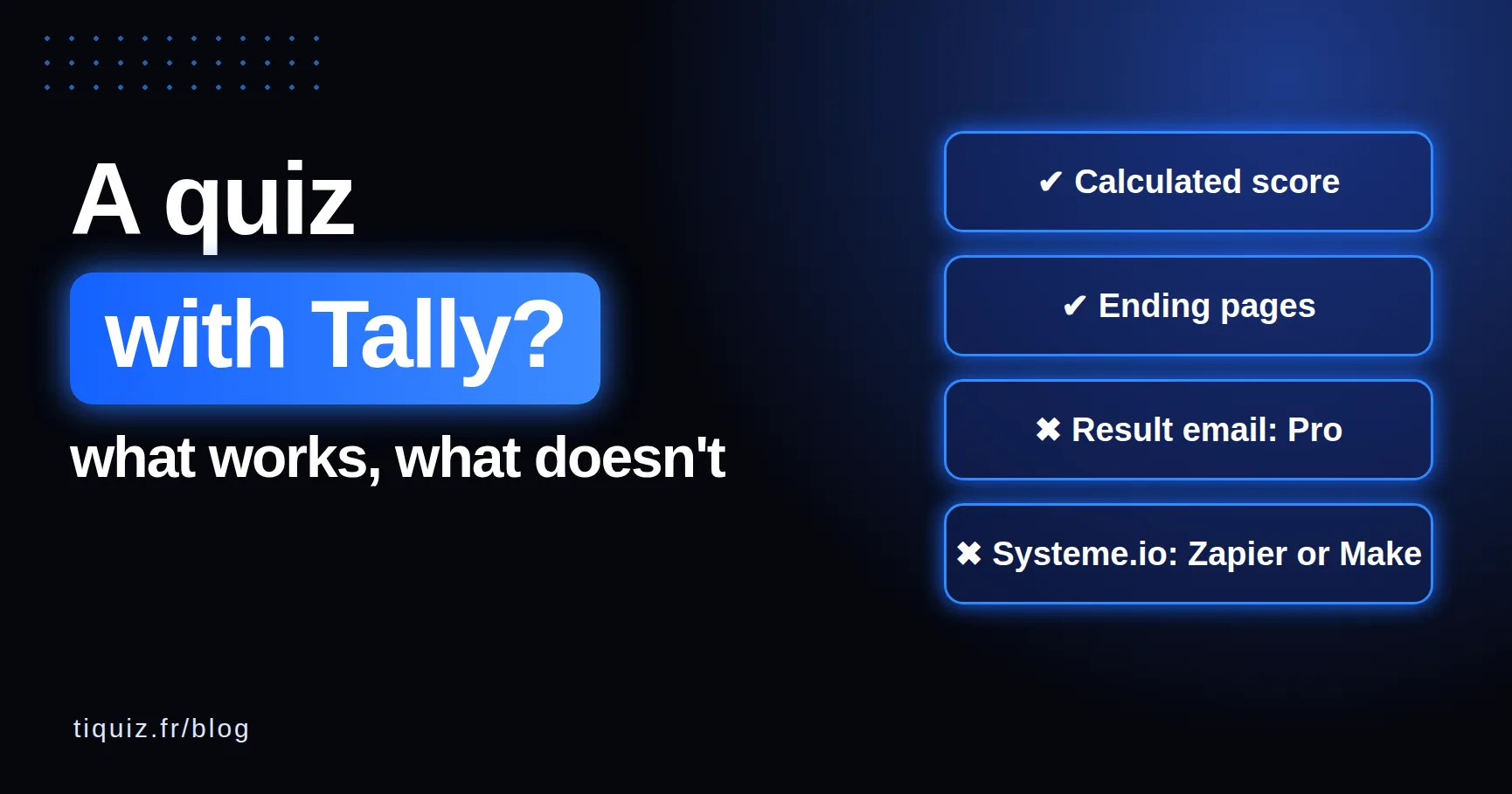
- Conditional logic and calculations. For a scored quiz, Tally's help explains how to create a calculated field starting at zero, then add points for each answer.
- Custom ending pages, with conditions: you can show a "result A" page if the score is above 15, and another one otherwise.
- Redirect to any page at the end, webhooks, and Zapier, Make, Google Sheets and Notion connections.
- Data hosted in Europe, GDPR compliant according to Tally.
For a personality quiz with several profiles, Tally points to a separate guide: it's doable, but everything is built by hand, with logic.
Where it gets stuck when the quiz has to capture leads
1. Emailing the result is a Pro feature. Tailored email notifications to respondents are part of Tally Pro, at €25 a month on monthly billing (pricing page checked October 2, 2026). So are removing Tally's branding and using your own domain.
2. Tally doesn't connect directly to Systeme.io. You need something in between: Zapier or Make. Or a webhook to the Systeme.io API, free, but with a bit of code.
3. One tag per profile means one rule per profile. Tally doesn't know your Systeme.io tags. It's up to you to build, in Zapier or Make, what picks the right tag based on the result. With Zapier, that means one Zap per profile or paths, so a paid plan. I walked through every step (and what it costs) on the Tally + Systeme.io page.
4. Drop-off analytics are Pro. Knowing which question people leave on is what lets you improve your quiz. At Tally, drop-off and visit analytics are part of the Pro plan.
Tally or Tiquiz for a quiz: the table
| Tally | Tiquiz | |
|---|---|---|
| Built for | Forms of every kind | Quizzes that capture leads |
| Free plan | Unlimited forms and responses | 1 quiz + 1 survey + 1 Popquiz, 10 visible leads per 30 days |
| Profiles and result page | Built by hand (calculated score, conditional ending pages) | Made for it, the AI writes the profiles |
| First tier without branding | €25 a month | €17 a month |
| Result sent by email | Pro plan | The lead goes to your email tool, which sends the follow-up |
| Systeme.io, with the profile's tag | Via Zapier or Make, one rule per profile | Direct, from the free plan |
| GoHighLevel | Via Zapier or Make | Direct, from the free plan |
| Conditional logic | Yes, very complete | No, by design |
| Payments, signatures, files | Yes | No |
The table says it all: Tally does far more things than Tiquiz. Tiquiz does one, but all the way: the quiz, the result page per profile, and the lead landing in Systeme.io or GoHighLevel with the right tag, with nothing in between.
So, Tally or not?
Pick Tally if you need a form: a sign-up, a client brief, a quote request, a questionnaire with lots of conditions, a payment. Or if your quiz is a simple score with no automated follow-up. It's free, it's well made, and I don't see why you'd pay for anything else.
Pick a connected quiz tool if your quiz has to do a lead magnet's job: capture an email, show a result that feels like the person, and send them into the right sequence based on their profile. That's where Tally needs plumbing (Zapier or Make, one rule per profile, Pro for the email), and Tiquiz needs none.
And you can keep both: Tally for your forms, Tiquiz for your quiz. I see no reason to choose.
Your first connected quiz, today
You've already done the hardest part: knowing what you want your quiz to do. The rest takes four steps:
- Create your free Tiquiz account, no credit card.
- Give the AI your topic: it writes the questions and the result profiles. You review and adjust with your own words.
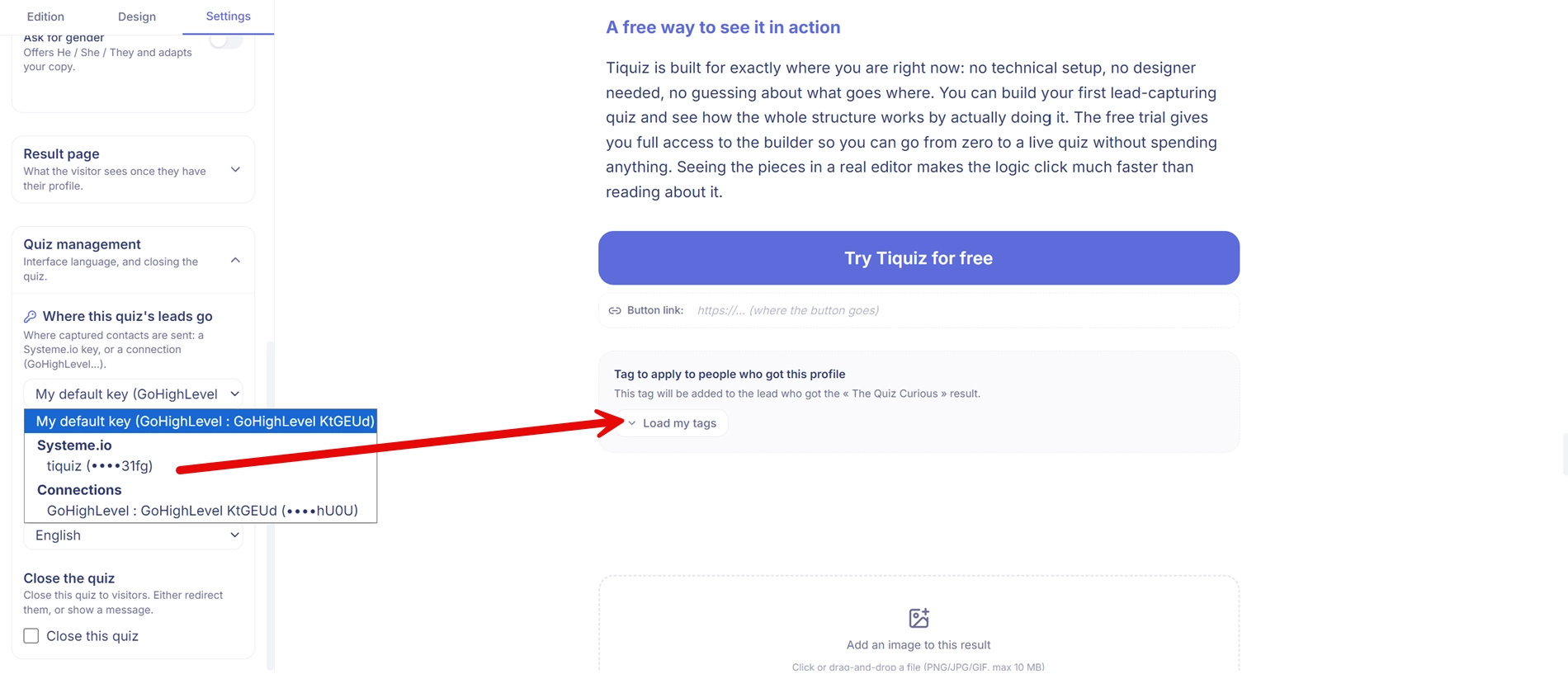
- Connect your Systeme.io account once, and pick each profile's tag.
- Publish and share the link. Everyone who finishes lands in Systeme.io with the right tag, no Zapier, no Make.
You don't need a big audience to start. Ten responses are enough to see what your quiz reveals about your prospects, and that's often where new offer ideas come from.
FAQ · building a quiz with Tally
Can you build a free quiz with Tally?
Yes. Tally's free plan includes conditional logic, calculations and custom ending pages: enough for a scored quiz that shows a result based on points, with unlimited responses.
Can Tally email the quiz result?
Yes, but tailored email notifications to respondents are part of Tally's Pro plan, according to its pricing page. On the free plan, the result shows on the ending page.
How do you connect Tally to Systeme.io?
There's no direct connection. You go through Zapier or Make, or a webhook to the Systeme.io API. To apply a different tag per profile, you need one rule per profile in the tool in between.
Is Tally GDPR compliant?
Tally states on its pricing page that data is encrypted and stored in Europe, and that it complies with GDPR.
Tally or Tiquiz?
Tally for forms, Tiquiz for a quiz that captures leads and files them in Systeme.io or GoHighLevel with the profile's tag. They work very well together.
Sources (checked October 2, 2026)
- Tally pricing: tally.so/pricing
- Tally, "How to create a free quiz": tally.so/help
- Zapier, Tally and Systeme.io: zapier.com