
Integrations
Connecting Google Forms to Systeme.io
Two very different questions hide behind “connecting Google Forms to Systeme.io”, and they do not have the same answer.
Embedding the form in a Systeme.io page
Google Forms gives you an embed code, and Systeme.io accepts an HTML code block in its pages. Technically, that works.
What does not work is everything else. The form keeps Google's look, not your page's. Its height is fixed, which often produces a scrollbar on a phone. And it does not talk to Systeme.io: someone can fill in the form without ever becoming a contact. They become a row in a spreadsheet.

Getting the answers into your contacts
With Zapier or Make. Trigger on a new response, action “Create or Update a Contact, Including Adding Tags”. One trap is specific to Google Forms: the trigger reads the linked spreadsheet, not the form. So the response sheet has to exist first. And adding a question later shifts the columns, which breaks the mapping silently.
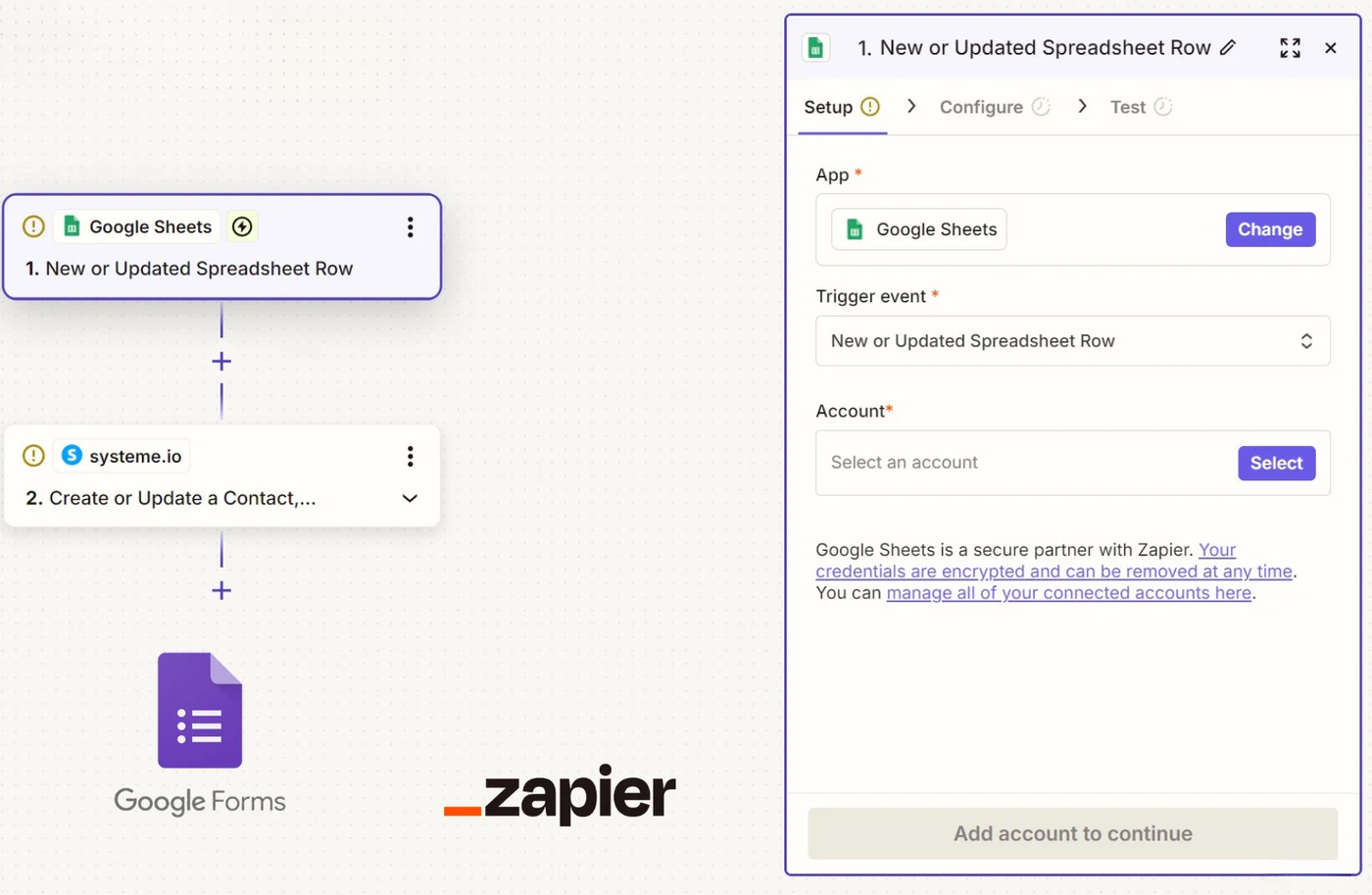
With a Google Apps script. Free and right inside Google: Extensions, Apps Script, a trigger on form submit, and a call to the Systeme.io API. Here too, the API expects the tag's ID and not its name: you have to look the tag up, create it if it is missing, then attach it to the contact.
Zapier's limits, with the numbers: Zapier and Systeme.io.
The two questions, side by side
| Embedding the form in your page | Getting answers into your contacts | |
|---|---|---|
| Possible? | Yes, with Google's embed code | Yes, with Zapier, Make or an Apps script |
| Cost | €0 | €0 up to 100 responses a month, then €27 |
| Look and feel | Google's, with a fixed height | not applicable |
| The visitor becomes a contact | No | Yes |
| A different tag per answer | No | paid Zapier plan, or code |
What Google Forms does not do
A quiz that works out a profile and attaches a different tag depending on the answers. Google Forms' graded quiz mode gives a score, not a profile, and it sends that score nowhere.
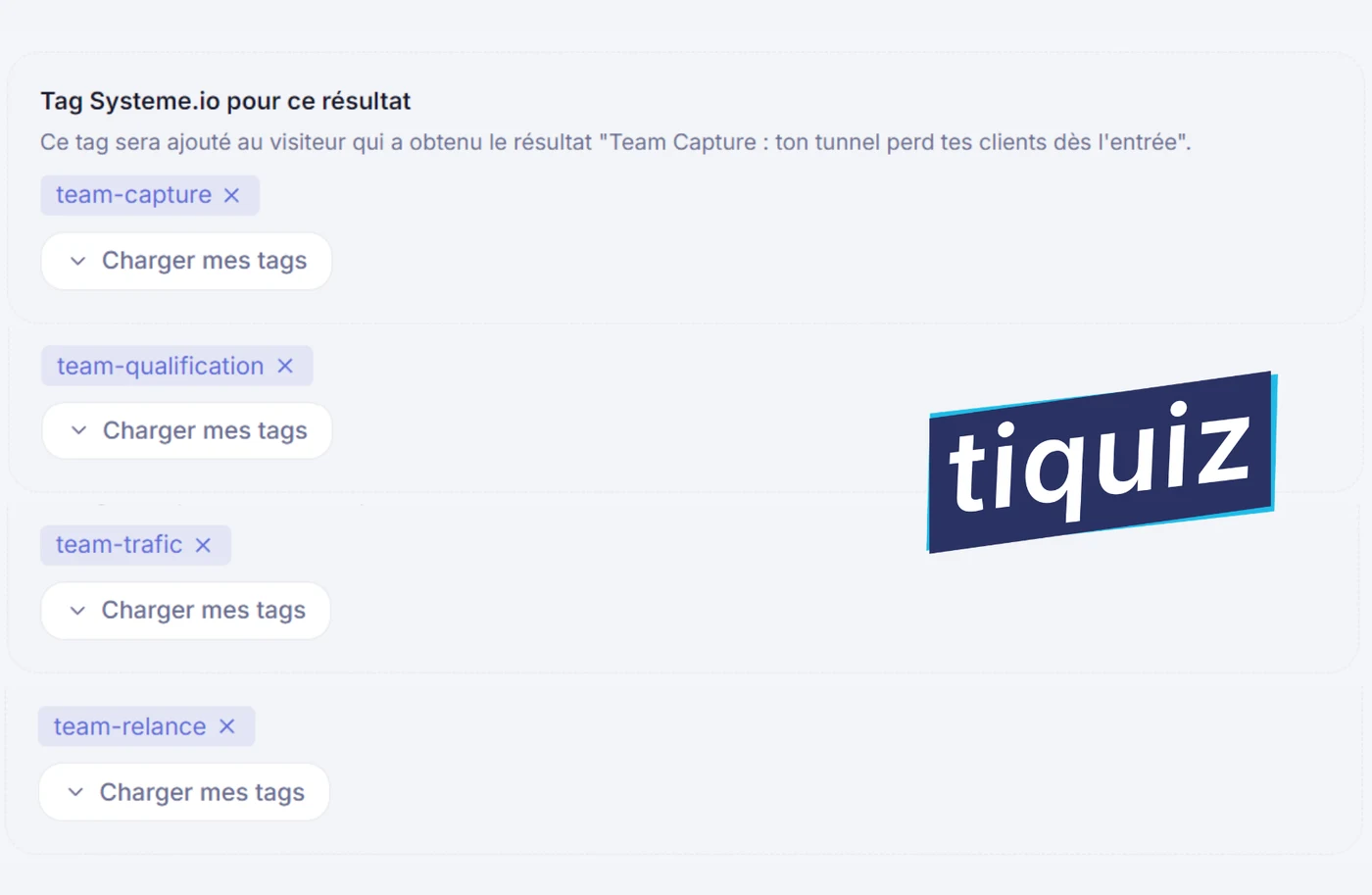
Tiquiz covers this case with no code and no middleman subscription: paste your Systeme.io API key once, write your profiles, and everyone leaves with their tag. The tag is created in Systeme.io if it does not exist yet. It is included in the free plan, at €0, with no card.
Frequently asked questions
- Can you embed a Google Form in a Systeme.io page?
- Yes, by pasting the embed code Google gives you into an HTML code block on the Systeme.io page. The form shows up, but it keeps Google's look, its height is fixed, and it sends no data to your Systeme.io contacts.
- How do you get Google Forms answers into Systeme.io?
- Through Zapier or Make, with the trigger that reads the spreadsheet linked to the form. Or through a Google Apps script that calls the Systeme.io API directly, which is free but means writing code.
- Can Google Forms build a quiz with profiles?
- No. Its quiz mode gives a score, not a profile, and it passes nothing to an outside tool. A profile quiz with an automatic tag needs a dedicated tool.