
Integrations
Connect Jotform to Systeme.io
Jotform is the most complete form builder around: conditions, calculations, payments, signatures. Its Systeme.io integration page does exist, and that is what makes this case unusual.
What the button actually does
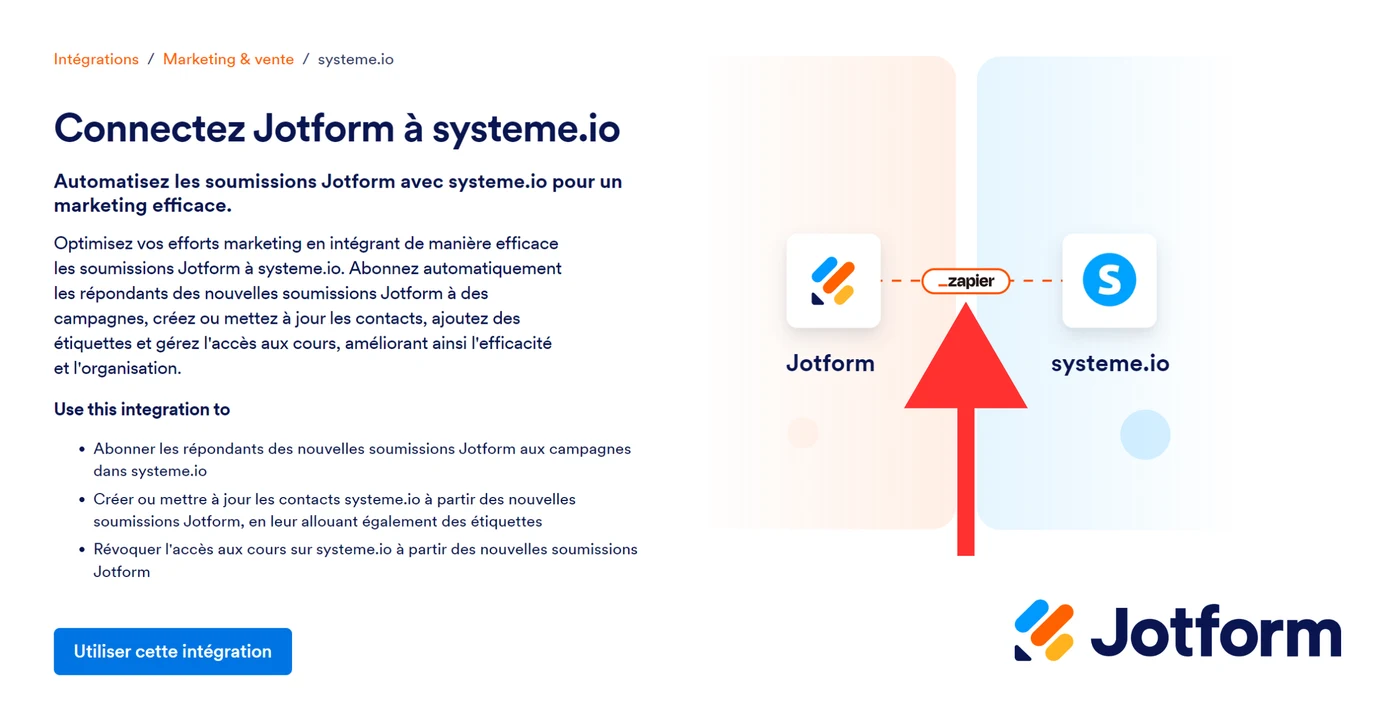
On jotform.com/integrations/systemeio, the “Use this integration” button opens this address:
jotform.com/build/?integration=Zapier&app=systeme.io&clientID=...The parameter is right there in the URL: integration=Zapier. No Systeme.io API key is requested at any point, and no Systeme.io sign-in screen appears. What Jotform calls an integration is a pre-filled Zap. The shortcut is genuinely handy, and it changes nothing about the limits underneath.
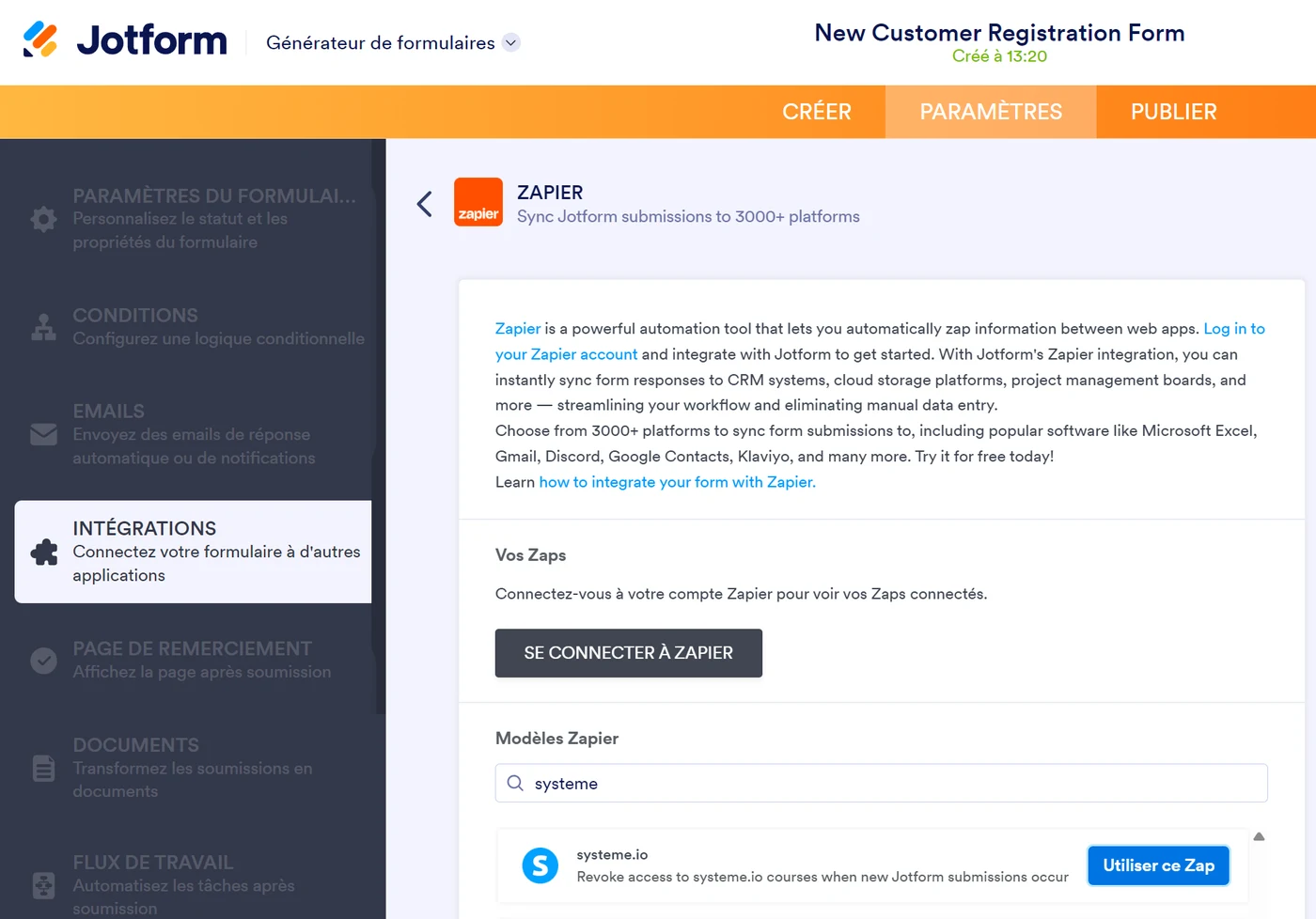
What that means for you
| What the page announces | What actually happens | |
|---|---|---|
| Kind of connection | Systeme.io integration | a Jotform to Systeme.io Zap |
| Accounts needed | Jotform | Jotform and Zapier |
| Systeme.io API key | never asked for | handled by Zapier |
| Volume | not mentioned | 100 tasks a month on the free plan |
| Tag per answer | not mentioned | paid Zapier plan |
The shortcut saves you the time of setting the Zap up. It does not save you the subscription. The limits are laid out on the Zapier and Systeme.io.
The quiz case
Jotform can build a conditional form with calculations, which looks a lot like a quiz. What it cannot do is send a different tag per profile into Systeme.io without going back through Zapier paths, so through the Professional plan at €27 a month, and without creating every tag by hand first.
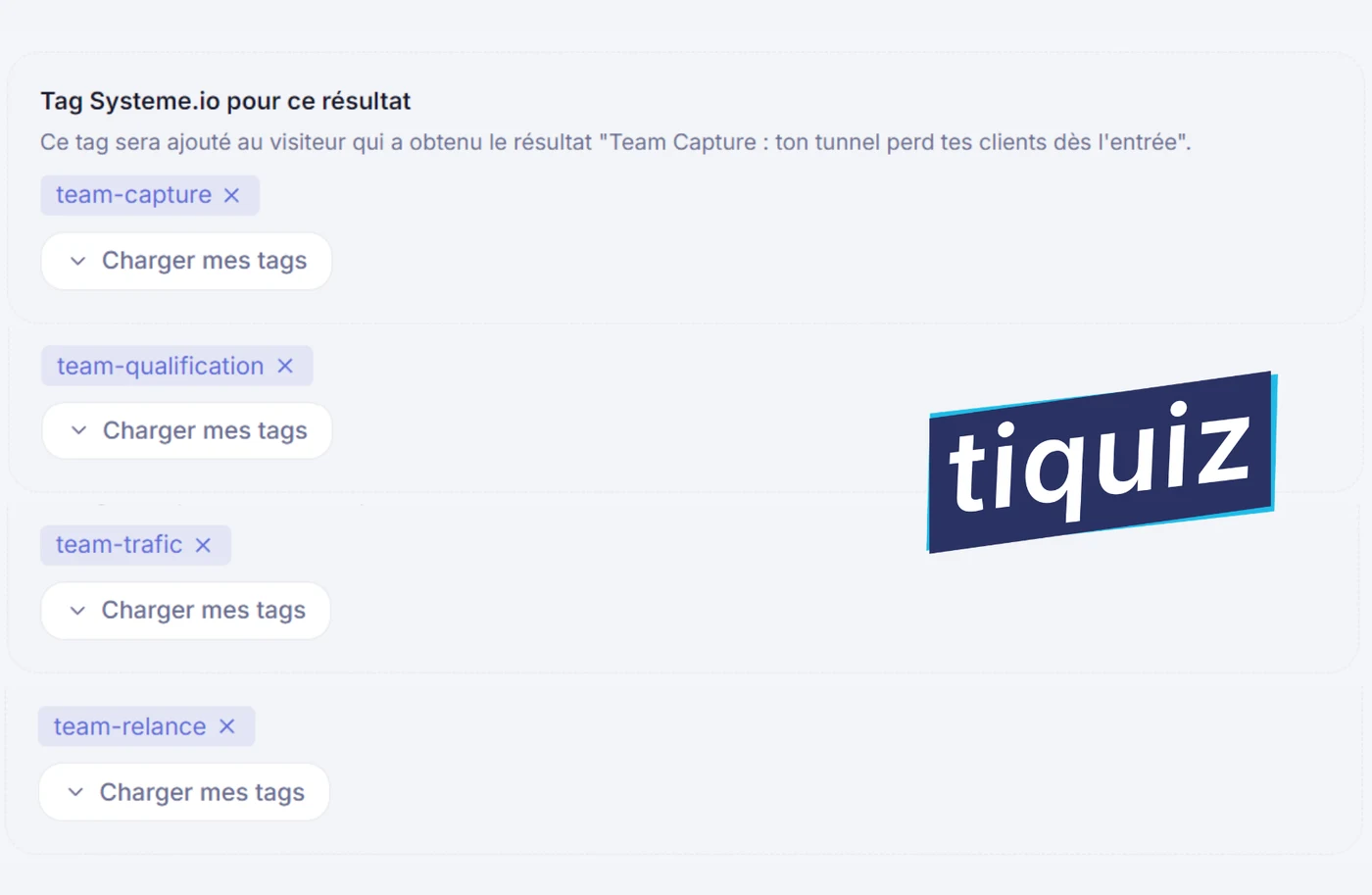
Tiquiz writes into Systeme.io with your API key, with nothing in between. Every profile carries its tag, and the tag is created inside Systeme.io if it does not exist yet. The connection is in the free plan, at €0, no card needed.
For a complex form with payment and signature, Jotform is still ahead, and by a long way.
Frequently asked questions
- Does Jotform have a native Systeme.io integration?
- No. Jotform publishes a Systeme.io integration page, but its button opens a Zap builder: the address carries the parameter integration=Zapier. No Systeme.io API key is requested, so the connection goes through a Zapier account.
- Do you need a Zapier account to connect Jotform to Systeme.io?
- Yes. Jotform's shortcut pre-fills the Zap, but you still need a Zapier account, with its limits: 100 tasks a month on the free plan, and Zaps of 2 steps.
- Can you set a different tag depending on the answer?
- Not on the free plan. You need paths inside a multi-step Zap, so the Zapier Professional plan at €27 a month, and every tag has to exist inside Systeme.io before you can pick it.