You are on GoHighLevel. You already have your funnels, your CRM, your workflows. And you are wondering whether you really need one more tool just to run a quiz.
Honest answer: not necessarily. GoHighLevel has a quiz builder, and it is far from useless.
So let us look at what it does, what it does not do, and when an external tool is genuinely worth it.
Full disclosure. Tiquiz is my tool. Which is why I will also tell you when you do not need it.
What the GoHighLevel quiz builder does
Per the HighLevel documentation, its quiz builder lets you:
- use many question types: single or multiple choice, yes/no, short or long answers, dropdowns, rating scales, and contact fields (email, phone, date, file, signature and so on);
- assign points to each answer;
- define score bands (0 to 39% = beginner, for instance), with result text per band;
- create result categories ("Beginner", "Intermediate"...) that answers are mapped to;
- push the score, the band and the categories into custom fields on the contact, so you can filter and fire your workflows;
- start from a template, and publish by link or embed code.
For a scored diagnostic quiz, everything is there.
What a GoHighLevel quiz leaves you to write
The GoHighLevel quiz builder is a construction tool. It hands you the bricks, and you write everything:
- the questions, and above all the answers that really tell profiles apart;
- the result text for every band or category;
- the logic that maps each answer to the right categories;
- the emails that follow each result.
And that is exactly the part where most people stall. Not the technical side: the writing. What to ask, and what to say to each profile so they want to go further with you.
Their documentation does not mention AI generation of the questions.
What an external quiz tool adds to GoHighLevel
A tool like Tiquiz does not replace GoHighLevel. It handles the quiz, and GoHighLevel handles everything that comes after.
The writing. You give your subject, the AI writes the questions, the options and the result profiles. You read it over and adjust it into your own words. On the PLUS tier it also writes each profile's email sequence and bonus.
Result pages built to sell. Each profile gets its own page, which can follow the four-beat structure: the mirror, the cause, the path, then the bridge to your offer. Details in the CAPTO® method.
Other formats. Surveys, and the Popquiz, a quiz that plays inside your video.
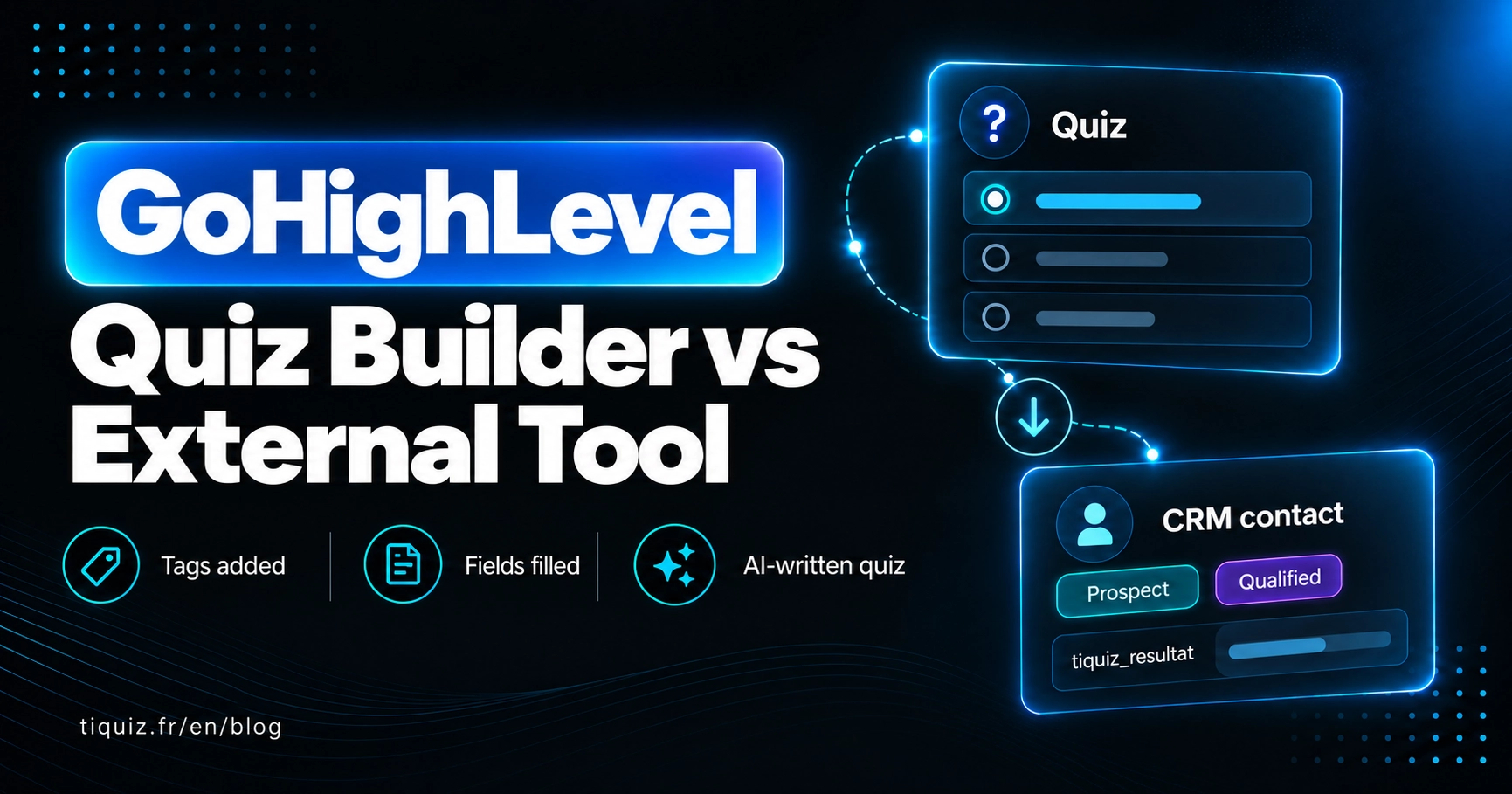
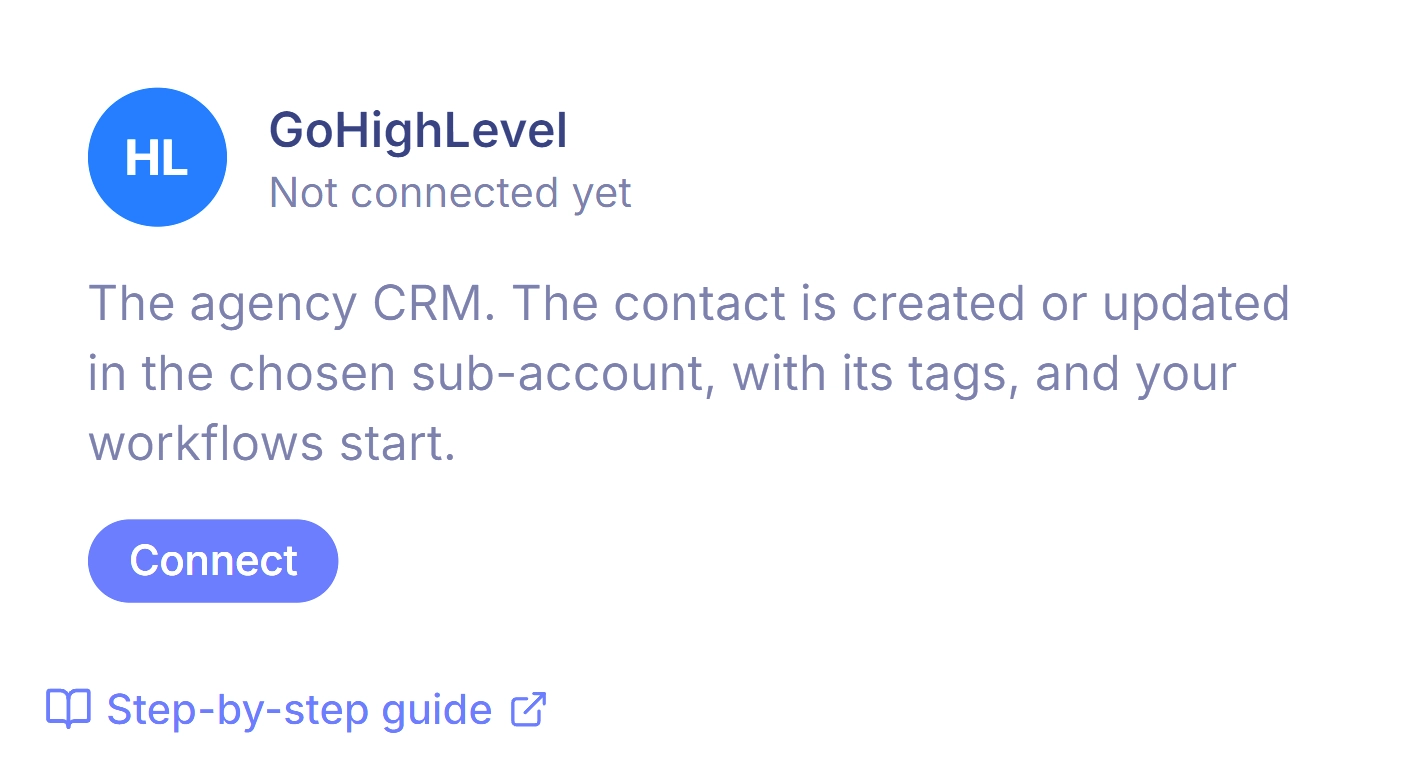
The GoHighLevel connection, in one click. You click "Connect with GoHighLevel", you pick your sub-account, and it is done. For every participant, Tiquiz:
- creates or finds the contact;
- adds their profile tags;
- writes the profile title into the
tiquiz_resultatcustom field; - creates and fills your form's custom fields if they do not exist yet.
And it is included from the free plan, for one sub-account. If you manage several clients' sub-accounts, each one counts as one connection: 2 on the subscription, unlimited on PLUS.
The GoHighLevel tag trap when you wire a tool through the API
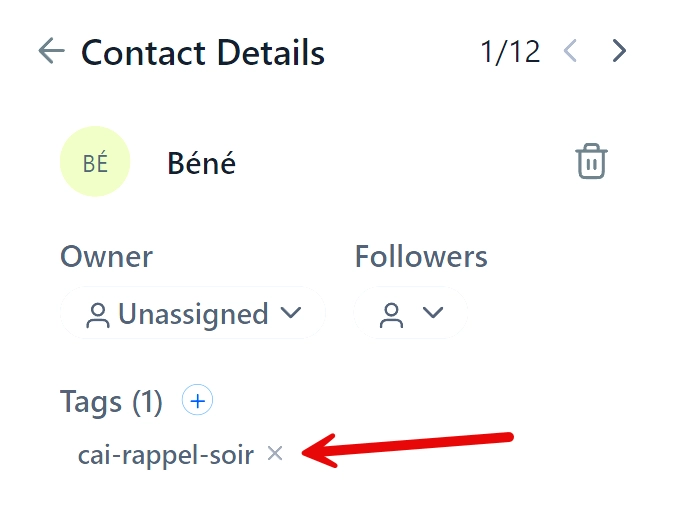
If you wire a tool to GoHighLevel through a webhook or through Zapier, watch out for one thing: when a contact is created or updated through the API with the "upsert" operation, the tags field replaces every existing tag instead of adding to them. There is an open feature request about it on the HighLevel ideas portal.
In practice: a contact already tagged customer-course retakes a quiz, and loses their customer tag. Your workflows then treat them as a brand new prospect.
Tiquiz works around it: the contact is created or found first, then the tags are added through a separate call, which removes nothing.
GoHighLevel quizzes: what to check before you choose
- You want a scored quiz and you like writing it yourself, then the built-in builder is enough.
- You want the questions, the profiles and the emails written for you, then a connected external tool.
- You are wiring a tool through the API, then check that it adds tags instead of replacing them.
Built-in GoHighLevel quiz or Tiquiz: the comparison
| GoHighLevel quiz builder | Tiquiz connected to GoHighLevel | |
|---|---|---|
| Price | Included in your GoHighLevel subscription | €0 to start, €17/month for unlimited |
| Writing the questions and profiles | By hand | By AI, from your subject |
| Result | Score bands and categories | Profiles or score, one result page per profile |
| Emails and bonus per profile | You write them | Written by AI (PLUS tier, €29/month) |
| What reaches the contact | Custom fields | Tags added + tiquiz_resultat field + your form's fields |
| Formats | Quizzes, surveys and forms | Quiz, survey, video quiz (Popquiz) |
| Conditional logic | Not detailed in the quiz builder guide | No, by choice, for simplicity |
So, GoHighLevel quiz or external tool?
Keep the built-in builder if you want a scored diagnostic, you have time to write your questions and results, and you want everything centralised inside GoHighLevel.
Take an external tool if the writing is what stalls you, if you want result pages that set up the sale, or if you want to launch several quizzes quickly (one per offer, one per launch).
And nothing stops you testing: the Tiquiz free plan includes the GoHighLevel connection. The step by step is on the Tiquiz + GoHighLevel page.
Connect my quiz to GoHighLevel
FAQ · GoHighLevel quizzes
Does GoHighLevel have a quiz builder?
Yes. It lets you assign points to answers, define score bands and result categories, and push the results into the contact's custom fields.
Can you connect an external quiz to GoHighLevel without Zapier?
Yes, with a tool that has its own connection. Tiquiz connects to GoHighLevel in one click, through the "Connect with GoHighLevel" button, from its free plan.
How do you tag a GoHighLevel contact from their quiz result?
With the built-in builder, through custom fields and a workflow. With Tiquiz, the profile tags are added automatically on every submission.
Why do my GoHighLevel tags disappear when a contact is updated?
Because the GoHighLevel API "upsert" operation replaces the tag list instead of adding to it. Check that your tool adds tags through a separate call.
Can an AI write my GoHighLevel quiz?
Not inside the built-in builder: its documentation does not mention AI generation. With Tiquiz, you give your subject and the AI writes the questions, the options and the result profiles, then pushes the tags into GoHighLevel.
Sources
- HighLevel, "Quiz Builder Guide" : https://help.gohighlevel.com/support/solutions/articles/155000004126-quiz-builder-guide
- HighLevel Ideas, "Contact Upsert Should Add Tags Instead of Overwriting or Replacing Them" : https://ideas.gohighlevel.com/apis/p/contact-upsert-should-add-tags-instead-of-overwriting-or-replacing-them