Picture it. Your quiz is perfect: the questions, the profiles, the result page. You connect it to GoHighLevel, you share it, and within a week forty contacts arrive, each with the right tag.
And not a single email goes out.
Because nobody built the workflow that listens to the tag. The contacts sleep in the CRM, neatly tagged, waiting for something to happen. It's a question that keeps coming back on support, in one form or another: "my leads arrive, but nothing fires".
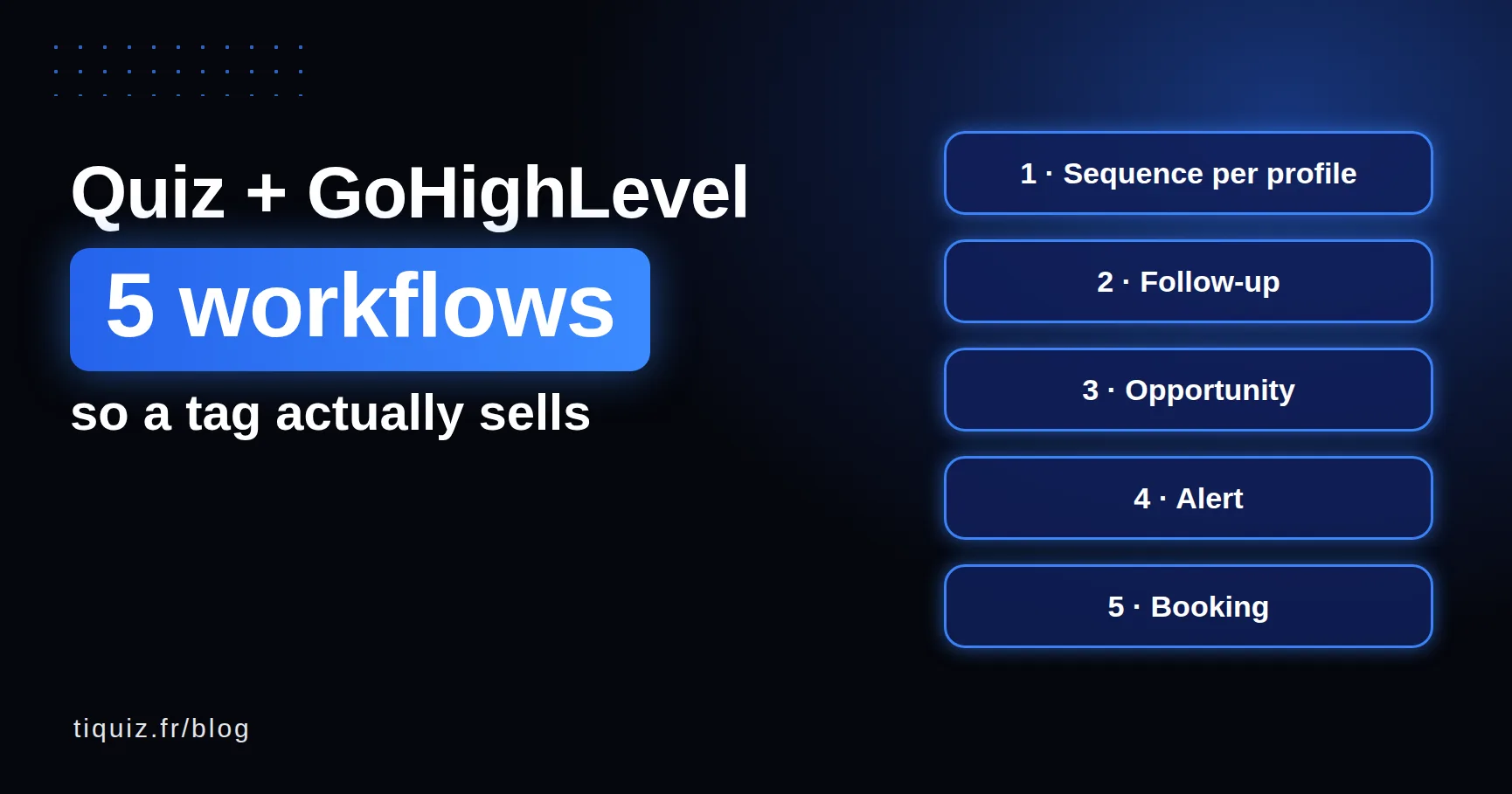
It's not a bug, it's how GoHighLevel works (and Systeme.io too): a tag doesn't trigger anything on its own. You need a workflow that says "when this tag arrives, do this". So here are the five I would build, in order.
Before you start: what Tiquiz sends to GoHighLevel
With Tiquiz's native connection, every lead who finishes your quiz lands in the GoHighLevel sub-account of your choice with:
- their first name, last name, email, and phone if they gave it;
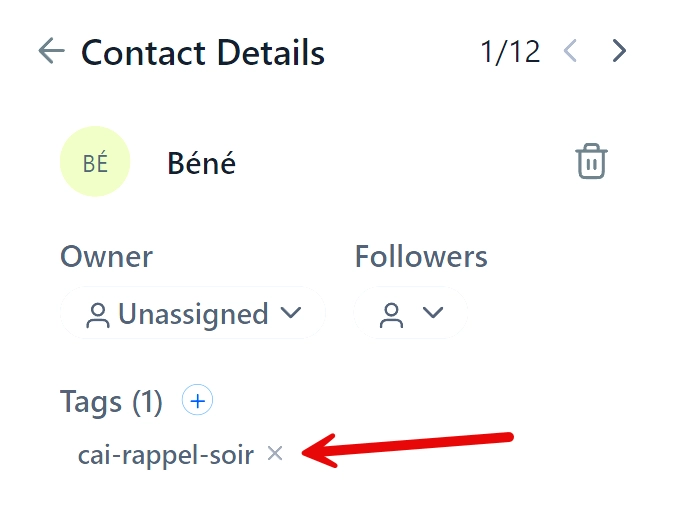
- their profile's tags, added to the ones they already have (Tiquiz never erases an existing tag, even when the contact retakes a quiz);
- their profile name in the
tiquiz_resultatcustom field; - your form's custom fields, created automatically if they don't exist;
- the source: "Tiquiz" followed by your quiz title.
The detail that matters next: you name the tags yourself, on each result profile. Make them readable, for example quiz-energy-drained, quiz-energy-balanced. You'll paste them into your workflows.
If it isn't connected yet, the step by step is on the Tiquiz and GoHighLevel page.
Workflow 1: their profile's sequence
It's the only mandatory one. The other four are bonuses.
Trigger: Contact Tag, filter Tag Added, and a profile's tag.
Actions: a first email right away (Send Email), restating their result in other words with one tip they can use today. Then Wait, one day. Then a second email telling a story tied to their profile. Then Wait, two days. Then the email presenting your offer, the one that fits THEIR profile.
One workflow per profile. If your quiz has four profiles, build four, duplicating the first and changing the tag and the copy. In Tiquiz, your quiz's Automate tab lists the exact tags to paste: one click on a tag copies it.
If writing the emails is what stalls you, the Tiquiz PLUS tier writes them for each profile, along with the matching bonus. You review, adjust with your own words, paste.
Workflow 2: following up with those who didn't open
Some of your leads won't open the first email. Not because they don't care: because it landed in Promotions, or they took the quiz on the subway.
In workflow 1, after the first email and a two-day Wait, add an If/Else condition set to "Email Event is Opened". If not: a very short plain-text email, something like "I sent you your result on Tuesday, it may have slipped through. Here it is." If your number is set up in GoHighLevel and the person gave their phone and consent, a text does the same job.
This is often the workflow that wins back the most people, for three minutes of setup.
Workflow 3: the opportunity in your pipeline
If you sell coaching or services, your GoHighLevel pipeline is where you track prospects. The quiz can fill it for you.
Trigger: the tag of the most advanced profile (the one ready to buy).
Action: Create Or Update Opportunity, in your sales pipeline, at the "New qualified lead" stage. The profile name is already in the tiquiz_resultat field: when you open the opportunity, you know who you're talking to.
For less advanced profiles, no opportunity yet. They need the sequence first, and you'll move them into the pipeline when they click on your offer.
Workflow 4: the alert for the hottest profile
A lead who gets "ready to start" on a Tuesday at 10am, and whom you call back on Friday, has had time to talk to three other people.
Trigger: the same tag as workflow 3.
Action: Internal Notification, by email or text, to you or the team member who handles calls. With Assign To User if there are several of you.
You don't call everyone back. You call the ones the quiz has already sorted for you.
Workflow 5: the booking
Last level, for those who sell on a call. In email 3 of the hot profile's sequence, the button leads to your GoHighLevel calendar. A workflow triggered by the booking removes the contact from workflows 1 and 2 (no point selling them what they just booked) and sends the reminders.
And in Tiquiz, that profile's result page can carry the calendar link directly. Someone who is ready doesn't need to wait for three emails.
The 3 mistakes I see most
A tag typed by hand, with a typo. quiz-energy-drainned in the workflow, quiz-energy-drained in the quiz: nothing fires. Copy the tag from Tiquiz's Automate tab, don't retype it.
A tool that erases existing tags. If you wire a form to GoHighLevel through Zapier or the API with the "upsert" operation, the tag list is replaced instead of extended: your customer loses their "customer" tag by retaking a quiz. Tiquiz applies tags through a separate call, which removes nothing. Check that your tool does the same.
Testing with your own address, only once. Tiquiz finds the contact by email, so your second test updates the same contact, and a workflow set to run once per contact won't run again. Test with a fresh address each time (a +test1, +test2 address works fine if your mailbox accepts it).
Connect my quiz to GoHighLevel
No quiz yet? The Tiquiz free plan includes the GoHighLevel connection: the AI writes the questions and profiles from your topic, you pick one tag per profile, and you build workflow 1. The rest will come when you see the first profiles arrive.
And if you're still torn between GoHighLevel's Quiz Builder and an external tool, I compare both honestly in this article.
FAQ · GoHighLevel workflows and quizzes
Which GoHighLevel trigger should I use for a quiz result?
With Tiquiz, the Contact Tag trigger with the Tag Added filter, and the profile's tag. With GoHighLevel's built-in Quiz Builder, the Quiz Submitted trigger.
Why doesn't my GoHighLevel workflow fire?
Most often, the workflow's tag doesn't exactly match the quiz's (a typo, an accent, a capital letter), or the test contact already existed and the workflow runs only once per contact.
Do I need one workflow per quiz profile?
For the email sequence, yes: each profile has its own messages. Alerts and the pipeline can concern only the most advanced profile.
Does Tiquiz erase a GoHighLevel contact's existing tags?
No. Profile tags are added through a separate call, which removes nothing. A contact who retakes a quiz keeps their old tags.
Is the quiz result visible on the GoHighLevel record?
Yes: the profile name lands in the tiquiz_resultat custom field, on top of the tags. Your capture form's fields arrive too, each in its own field.
Sources (checked October 7, 2026)
- HighLevel, "Quiz Builder Guide": help.gohighlevel.com
- HighLevel Ideas, "Contact Upsert Should Add Tags Instead of Overwriting or Replacing Them": ideas.gohighlevel.com