When I launched Tiquiz, it talked to a single tool: Systeme.io. That was a choice. Most people writing to me already had their funnels there, and the promise fit in one sentence: your lead arrives with their profile's tag, with no Zapier in between.
Then the messages changed. "I'm on Brevo, how do I do it?" "My client has everything in HubSpot." "I just want a row in a Google Sheet for every answer, is that possible?"
Until now, the answer was the CSV export. It works (I still use it), but it's one more thing to redo, and a lead waiting three days in a file isn't a warm lead anymore.
So Tiquiz now has a webhook. Here's what it is without the jargon, what you can do with it, and how to connect it in five minutes.
What is a webhook?
It's a web address, provided by the tool that will receive your leads. You give it to Tiquiz once. From then on, every time someone finishes your quiz and leaves their email, Tiquiz "posts" the lead to that address.
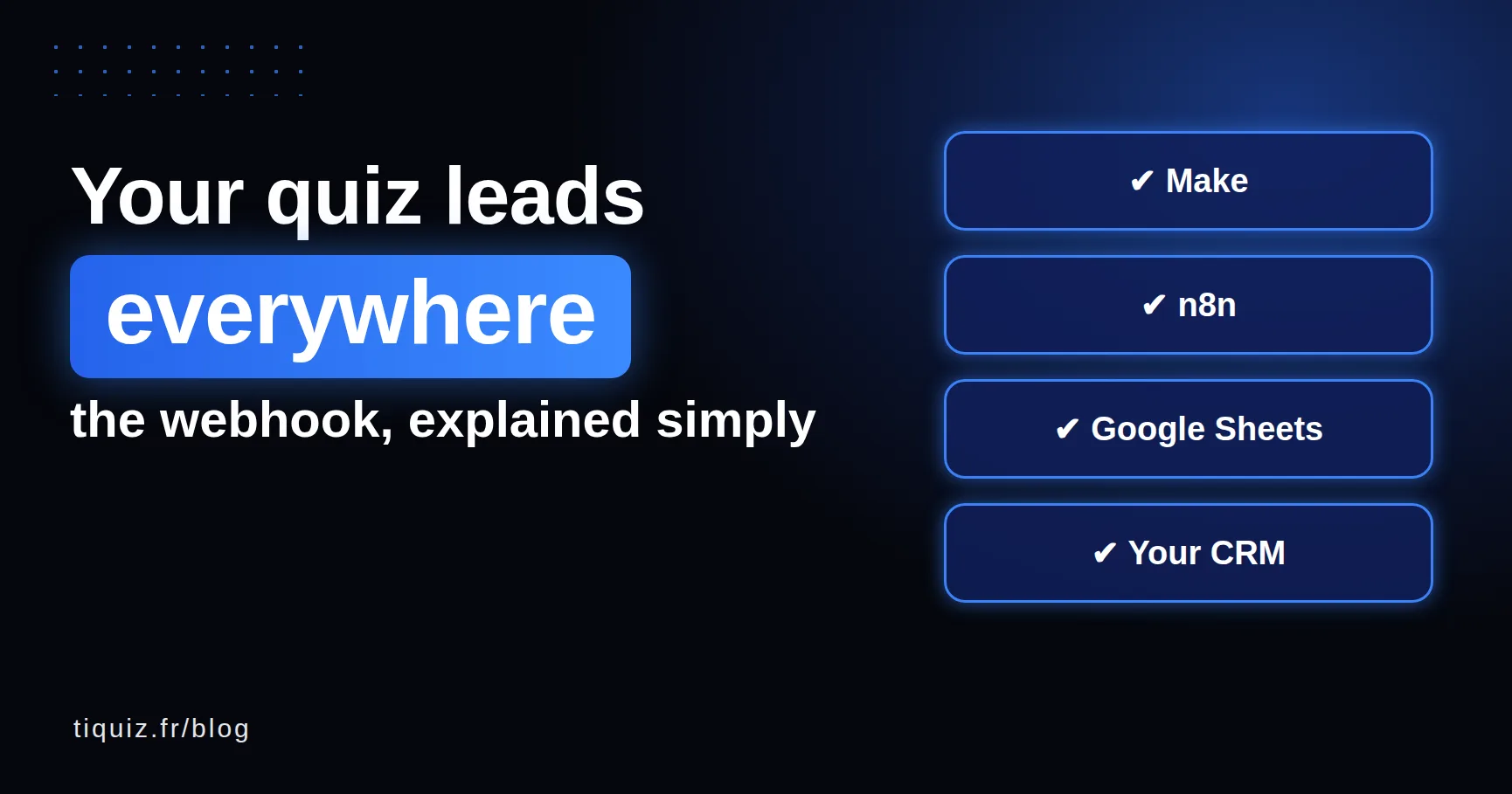
Think of a mailbox. Make, n8n or Zapier give you the box, Tiquiz drops each lead in it, and you decide what the box does with the mail: a row in a spreadsheet, a contact in a CRM, a text message, a note to your team.
The difference with Zapier "checking" for new responses every few minutes is that nothing waits. The lead goes out the second it arrives.
What your tool receives, exactly
A complete lead, not just an email address:
- the contact: email, first name, last name, phone, country, and whether they ticked consent;
- the profile they got, in three forms: its name ("The Busy Strategist"), its tag, and a short accent-free version for picky tools;
- the score as a percentage, and per axis if your quiz has several;
- every answer, question by question, in order;
- the custom fields from your capture form;
- all of the lead's tags: profile, survey answers, score ranges.
That's the big difference with a classic CRM connection, which only keeps tags and contact fields. Here, the detailed answers go too. For a salesperson preparing a call, that's gold: they know what's holding the person back before they talk.
The exact format (with a full example) is on the Tiquiz and all your tools page.
5 ideas to use it this week
1. A Google Sheet that fills itself. Make receives the lead and adds a row: date, first name, email, profile, score. You see at a glance which profile comes up most, and that's often where offer ideas come from (it has happened to me more than once).
2. Your email tool, with the right tag. Brevo, Mailchimp, Kit, ActiveCampaign: Make or n8n creates the contact and applies their profile's tag. Your sequence starts on that tag, exactly like with the Systeme.io connection.
3. An alert when the right profile answers. A filter on the profile field, and a Slack or Discord message, or an email to yourself, when someone gets "ready to start". That's the lead you call back within the hour, not within the week.
4. Your client's CRM. You build quizzes for clients? Their HubSpot or Pipedrive receives the leads without you touching their setup.
5. Your own website. Your member area, your database, your in-house tool: documented JSON, a unique event_id to ignore duplicates, and you're set.
Make, n8n or Zapier: which one?
| Make | n8n | Zapier | |
|---|---|---|---|
| Receiving a webhook | Webhooks module, "Custom webhook" | Webhook node, POST | Webhooks by Zapier, "Catch Hook" |
| Free plan | Yes, with an operations quota | Yes, if you self-host it | No: Premium app, paid plans |
| Best for | The best trade-off to get started | Slightly technical profiles | People already on a paid Zapier plan |
My advice if you're starting from scratch: Make. Its webhook module learns the data structure on its own when you click Test the webhook in Tiquiz, and you just pick the fields. If you already pay for Zapier, keep it, it does the job very well.
And if your tool is Systeme.io or GoHighLevel, you need none of the three: the connection is native, one button and you're done. The webhook is for everything else.
Connect it in 4 steps
- In Make (or n8n, or Zapier), create a webhook entry point and copy the address. It starts with
https://. - In Tiquiz, go to Settings, Connections tab, Webhook card. Give it a name, paste the address, click Add the webhook. If your tool asks for a secret, put it in Secret header: it is encrypted and never shown again.
- Click Test the webhook. Tiquiz sends a sample lead built on your real quiz, with your real profile names. Make learns the structure along the way.
- Open your quiz, Create tab, and pick your webhook under Where this quiz's leads go. Done.
The full step by step, with the fields received, is on the webhook help page.
What if your tool goes down?
That was the first question I asked myself, because a lost lead is a person who trusted you and gets no answer.
If your server doesn't answer, takes more than 10 seconds or returns an error on its side, Tiquiz retries twice, after 2 then 8 seconds. If your tool rejects the secret, you get one email (once, not one per lead). Every send is logged on the Webhook card: the event, the response code, the duration.
And whatever happens, the lead stays in My leads. The Sync all button resends all your leads to each quiz's destination, the day you've fixed or changed your tool.
One last word. The webhook doesn't replace the Systeme.io or GoHighLevel connections: if you're on one of them, keep the native connection, it does everything with nothing in between. The webhook is the missing door for all the others. And you're the ones who asked for it.
FAQ · the Tiquiz webhook
Is the webhook available on Tiquiz's free plan?
Yes, on every plan. A webhook counts as one connection, like a Systeme.io key or a GoHighLevel sub-account: 1 on the free plan, 2 on the subscription, as many as you want on PLUS. If your Systeme.io account is already connected, the webhook is your second connection, so you need the subscription. On the free plan, the 10 visible leads per 30-day window are sent.
Do I need to code to use a webhook?
No, if you go through Make, n8n or Zapier: you paste an address and click Test. Code is only useful if you receive the lead on your own server.
Are the quiz answers sent with the lead?
Yes. Every question, in order, with the chosen answer, the free text or the rating. That's what sets the webhook apart from a CRM connection, which only keeps tags and fields.
Can one quiz send its leads to Systeme.io and somewhere else?
A quiz has a single destination. If you need both, send the quiz to your webhook, and let Make or n8n create the contact in Systeme.io on top of your other tool.
Is Webhooks by Zapier free?
No. Zapier lists it among its Premium apps, reserved for paid plans. Make has a free plan with an operations quota, and n8n is free if you self-host it.
Sources (checked October 7, 2026)
- Zapier, Webhooks by Zapier (Premium app, paid plans): zapier.com/apps/webhook
- Make, Webhooks module: apps.make.com/gateway
- n8n, Webhook node: docs.n8n.io