"Which kind of leader are you?" "What's your money personality?" A personality quiz makes a promise: at the end, you'll read your portrait. Not a score out of 100, not a table of percentages. A few lines where you recognize yourself, and a next step that fits.
That promise is why personality quizzes get shared, and why they sell. It is also what was hardest to keep in GoHighLevel for a long time.
Good news: the native builder has moved. Here is what it does now, how to set it up step by step, where it stops, and when an external tool is worth it.
Full disclosure. Tiquiz is my tool. Everything I say about GoHighLevel below comes from its help center and its ideas board, checked on November 2, 2026, with the links at the bottom.
How GoHighLevel picks a personality result
A personality quiz in GoHighLevel runs on categories. You create one category per personality, then give each answer a category and a score. At the end, the points are added up per category, and HighLevel "picks one outcome, usually the highest score (or the lowest if you want to highlight a gap)", in the words of its help article.
On the result page, three kinds of sections can use those categories:
- Individual Category: displays one category, the highest or the lowest scoring one.
- Category Score: the scores of all categories, the full breakdown.
- Overall Score: the total, with Low, Medium and High tiers if you set them.
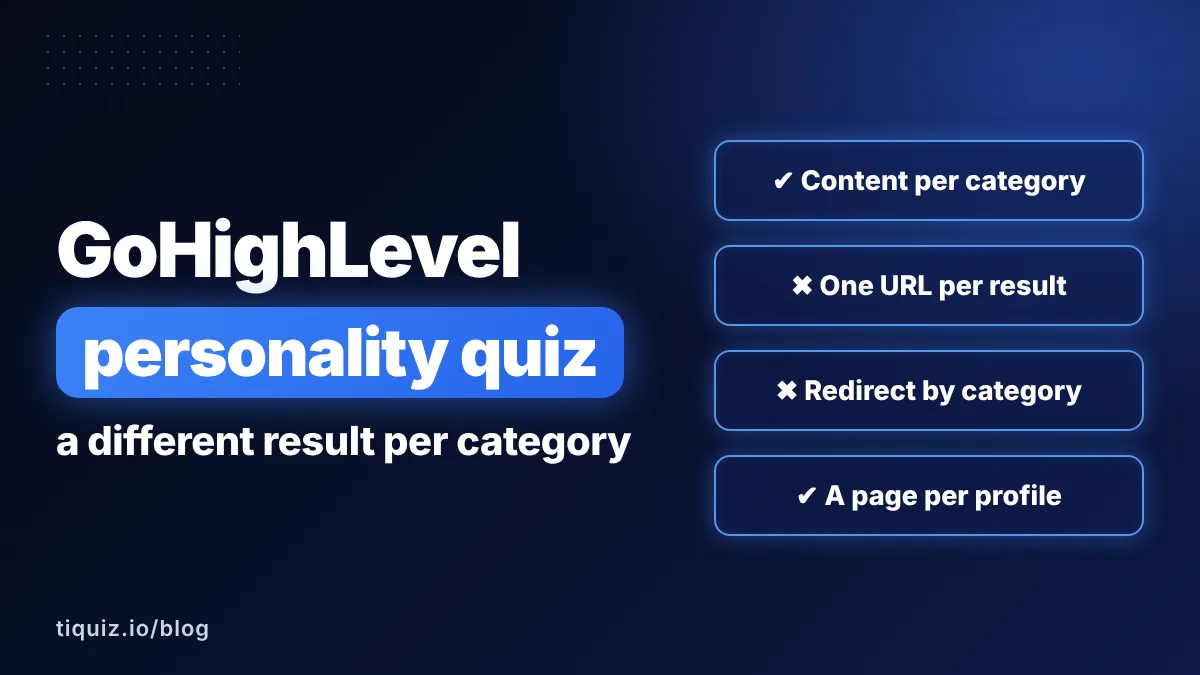
And since the per-category content update, the Individual Category section is no longer one text with the category name dropped in. Each category gets its own text, images, videos, button text and button link.
Step by step: a personality quiz with one result per category
- Create the quiz. Go to Sites, Quizzes, then + Add Quiz (or open an existing one).
- Create your personalities. Click Manage Categories and add one category per profile: "The Builder", "The Explorer", "The Guardian".
- Score every answer. Open each question and, in the Options panel, give each answer a category and a score. This is where your quiz is won or lost: if one personality collects more answers than the others, it will win too often.
- Add the result section. In the result page editor, click + Add Section and choose Individual Category.
- Write the first portrait. Expand the section, pick a category, set Display Category to Highest Score, and add its text, an image or a video, the button text and the button link.
- Repeat for each category. The first category can serve as a starting point for the others, which you then rewrite one by one.
- Optional: add a Category Score section to show the full breakdown, or a second Individual Category section set to Lowest Score to name the area to work on.
- Send the result to the CRM. In the results template settings, under Custom Fields, switch on the highest category field so the personality lands on the contact record.
- Preview, save, publish. Then take the quiz several times, aiming for a different personality each time, to check that every portrait can actually come up.
To follow up, a workflow on the Quiz Submitted trigger can read that custom field and send each personality its own email. The full walkthrough is in how to email quiz results in GoHighLevel.
What the native builder does well now
Credit where it is due. The request "Dynamic categories based on user path in results page" was posted on November 12, 2024, gathered 97 votes, moved to planned on April 10, 2026, and was marked complete on July 24, 2026. Two other requests were merged into it, including one for different results pages based on the highest-scoring category.
Today, with the native builder alone, you get:
- a portrait per category, with its own words, media and button;
- a button per category that can lead to the right offer or the right calendar;
- the full breakdown if you want people to see their secondary traits;
- the result on the contact, in a custom field, ready for your workflows and smart lists.
If you want a simple personality quiz, centralized in GoHighLevel, and you like writing every portrait yourself, that is enough. Truly.
What it doesn't do, or doesn't document
- One page, not one page per personality. The per-category content lives in a section of the result page. The help articles don't describe a separate page or address for each category, and the changelog of the update doesn't mention one either.
- One personality at a time. The Individual Category section shows the highest or the lowest category. The original request asked for content from every category the person picked; what the documentation describes is the highest or the lowest, nothing in between, like a second-highest profile.
- No documented redirect by category. A separate request, "Ability To Send To Unique Links Based On Quiz Score After Submit", has 208 votes and has been marked planned since July 24, 2026. The On Submit help article mentions conditional redirects, without saying whether a score or a category can be the condition.
- Ties aren't documented. If two personalities end up with the same score, the help articles don't say which one is shown.
- A retake overwrites the result in the mapped custom fields: only the latest one is kept.
- No documented link back to the result. A request for permanent result pages with their own address (22 votes) says they "are dynamically generated and not accessible after the session ends", according to its author.
- The writing is all yours. Questions, scores, portraits, buttons: the builder hands you the bricks. That is often where a personality quiz stalls, not on the technical side.
Before you build a personality quiz in GoHighLevel
- Count the answers each personality can collect: unbalanced scores make one profile win every time.
- Decide what happens on a tie, and test it yourself.
- Write one portrait per category before you open the editor: it is the part that takes the longest.
- Map the highest category to a custom field, or your follow-up can't tell people apart.
The other way: a full page per profile, with the result in GoHighLevel
Tiquiz doesn't replace GoHighLevel. It runs the quiz, and GoHighLevel keeps the CRM, the pipeline and the calendars.
The writing. You give your topic, the AI writes the questions, the options and the result profiles. You read it over and adjust it into your own words. Before publishing, the editor warns you if two profiles can tie or if a result can't be reached.
A result page per profile. Each profile gets its own page, which can follow four beats: the mirror ("this is you"), the cause, the path, then the bridge to your offer. Each page has its own button and its own link, so your "ready to start" profile can go straight to your GoHighLevel calendar. Two options round it off: Show full results breakdown (each profile's score next to the main result) and Show other profiles (the other portraits, below the result). The method behind the four beats is in how to sell with a quiz.
The result in GoHighLevel. You connect your sub-account in one click. For every lead, Tiquiz creates or finds the contact, adds the profile tags without removing existing ones, writes the profile name into the tiquiz_resultat custom field, and fills your form's fields. The Automate tab lists the exact tag of each profile, ready to paste into a workflow on the Contact Tag trigger.
The follow-up. In the Emails tab, the AI writes a sequence per profile, and email 1 brings the lead back to their result page, which Tiquiz keeps for them. More in the follow-up emails guide.
GoHighLevel personality quiz or Tiquiz: side by side
| GoHighLevel quiz builder | Tiquiz connected to GoHighLevel | |
|---|---|---|
| A different result per personality | Yes, a section with content per category | Yes, a full page per profile |
| Which result is shown | The highest or the lowest category | The main profile, plus the breakdown and the other profiles if you want |
| Redirect by result | Not documented (208-vote request, planned) | A button per profile, with its own link |
| Ties | Not documented | Flagged by the editor before publishing |
| Writing the questions and portraits | By hand | By AI, then you edit |
| What reaches the contact | Mapped custom fields (score, tier, category) | Profile tags added, tiquiz_resultat field, form fields |
| Price | Included in your GoHighLevel plan | Free plan, then $17/month ($170/year), PLUS $29/month ($290/year) |
The GoHighLevel connection is included from the Tiquiz free plan, for one sub-account. Details on the pricing page.
So, which one?
Stay with the native builder if your quiz has a handful of personalities, you are happy to write each portrait and score each answer by hand, and you want everything in one place.
Take Tiquiz if the writing is what stalls you, if you want a real page per profile that sets up the sale, or if you launch several quizzes (one per offer, one per client sub-account). The result still lands in GoHighLevel, where your workflows pick it up.
For a broader comparison of the two approaches, see GoHighLevel quiz builder vs an external quiz tool.
Take action
A personality quiz is only as good as its portraits. Whatever the tool:
- Name your personalities the way your clients talk about themselves, not the way you describe them in a training.
- Write each portrait in three moves: what they live today, why, and the next step that fits them.
- Give each personality its own button: the right offer, the right calendar, the right free resource.
- Make sure the result reaches GoHighLevel (custom field or tag), then build the first workflow: the email that hands over the result.
- Take your own quiz once per personality, with a fresh address each time, and read everything on your phone.
No quiz yet? On the Tiquiz free plan, the AI writes your questions and profiles from your topic, and the GoHighLevel connection is included. You'll see your first profiles land in your sub-account before you pay anything.
FAQ · GoHighLevel personality quizzes
Can GoHighLevel do a personality quiz?
Yes. You create one category per personality, give each answer a category and a score, and the result page shows the highest (or lowest) scoring category in an Individual Category section.
Can I show a different result per category in GoHighLevel?
Yes, since the per-category content update: in the Individual Category section, each category gets its own text, images, videos, button text and link. The request for it was marked complete on July 24, 2026.
Can a GoHighLevel quiz redirect to a different page per category?
The help center doesn't document it. The request to send people to different links based on their quiz score has 208 votes and was marked planned on July 24, 2026. Until then, the button of each category can lead to a different page.
Can the result page show the top two personalities?
The Individual Category section shows the highest or the lowest category. You can add a Category Score section to show every category's score, but a second-highest portrait isn't described in the documentation.
How do I get the personality onto the GoHighLevel contact?
With the native builder, switch on the highest category custom field in the results template settings. With Tiquiz, the profile tags are added to the contact and the profile name lands in the tiquiz_resultat field, automatically.
What happens if two personalities tie?
GoHighLevel's help articles don't say. In Tiquiz, the editor warns you before publishing when two profiles can tie, so you can rebalance the answers.
Sources (checked November 2, 2026)
- HighLevel, "Setting Up Personality-Style Quizzes (Highest/Lowest Category)": help.gohighlevel.com
- HighLevel, "Individual Category Result Personalization for Personality Quizzes": help.gohighlevel.com
- HighLevel, "How to Set Up Quiz Scoring, Categories, and Result Pages": help.gohighlevel.com
- HighLevel, "Map Quiz Results Directly to CRM Custom Fields": help.gohighlevel.com
- HighLevel, "Forms, Surveys & Quizzes - On Submit Message Customisation": help.gohighlevel.com
- HighLevel changelog, "Custom Category Content for Quiz Results": ideas.gohighlevel.com
- HighLevel Ideas, "Dynamic categories based on user path in results page" (97 votes, complete): ideas.gohighlevel.com
- HighLevel Ideas, "Ability To Send To Unique Links Based On Quiz Score After Submit" (208 votes, planned): ideas.gohighlevel.com
- HighLevel Ideas, "Permanent & Sharable Quiz Result Pages (With Unique URLs)" (22 votes): ideas.gohighlevel.com