You've seen the screenshots. A coach sends ads to a quiz, every lead lands in GoHighLevel already sorted by profile, the hottest ones get a call invite the same day, and the others receive emails that sound written for them.
Then you open your own sub-account. Funnels, quizzes, forms, workflows, pipelines, custom fields. Every brick is there. Nobody tells you in which order to stack them.
Here is one funnel, built end to end, in the order that spares you from going back. Each step links to a deeper guide when one exists.
Full disclosure. Tiquiz is my tool, and I'll show where it fits. Everything I say about GoHighLevel comes from its help center and its ideas board, checked on November 2, 2026, with the links at the bottom.
The six pieces of a GoHighLevel quiz funnel
- The entry page. An ad, a post or an email sends people to a funnel step that promises one thing: "find out which kind of ... you are".
- The quiz. Six to ten questions, one per screen.
- The capture. Email and first name, plus phone if you call your leads, before the result.
- The result. One per profile, each with its own next step: an offer, a calendar, a free resource.
- The memory. The profile written on the contact, as a tag and a custom field, so GoHighLevel knows who it is talking to.
- The engine. The workflows: the follow-up per profile, the opportunity in your pipeline, the alert for the hottest leads, the booking.
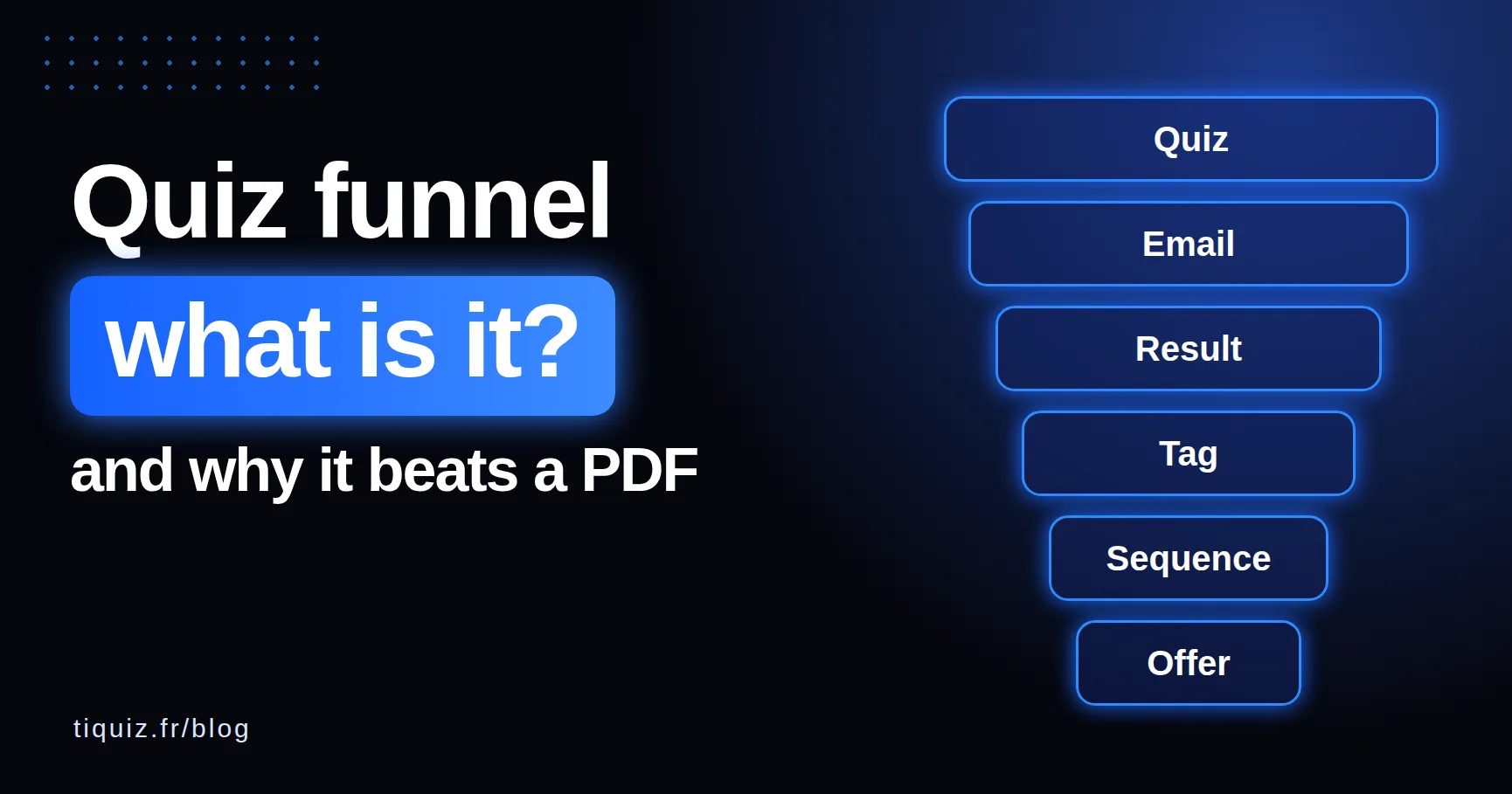
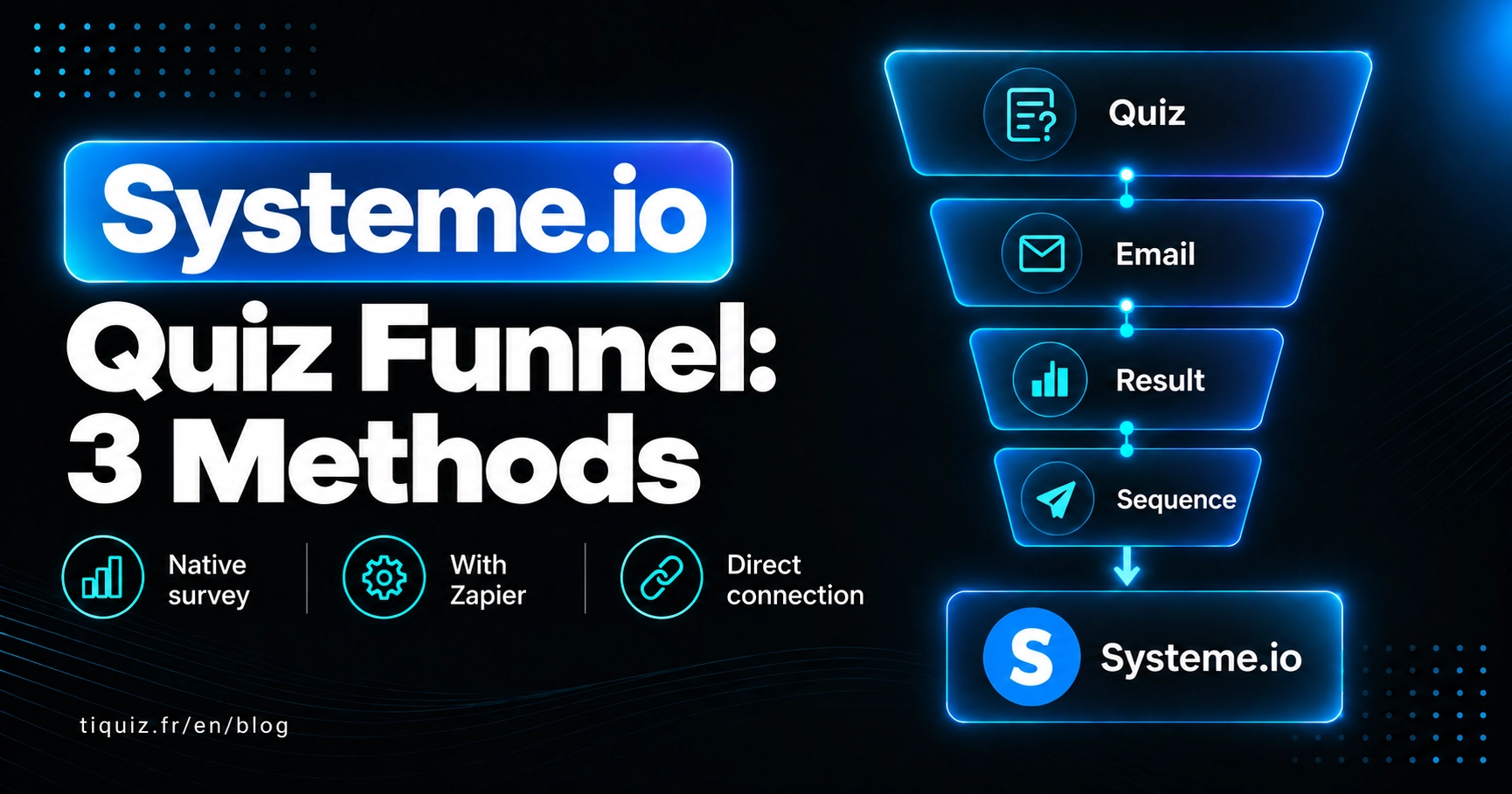
Pieces 1 to 4 are what the visitor sees. Pieces 5 and 6 are where the sales happen, and where most funnels break. New to the idea? Start with what a quiz funnel is.
First decision: which quiz goes inside the funnel
You have two options, and the rest of the funnel barely changes between them.
GoHighLevel's own quiz builder. With its Quiz element, you drop a quiz onto a funnel step from the page builder, without any embed code: search "Quiz" in Quick Add, then create a new quiz or pick an existing one. The result reaches the contact through mapped custom fields, and your workflows start on the Quiz Submitted trigger, which can filter on the quiz name, the overall score, a category score or a custom field.
An external quiz connected to GoHighLevel. With Tiquiz, the AI writes the questions and the result profiles from your topic, each profile gets its own full page, and every lead lands in your sub-account with its profile tags and the profile name in the tiquiz_resultat custom field. Your workflows start on the Contact Tag trigger.
In short: if you enjoy writing every question and result yourself, the native builder does the job. If the writing is what stalls you, or you want a real page per profile, connect an external one. The full comparison is in GoHighLevel quiz builder vs an external quiz tool, and the steps below cover both.
The GoHighLevel quiz funnel checklist
This is the template. Not a file to import: the list of everything to create, in the order you'll create it. Copy it into your project notes and tick as you go.
Pages (your funnel steps)
- An entry page: a headline that promises the result, and the quiz on it (or a button to it).
- One offer page per profile you sell to. Skip it if one offer fits everyone.
- A booking page with your calendar, for the profile that is ready to talk.
- A thank-you page after the booking.
Tags
- One tag per profile, built on one pattern:
quiz-topic-profile, lowercase, no accents. For examplequiz-energy-drained,quiz-energy-ready. - Optional: one tag per score range on a scored quiz, and one for the people who share your quiz.
- Optional, if Tiquiz sends your emails: a tag on button click, one at the end of the sequence, one on unsubscribe.
- One tag your own workflows add later, such as
call-booked.
Custom fields
- The result in plain words:
tiquiz_resultat(created by Tiquiz), or the highest category field if you use the native builder. - Your extra form questions (budget, type of business, deadline), one field each. Tiquiz creates the missing ones, named after their label.
Workflows
- One follow-up per profile, started by its tag (or the Tiquiz email sequence instead).
- Hot profile: an opportunity in your pipeline, plus an internal notification.
- Booking: takes the contact out of the follow-ups and adds
call-booked.
Pipeline
- One pipeline, "Quiz leads", with four stages: Hot profile, Call booked, Proposal sent, Won.
Step by step: build the funnel from an empty sub-account
- Map each profile to its next step, on paper. One line per profile: its name, what that person needs next, its tag. "Drained: the free guide. Curious: the mini course. Ready: a call." Every later step copies this map.
- Create the pipeline. In your sub-account, open Opportunities, then Pipelines, and click Create new pipeline. Name it, add your stages with Add stage, and save.
- Create the funnel and its steps. Go to Sites, then Funnels, and create or open your funnel. Click + Add New Step for each page of the checklist, give it a name and a path, then Create Funnel Step. On the booking page, add the Calendar element: it inserts your GoHighLevel calendar without any code.
- Build the quiz. Native: create it from the funnel step with the Quiz element. With Tiquiz: give your topic, let the AI write the questions and profiles, then rewrite them in your own words. On each profile, fill in Tag to apply to people who got this profile with the tag from your map. In the capture form, add the phone and the custom fields you want on the contact.
- Connect Tiquiz to your sub-account. In Tiquiz, Settings, Connections tab, GoHighLevel card, Connect. You land at GoHighLevel, pick the sub-account, authorize, and come back. Click Test, then in your quiz's Create tab, pick that connection under Where this quiz's leads go. No Zapier, no API key to paste.
- Put the quiz on the entry page. In Tiquiz, the Share tab gives you the quiz link and an Iframe embed code. In the GoHighLevel page builder, add a Custom Code element where the quiz should sit, paste the code, save and preview. The code sets a height of 700 pixels: raise the number if your questions are long. You can also skip the embed and point a button to the quiz link.
- Route each profile. Each Tiquiz profile has its own button text and link: the offer page, the free guide, or the booking step. The + Field menu under the link adds what the visitor typed, so the next page can greet them:
yourdomain.com/offer?first_name={first_name}. On that GoHighLevel page, insert a URL Parameter namedfirst_namefrom the Custom Value Picker, and the headline says their name. Add the email only if the page needs it: it shows in the address. The result button opens in a new tab, so an embedded quiz never traps the visitor inside the frame. With the native builder, each category's button carries its own link (details in the personality quiz guide). - Build the workflows, and publish them before launch. In Automation, Workflows, create one workflow per profile: trigger Contact Tag, filter Tag Added, and the tag, copied from the quiz's Automate tab. For the hot profile, add a Create Opportunity action at the "Hot profile" stage of your pipeline, and a Send Internal Notification to whoever takes the calls. Then a workflow on an appointment trigger for your calendar, with Remove from Workflow to stop the follow-ups and an action that adds
call-booked. The details of all five are in the GoHighLevel workflows guide. - Decide who sends the emails. In the quiz's Emails tab, Turn on Tiquiz emails, then Write the emails with AI: each profile gets its own sequence, and email 1 brings the lead back to their result page. Or pick Send my emails with my autoresponder, and your profile workflows send them. Both roads in how to email quiz results in GoHighLevel.
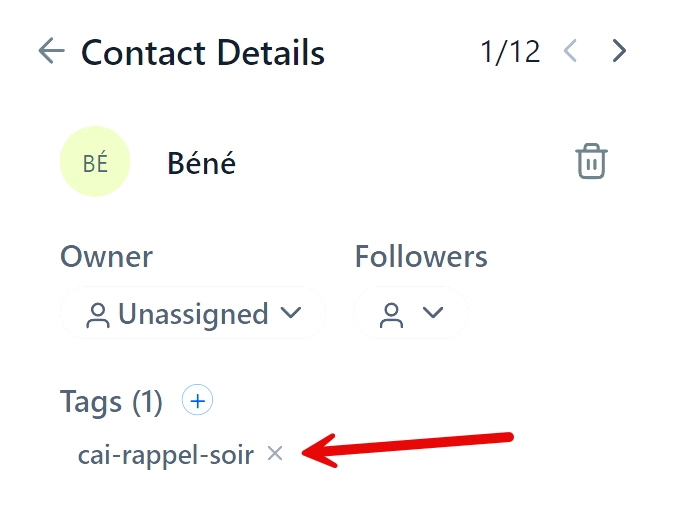
- Test every profile. Take the quiz once per profile, each time with a fresh address. On each contact, check the tag, the
tiquiz_resultatfield, your form fields, and the source "Tiquiz" followed by the quiz title. Check the email, the opportunity and the notification. Then retake it with the same address and another profile: the second tag is added, the first one stays.
The four traps that silently break a quiz funnel
Launching before the workflows exist. HighLevel's help center is explicit: tags trigger workflows only when they are added after the workflow is active. A contact tagged on Monday will never enter a workflow published on Tuesday on their own. Build and publish the engine first, then send traffic.
A tool that overwrites tags. When a contact is created or updated through the API with the "upsert" operation, the tags sent replace the existing ones. A request to make it additive, posted on HighLevel's ideas board on October 12, 2023, has 18 votes and no status. Your customer retakes a quiz, loses their customer tag, and your workflows treat them like a stranger. Tiquiz creates or finds the contact first, then adds the tags through a separate call, which removes nothing.
A tag retyped by hand. quiz-energy-drainned in the workflow, quiz-energy-drained on the contact: nothing fires, and nothing tells you. Copy each tag from the Automate tab.
Testing with the same address. With Allow Re-entry off, a contact goes through a workflow only once. Your second test with the same email stays silent. Hence one fresh address per profile.
The launch order that avoids all four
- Pipeline, then funnel steps, then quiz.
- Workflows published before the first visitor.
- Tags pasted, never typed.
- One fresh address per test.
Agencies: one funnel, several client sub-accounts
A Tiquiz connection is for one sub-account, because that is where contacts and workflows live. When you click Connect from an agency account, Tiquiz offers all its sub-accounts at once, and each quiz then picks its own destination: your client's quiz fills your client's sub-account, not yours.
To reuse a funnel that works, duplicate the quiz in Tiquiz, change its destination, and rebuild the checklist in the new sub-account. If your client has their own Tiquiz account, Give a copy of the quiz creates a link that installs a copy there: texts, questions, points, profiles, images and layout. Your tags, tracking pixels and button links stay with you, and the copy arrives as a draft.
Native or Tiquiz: what changes, piece by piece
| GoHighLevel quiz builder | Tiquiz connected to GoHighLevel | |
|---|---|---|
| Putting the quiz on a funnel step | Quiz element, no embed code | Custom Code element with the iframe code, or a button to the quiz link |
| Writing the questions and results | By hand | By AI from your topic, then you edit |
| Result per profile | A section with content per category, on one result page | A full page per profile, with its own button and link |
| What lands on the contact | Mapped custom fields (score, tier, category) | Profile tags added, tiquiz_resultat, your form fields |
| Workflow trigger | Quiz Submitted | Contact Tag, filter Tag Added |
| Follow-up emails | Your workflows | A sequence per profile written by AI, or your workflows |
| Price | Included in your GoHighLevel plan | Free plan, then $17/month ($170/year), PLUS $29/month ($290/year) |
The GoHighLevel connection is in every Tiquiz plan. The free plan has 1 quiz, 1 connection and 10 leads per rolling 30 days (the next ones are kept, and sent to your sub-account when you upgrade). Monthly and Yearly unlock unlimited quizzes and leads and 2 connections; PLUS, unlimited connections. Details on the pricing page.
Take action
A quiz funnel is built backwards: from the sale to the first question. So:
- Today, write your profile map: one line per profile, its next step, its tag.
- Next, create the pipeline and the profile workflows, and publish them, even if their emails are short for now.
- Then build the quiz and put it on the entry page.
- Test every profile with a fresh address, and read everything on your phone, the way your leads will.
- Only then send traffic, and open the first twenty contacts: right tag, right field, right stage. Twenty records checked by hand beat a month of guessing.
Build my GoHighLevel quiz funnel
No quiz yet? On the Tiquiz free plan, the AI writes your quiz from your topic, and the GoHighLevel connection is included. The connection guide, screen by screen, is on the Tiquiz and GoHighLevel page.
FAQ · GoHighLevel quiz funnels
How do I add a quiz to a GoHighLevel funnel?
With GoHighLevel's own builder, add the Quiz element to the funnel step (search "Quiz" in Quick Add): no embed code needed. With an external quiz, paste its embed code into a Custom Code element, or link a button to the quiz address. In Tiquiz, both are in the Share tab.
Is there a GoHighLevel quiz funnel template I can import?
This guide doesn't come with a file to import. The template is the checklist: the pages, the tags, the custom fields, the workflows and the pipeline, in the order to create them. With Tiquiz, you can also hand a finished quiz to another Tiquiz account with a Give a copy of the quiz link.
Which workflow trigger starts the follow-up after the quiz?
With the native quiz builder, Quiz Submitted, filtered on your quiz. With Tiquiz, Contact Tag with the Tag Added filter and the tag of the profile.
My contacts are tagged but no workflow runs. Why?
Most often, the workflow was published after the tags arrived: HighLevel's help center says tags trigger workflows only when they are added after the workflow is active. The other usual causes are a tag retyped with a typo, and a test contact that already went through a workflow without re-entry.
Can each quiz result send people to a different funnel page?
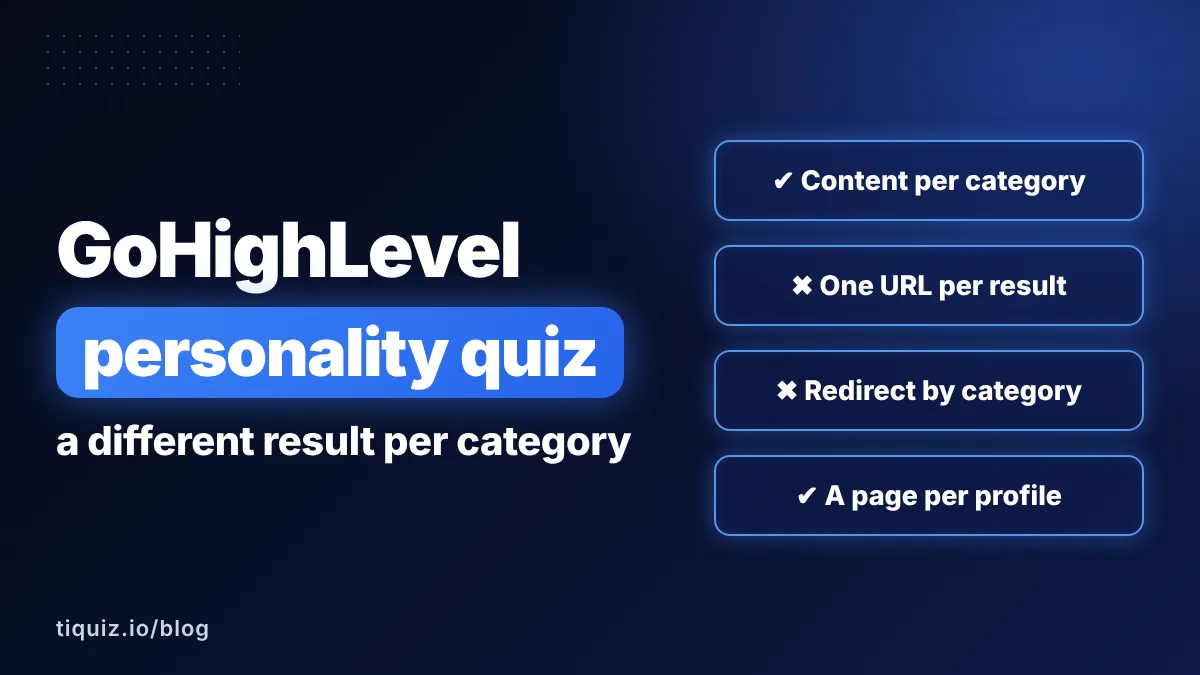
With Tiquiz, yes: each profile has its own button and link, which can carry the first name or the profile. In the native builder, each category's button can have its own link, while an automatic redirect based on the score is a request with 208 votes on HighLevel's ideas board, marked planned on July 24, 2026.
How many client sub-accounts can I connect to Tiquiz?
Each sub-account counts as one connection: 1 on the free plan, 2 on Monthly and Yearly, unlimited on PLUS. Each quiz picks the sub-account that receives its leads.
Sources (checked November 2, 2026)
- HighLevel, "How to Add Quizzes to Funnels and Websites": help.gohighlevel.com
- HighLevel changelog, "Quiz element in Funnels and Websites": ideas.gohighlevel.com
- HighLevel, "Quiz Builder Guide": help.gohighlevel.com
- HighLevel, "Map Quiz Results Directly to CRM Custom Fields": help.gohighlevel.com
- HighLevel, "Workflow Trigger - Quiz Submitted": help.gohighlevel.com
- HighLevel, "Workflow Trigger - Contact Tag" (FAQ on tags added before the workflow is active): help.gohighlevel.com
- HighLevel, "Workflow Settings - Overview" (Allow Re-entry): help.gohighlevel.com
- HighLevel, "How to Create Pipelines in HighLevel": help.gohighlevel.com
- HighLevel, "Converting funnels and websites with the new import feature" (+ Add New Step): help.gohighlevel.com
- HighLevel, "How to Create an Embedded Live Chat Widget" (Custom Code element in a funnel): help.gohighlevel.com
- HighLevel, "How to Embed a HighLevel Calendar on Any Website Using HTML" (Calendar element): help.gohighlevel.com
- HighLevel, "URL Parameters in Funnels, Websites, Stores and Webinars": help.gohighlevel.com
- HighLevel, "Workflow Action - Create Opportunity": help.gohighlevel.com
- HighLevel, "Workflow Action - Internal Notification": help.gohighlevel.com
- HighLevel, "Appointment scenarios in Workflow": help.gohighlevel.com
- HighLevel, "Workflow Action - Remove from Workflow": help.gohighlevel.com
- HighLevel Ideas, "Contact Upsert Should Add Tags Instead of Overwriting or Replacing Them" (18 votes): ideas.gohighlevel.com
- HighLevel Ideas, "Ability To Send To Unique Links Based On Quiz Score After Submit" (208 votes, planned): ideas.gohighlevel.com