Most quiz tutorials start with the questions. That's the wrong end.
A quiz built for email marketing starts with the emails. Because the whole point is this: when someone joins your list through a quiz, you already know what they need. You don't send them the same welcome email as everybody else. You send them THEIRS.
Here's the method I use, step by step, with a real example you can copy.
Why a quiz works for email marketing
A signup form asks for an email and gives a promise in return. A quiz asks people about themselves, and gives them a result they actually want to read. People like talking about themselves, and they finish what they started.
The numbers that circulate come from quiz vendors measuring their own customers, so take them as an order of magnitude. According to Interact's Quiz Conversion Rate Report (updated September 8, 2026), 40.1% of the people who start a quiz leave their email. ConvertFlow, counting from everyone who sees the page, measures 7.85% of visitors (September 2026). Both are true: they don't count from the same starting point.
And then there's what no signup form gives you: you know which group each new subscriber belongs to, from the very first second. That's what turns a list into email marketing.
Step 1: start your quiz from the emails you'll send
Say you're Carla, a fitness coach. You have three things to offer: a free 7-day home workout plan, a group program for busy parents, and one-on-one coaching for people coming back from an injury.
Before writing one question, Carla writes three lines:
- Group 1, the busy ones: no time, no gym, need short wins. → the 7-day plan, then the group program.
- Group 2, the restarters: they've stopped and started ten times. → the group program, for the accountability.
- Group 3, the careful ones: an old injury makes them scared to move. → a call for one-on-one coaching.
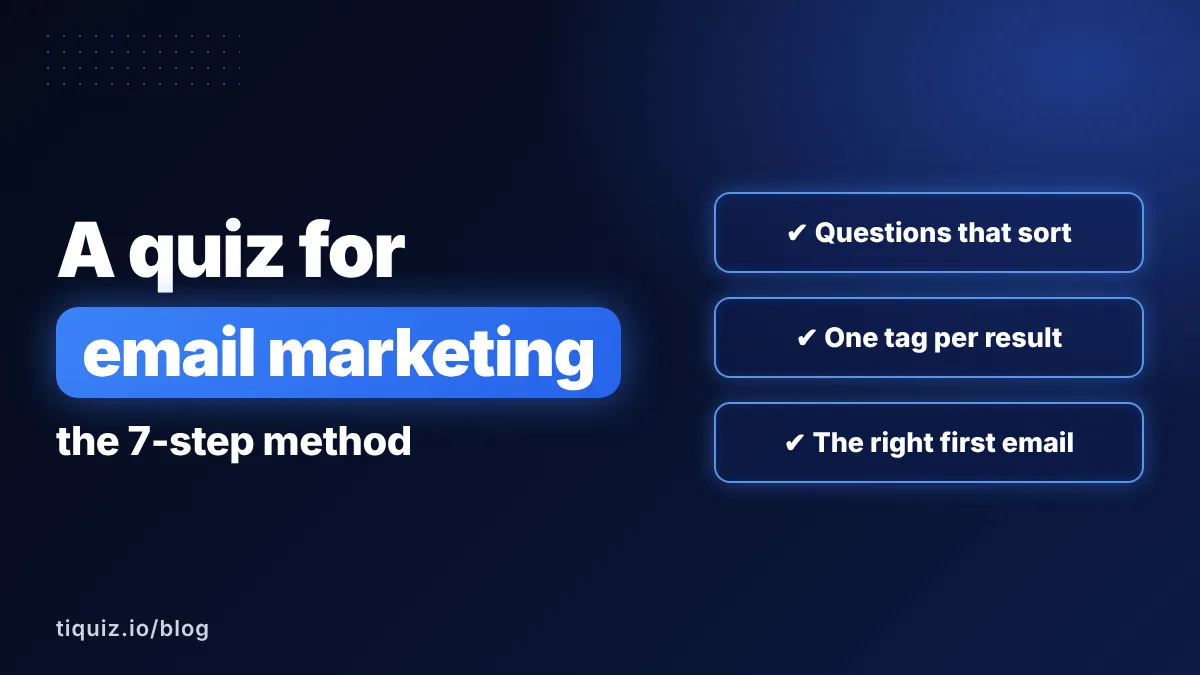
Those three lines ARE the quiz. Every question that follows has one job: figure out which of the three a person is. If a question doesn't help with that, it goes.
Step 2: a personality quiz or a scored quiz
A personality quiz puts people in a profile, with no profile better than another: "You're a Restarter". It's the right pick when your groups have different problems and you have a different answer for each, like Carla.
A scored quiz measures a level: "Your fitness routine is 40% solid". It's the right pick when you want to show the gap between where they are and where they could be, and your offer closes that gap.
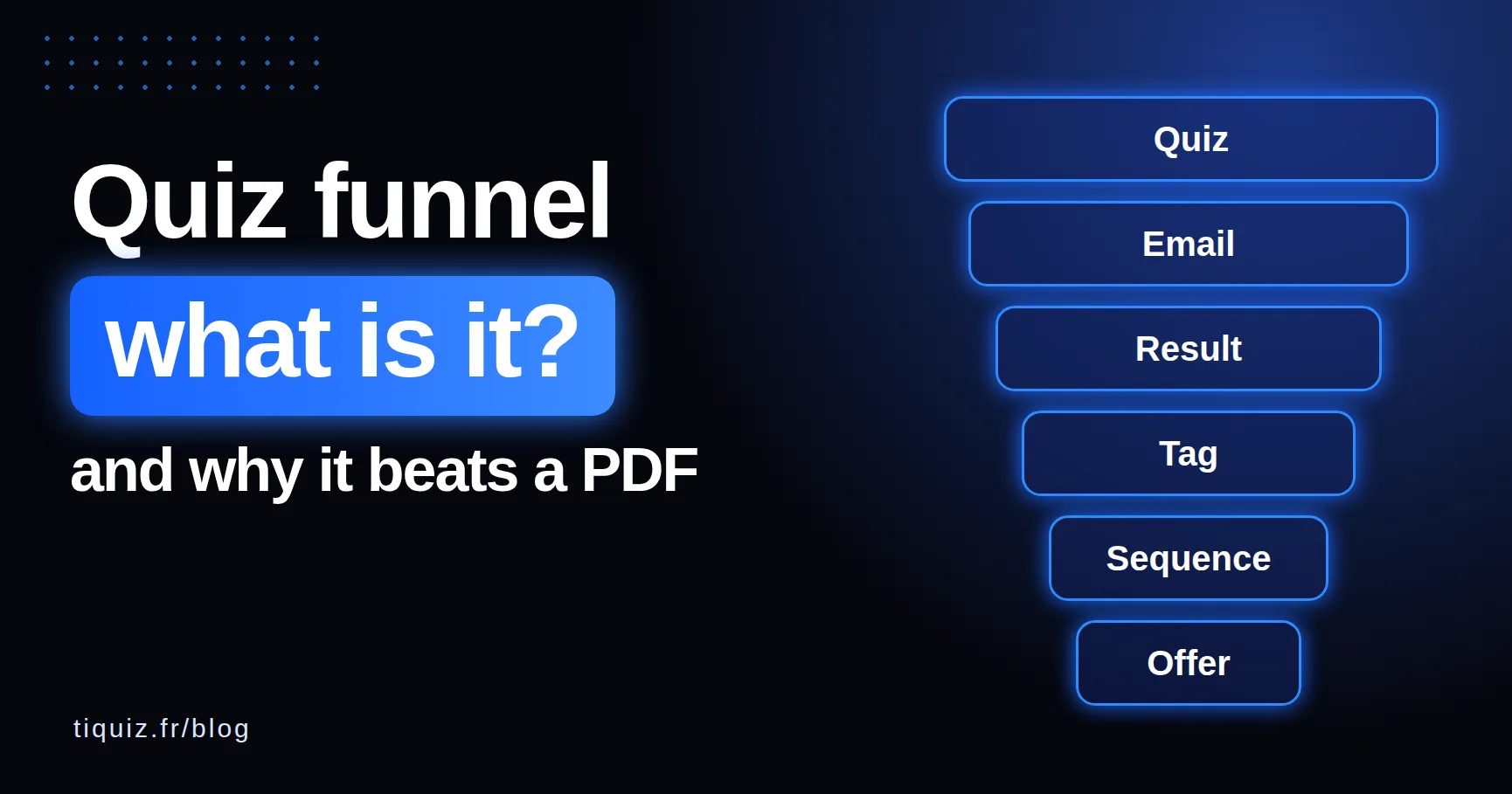
My rule of thumb: if you catch yourself writing "result 3 is the best", it's a scored quiz. I explain both in more detail in what is a quiz funnel.
Step 3: write quiz questions that sort your list
A good quiz question isn't a test. Nobody can get it wrong. Each answer simply points toward one of your groups.
Three kinds of questions sort well: their situation, their goal, and what's in their way. Here's what it gives for Carla:
- "When do you usually manage to work out?" → "Never, honestly" / "In bursts, then I stop" / "I'd like to, but my back says no".
- "What would make this month a win?" → "Moving 15 minutes a day" / "Not quitting after week two" / "Exercising without pain".
- "What usually stops you?" → "Time" / "Motivation" / "Fear of getting hurt again".
Six to eight questions are plenty. Fewer, and the result feels random. More, and you lose people on the way, for nothing.
Step 4: one quiz result per email segment
Each group gets its own result page. And that page does four things, in this order:
- A name people recognize themselves in ("The Restarter").
- A mirror: two or three sentences that describe their situation better than they would.
- One useful tip, right now, for free.
- One next step, with a button: the plan, the program, the call. Only one.
If someone reads their result and thinks "how does she know?", you've won. Your first email will be opened.
Step 5: where to ask for the email in your quiz
Ask for the email after the last question and before the result. That's the moment people want to know, and the promise is clear: "Where should we send your result?"
- Ask for the first name too: your emails will start with it.
- Add a consent checkbox that says plainly what they'll receive, with a link to your privacy policy. It's what the law asks of you in many countries, and it's what makes people trust you.
- Let them see their result right away on screen. The email is a copy they can come back to, not a hostage.
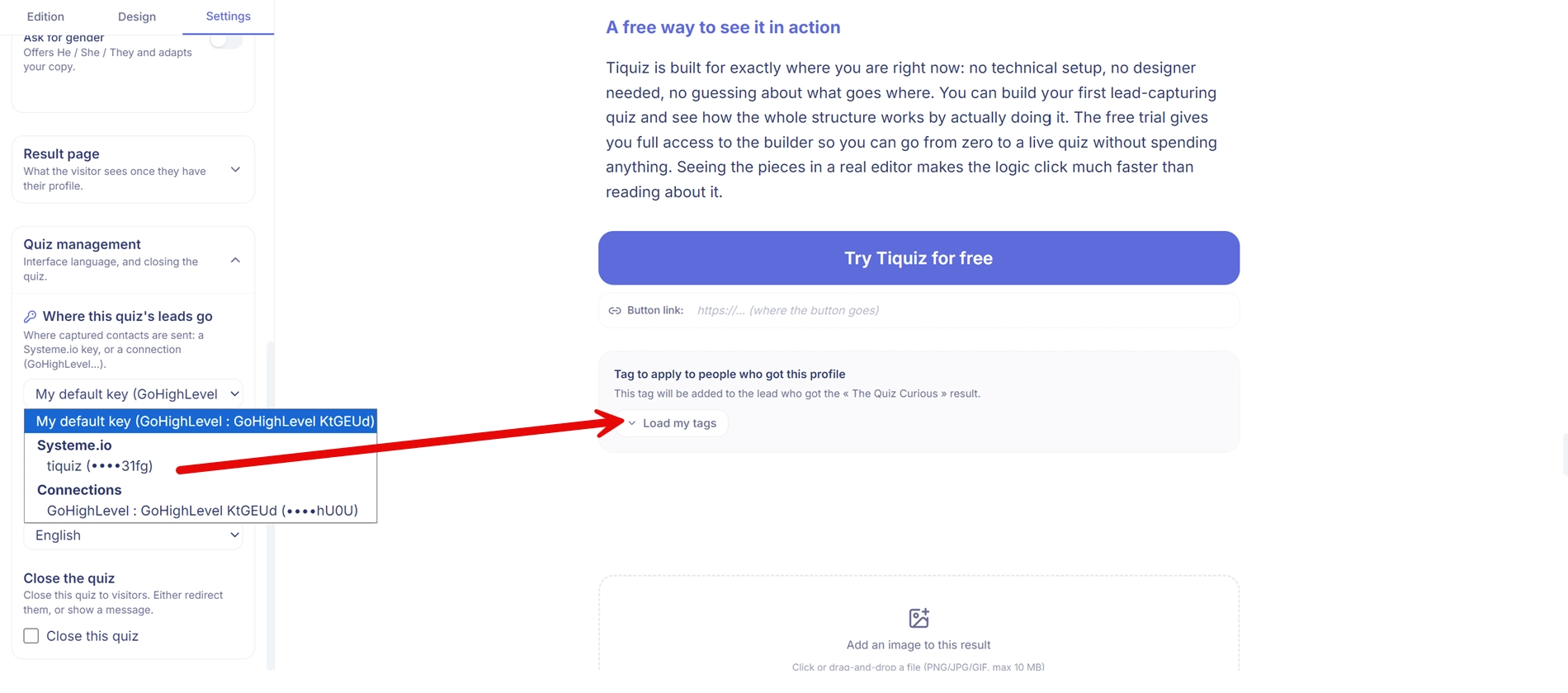
Step 6: send each quiz result to your email tool with its tag
This is the step that turns a quiz into email marketing. Each result must land in your email tool with its own tag (or its own list, or its own segment, depending on what your tool calls it). The tag is what starts the right sequence.
How you get there depends on where your list lives. Here's what I checked in November 2026:
| Your email tool | Quiz tools that connect directly | Otherwise |
|---|---|---|
| GoHighLevel | Tiquiz (from its free plan), Interact (from $39 a month), Outgrow, involve.me (from $99 a month) | Zapier or Make |
| Systeme.io | Tiquiz (from its free plan), Outgrow | Zapier or Make |
| Kit, Mailchimp | Interact, involve.me, Outgrow | Tiquiz through a webhook, with Make, n8n or Zapier |
If your tool isn't on any list, a webhook does the job: each lead leaves as a small package of data, and Make, n8n or Zapier drops it in the right place. I show the full setup in send your quiz leads anywhere with a webhook. And I compared the main quiz tools, real prices included: Interact, involve.me, Outgrow.
Step 7: the first email after the quiz is their result
The first email goes out right away, and it contains their result. That's it. It's the email people wait for, so it's the one they open, and it teaches their inbox that your emails matter.
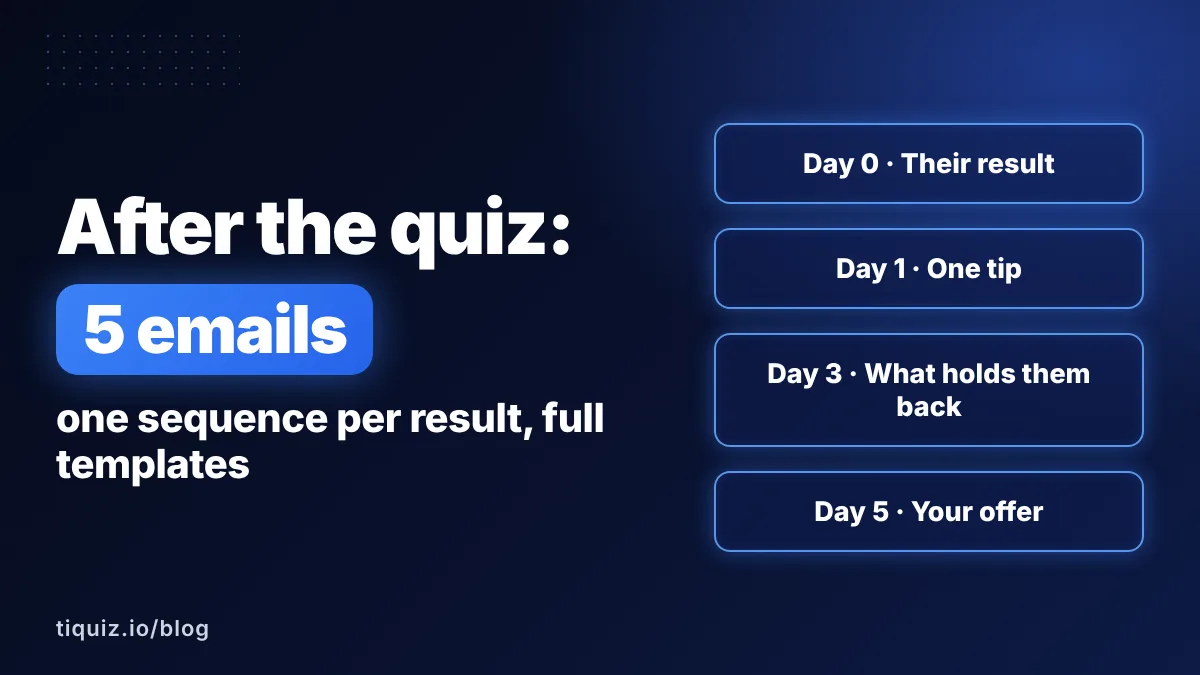
Then comes a short sequence for each group, around five emails over a week: a tip, what's holding them back, your offer, then staying in touch. I wrote out the full five emails, ready to adapt, in the post-quiz email sequence.
For Carla, that means three sequences. The Restarter never receives the email written for the Careful one. And that's exactly why it works.
Where to share your email marketing quiz
A quiz nobody sees fills nothing. The places that work, and cost nothing:
- The link in your bio, on every network where you post.
- The end of every piece of content: "Not sure where to start? Take the 2-minute quiz."
- Your email signature and your thank-you pages.
- Your current list. This is the one people forget: send the quiz to the subscribers you already have. In one email, your old list gets sorted into groups too.
How to measure your quiz: three numbers
No need for a dashboard full of charts. Watch three numbers:
- The start rate: of the people who see the quiz, how many click to start? If it's low, work on the title and the promise.
- The completion rate: of those who start, how many finish? Look question by question: if everyone leaves at the same one, that's the one to rewrite.
- The email rate: of those who finish, how many leave their email? If it's low, the promise of the result isn't strong enough yet.
Your first email marketing quiz, live today
You don't need a big audience to start. You need your three or four groups, written down, and a first version online. With Tiquiz, here's the shortest path:
- Create your free account (no credit card).
- Tell the AI who it's for and what you offer at the end: it writes the questions, the profiles and each result page.
- Connect your GoHighLevel or Systeme.io account (or a webhook for any other tool), then pick the tag for each result.
- In the Emails tab, turn on the result email: every lead gets their own result in their inbox.
- Publish, and send the link to your current list.
By tonight, your newest subscribers will be the first ones you actually know.
Build my email marketing quiz for free
FAQ · a quiz for email marketing
How many questions should an email marketing quiz have?
Six to eight is a good range. Each question should help tell your groups apart; a question that doesn't sort anyone can go.
Should I ask for the email before or after the quiz result?
After the last question and before the result: that's when people want to know. Show the result on screen right away too, and send a copy by email.
Does a quiz work with Mailchimp or Kit?
Yes. Some quiz tools connect to them directly (Interact, involve.me and Outgrow list them on their pricing or integrations pages, checked in November 2026). Tiquiz reaches them through a webhook, with Make, n8n or Zapier in between.
Can I send the quiz to the subscribers I already have?
Yes, and it's one of the best uses of a quiz. Your current subscribers take it, get their result, and land in the right group with their tag. Your old list gets segmented in one email.
Personality quiz or scored quiz for email marketing?
A personality quiz when your groups have different problems and you have a different answer for each. A scored quiz when you want to show a gap that your offer closes.
Sources
- Interact, "Quiz Conversion Rate Report" (updated September 8, 2026): tryinteract.com
- ConvertFlow, "Lead Generation Quiz Funnel Benchmark" (September 2026): convertflow.com
- Native connections listed on each tool's pricing or integrations page, checked November 13, 2026: Interact, involve.me, Outgrow