You paste your quiz link everywhere: in your bio, in your emails, in your ads. And every time, people see the address before they click.
An address in your name says the quiz comes from you. An address they don't know makes them hesitate for a second, and sometimes that second is enough.
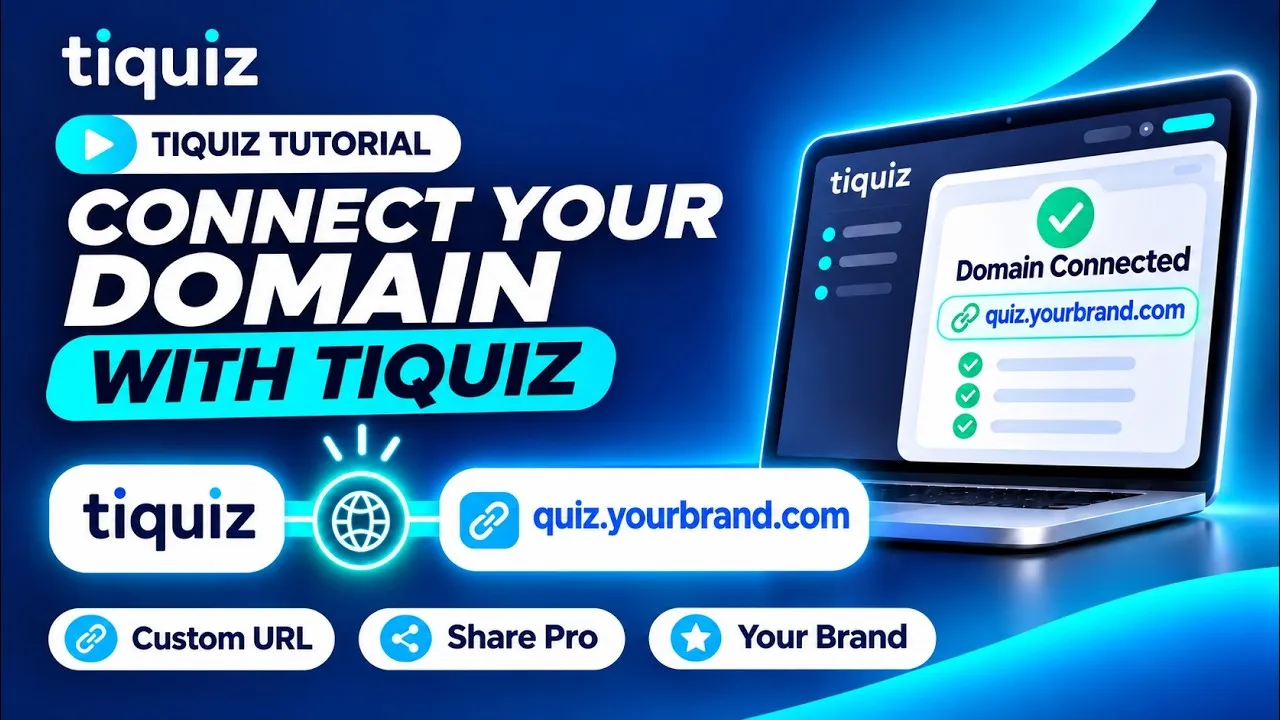
Connecting your domain is not a technical project. It's one line to add where your domain's DNS is managed, and Tiquiz hands you that line ready to paste.
What you need before you start
- A paid plan: custom domains aren't open on the free plan.
- A domain name you own, and access to its DNS settings: that's the place, at your DNS provider (usually where you bought the domain), where records are added.
- A subdomain in mind: quiz.your-brand.com, test.your-brand.com... A subdomain is recommended, and your main site doesn't change.
Step 1: add your domain in Tiquiz
- Open Settings, Domain tab, and click Add a domain.
- In the Your domain field, type the address you want, for example quiz.your-brand.com.
- Click Show the DNS setup. Tiquiz recognizes your DNS provider when it can, and shows the record to create.
- Click Add this domain.
Step 2: copy the record at your DNS provider
Under Add this DNS record, Tiquiz shows three values: the Type (a CNAME for a subdomain), the Name (the part before your domain, for example quiz) and the Target. The name and the target copy in one click.
Open your domain's DNS settings (the Open DNS console button takes you there when your provider is recognized), add a new record, paste the three values and save.
The exact steps are shown for the most common providers, including Cloudflare, GoDaddy, Namecheap, OVH and Gandi. For the others, the general path is enough: find the option that adds a record, choose CNAME, paste the name and the target.
Step 3: check that the domain is connected
Your domain shows up in the Domain tab with the status Pending DNS. There's nothing to do: Tiquiz watches your DNS for 10 minutes and detects the record on its own.
If your provider takes longer to publish the change, click Check again a bit later. When it's done, the status turns to Verified and the Open button shows you your domain live.
On the domain's card, you can also upload your favicon: the small image shown in the browser tab.
Step 4: choose the domain for each quiz
Adding a domain doesn't move any existing quiz: each one keeps its address until you give it another.
Open a quiz, Share tab, and pick your domain for its link. The change only affects that quiz; your other quizzes keep theirs. It works for a survey or a Popquiz too.
Pitfalls to avoid
- Cloudflare in proxy mode. If your DNS is at Cloudflare, switch the proxy status to "DNS only" (the gray cloud) for this record, then save.
- The missing trailing dot. At OVH and Gandi, the target is written with a dot at the end.
- Insisting on the bare domain. On the root of a domain (your-brand.com with nothing in front), every DNS provider refuses a CNAME: you need an A record, which Tiquiz gives you. A subdomain holds up better, because it points to the server by name.
- DNS is correct, and the page won't open. It's most often a CAA record on your domain that forbids the HTTPS certificate. Tiquiz tells you on the domain's card, with the line to add. The full walkthrough is on the custom domain help page.
- Mixing it up with your email sending domain. Sending your emails from your own address is a separate setting, in Settings, Emails tab, with its own DNS lines.
- Removing the domain without thinking. Visitors of that address stop reaching your Tiquiz space. You can add it back any time.
FAQ: custom domain names
Is a custom domain included in the free plan?
No. It's included in paid plans, starting with Monthly at $17/month. The plans are on the pricing page.
Will my old links break if I connect a domain?
No. Links you already shared keep working, and a quiz only changes address if you pick the new domain in its Share tab.
Should I use a subdomain or my main domain?
A subdomain, preferably (quiz.your-brand.com). It connects with a simple CNAME and doesn't touch your site. The main domain is possible, with an A record.
How long does it take for the domain to be active?
Most often a few minutes after you add the record. Tiquiz checks on its own for 10 minutes; if your provider is slower, click Check again a bit later.
Can someone else use my domain on Tiquiz?
No. Another account can't claim your domain, or show its quizzes on your address.