You have a few hundred contacts in Brevo, and you send nearly all of them the same email. You know you should segment. But segment on what, when most of them joined with an email and a first name?
This article explains what segmenting means in Brevo, what it changes, and how a quiz sorts your contacts for you. Full disclosure: I built Tiquiz, the quiz tool in the example.
What segmenting your Brevo contacts means
Segmenting means grouping the contacts who need the same message. Take a career change coaching business with 500 contacts. Some want to change jobs but don't know which. Some know which, but don't dare jump. Some have already quit and are looking for their first clients.
One email for all three is too vague for each of them. Three groups, three emails, and everyone reads something about their own week.
Why segment your Brevo contacts: the benefits
- More clicks. Across about 11,000 campaigns sent to a segment, Mailchimp measured about twice as many clicks (100.95% more) as the emails the same users sent to their whole list. The data is from 2017 and the gap depends on the criterion, but the direction is clear.
- The right offer for the right person. You don't pitch your coaching the same way to someone who hesitates and to someone who already jumped.
- Emails that are easier to write. Writing to "everyone" is hard. Writing to one person in one situation is much faster.
- Numbers that mean something. When one group clicks half as much as the others, you know which message to rework.
Brevo's segmentation tools: lists, attributes, segments
| Brevo tool | What it is | What it's for |
|---|---|---|
| Lists | Groups of contacts. One contact can be in several lists | Sending a campaign to a group, and starting an automation when a contact joins a list |
| Attributes | The fields of the contact record: first name, city, and the ones you create | Personalizing an email, and filtering your contacts |
| Segments | Groups calculated from conditions, for example on an attribute or on email activity | Targeting a group that updates itself, without maintaining it by hand |
So Brevo segments very well. The question is: with what information?
The real obstacle to segmenting Brevo contacts: the starting information
A standard signup form asks for an email, sometimes a first name. Every extra field makes people hesitate, so there are few. Your contacts arrive in Brevo saying nothing about their situation.
You can wait for behavior to speak (who opens, who clicks what). That takes several emails, often several weeks, and a click isn't always an intention.
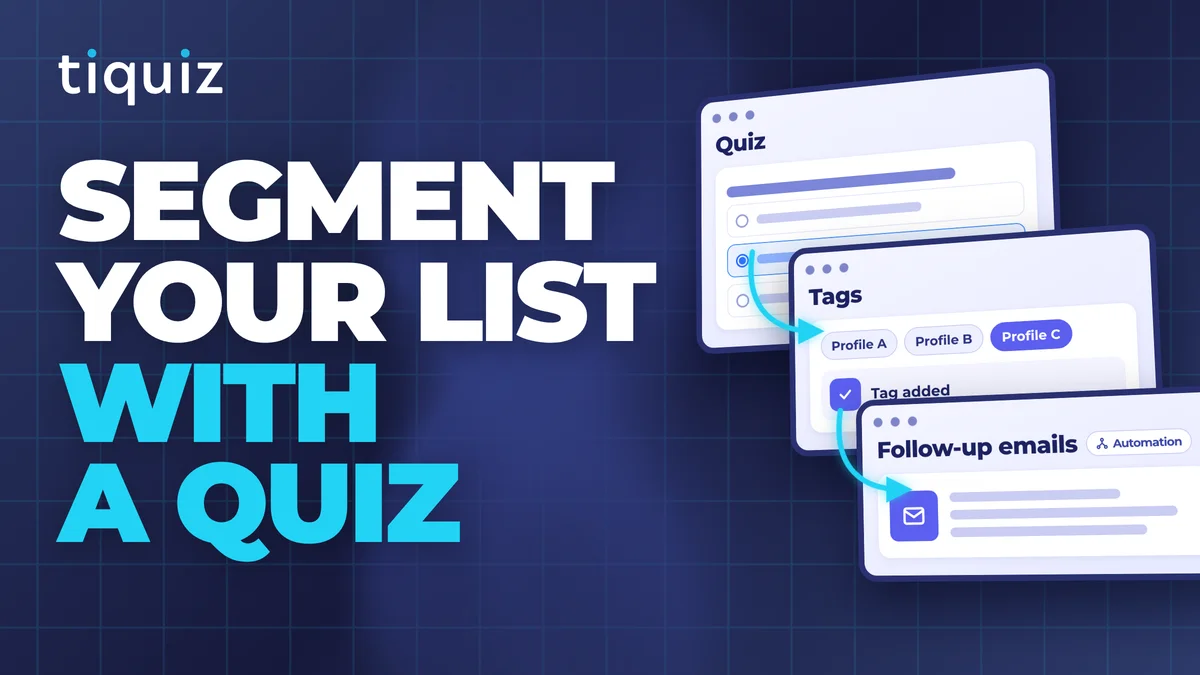
A quiz flips it around: it asks the questions you're missing, and gives back a result about the person. People answer willingly, because it's about them.
Segment your Brevo contacts with a quiz, in 5 steps
1. Choose groups from what you send. Ask yourself which two or three different emails you'd write tomorrow if you knew who was who. For the career change coaching business: "I don't know what to do", "I know, but I'm scared", "I jumped, I need clients".
2. Write questions that separate those groups. Five to seven, on situation, goal and obstacle. "Where are you in your project?" sorts better than "How old are you?".
3. Give each group a name and a result page. "The Explorer", "The Ready to Jump", "The New Launcher". The page says what the result means, gives a first tip and one next step.
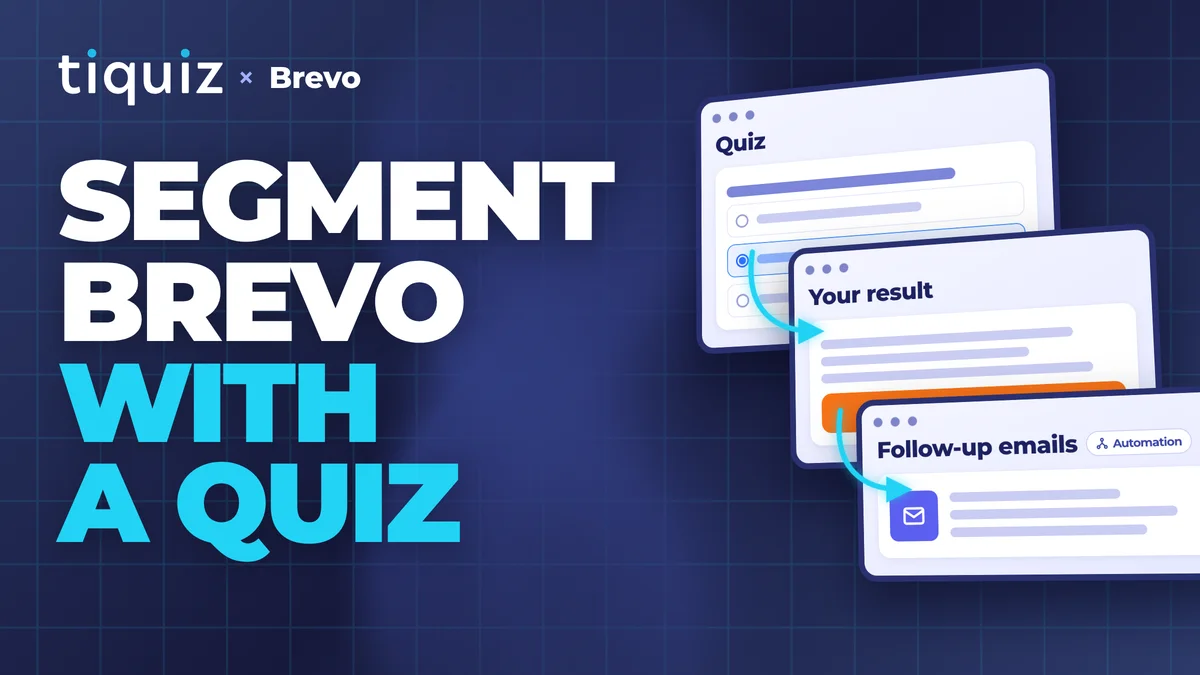
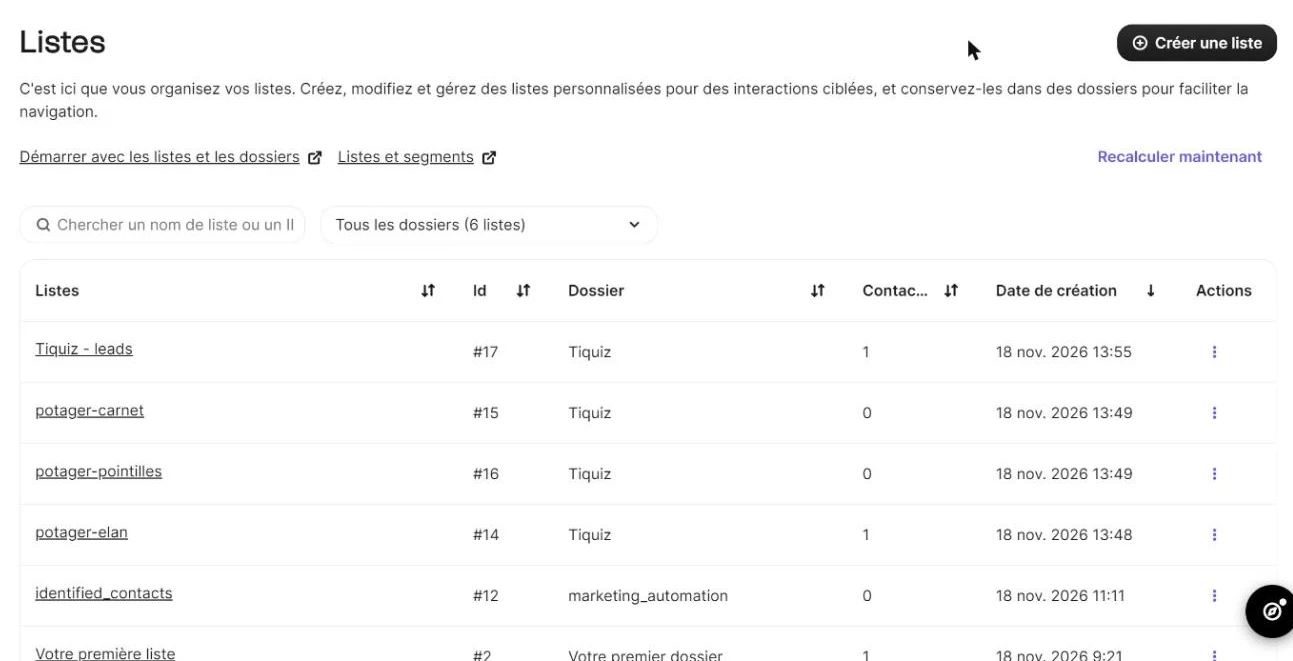
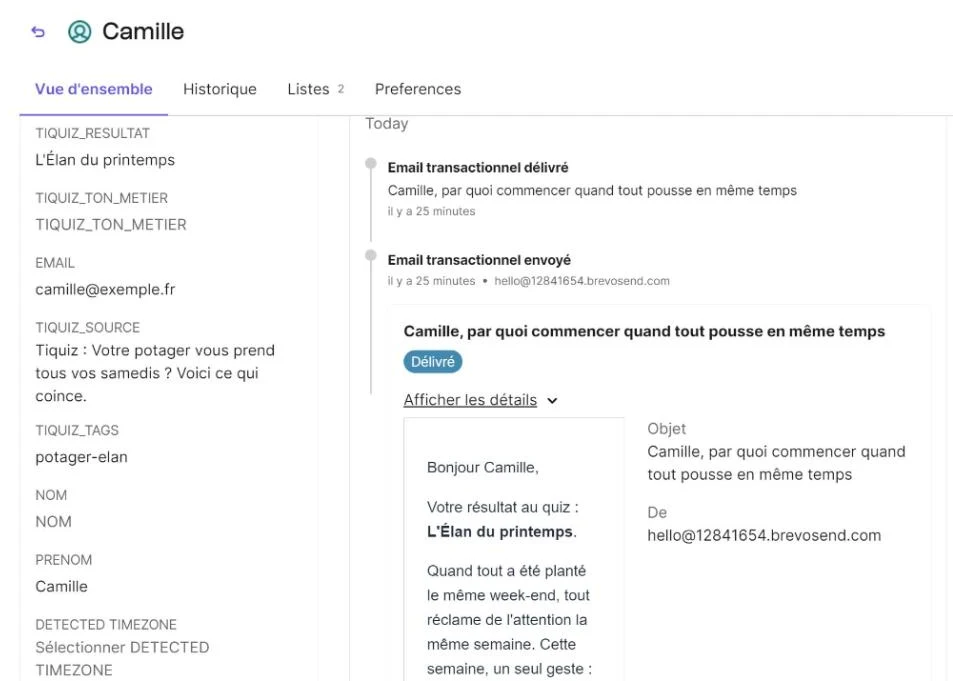
4. Connect the quiz to Brevo. In Tiquiz, each result has its tag, and each tag becomes a Brevo list with the same name, in a Tiquiz folder. The result is also written in the TIQUIZ_RESULTAT attribute. The step-by-step is in the step-by-step guide to connect Tiquiz to Brevo.
5. Plug an automation into each list. In Brevo, one automation per list, with the trigger "contact added to a list" and the sequence written for that group.
Use the quiz result in your Brevo emails
The result is on the contact record, so you can write it into any Brevo email with attribute personalization:
Your result: {{ contact.TIQUIZ_RESULTAT }}
You can also build a Brevo segment on the TIQUIZ_TAGS attribute, for example every contact whose tags contain "ready-to-jump", for a one-off campaign without touching your lists.
Segment the Brevo contacts you already have
The quiz isn't only for new contacts. Send it to your current list with a simple message: "Two minutes to tell me where you are, and I'll only send you what's relevant."
Everyone who answers is updated in Brevo: they keep their current lists and also join the list of their result. Your database sorts itself as answers come in, with no import and no manual sorting.
The limits of Brevo segmentation with a quiz
- Too many groups. Each group needs its own emails. Start with three.
- Not everyone will answer. Keep a general email for contacts who haven't taken the quiz.
- Answers get old. Someone who hesitated a year ago may have jumped since. Send the quiz again once a year.
- Brevo caps the number of lists in an account. That's why Tiquiz also writes every tag in
TIQUIZ_TAGS: if a list can't be created, the information isn't lost, and a segment can filter on it.
Segment my Brevo contacts with a quiz
FAQ · segmenting Brevo contacts
How do I segment contacts in Brevo?
With lists, attributes and segments. Lists group contacts and start automations, attributes describe each contact, and segments automatically group the contacts that meet conditions. A quiz provides the starting information and puts each contact in the right list.
What's the difference between a list and a segment in Brevo?
A list is a group a contact joins and stays in. A segment is calculated from conditions, and its content changes on its own when contact records change.
Does Brevo have tags?
No, Brevo organizes contacts with lists and attributes. Tiquiz turns each quiz tag into a Brevo list with the same name, and also writes every tag in the TIQUIZ_TAGS attribute.
Can I segment Brevo contacts who are already subscribed?
Yes. Email them the quiz. Every contact who answers is updated and joins the list of their result, without leaving their other lists.
Sources
- Mailchimp, "Effects of List Segmentation on Email Marketing Stats" (updated February 1, 2017): mailchimp.com
- Tiquiz, the step-by-step guide to connect Tiquiz to Brevo