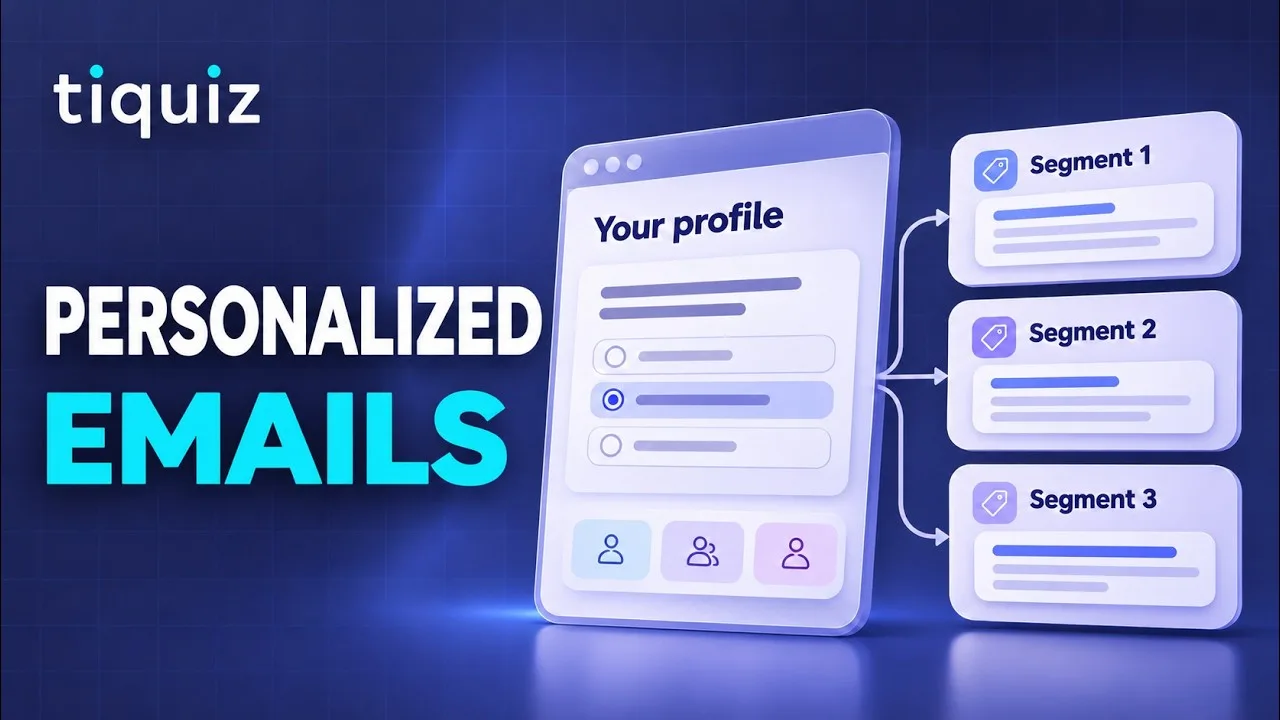
Every email tool promises segmentation. Mailchimp has segments and tags, Kit has tags, Klaviyo has behavioral segments, GoHighLevel has smart lists, Systeme.io has tags. The feature exists everywhere. What's usually missing is the information to put in it.
This article compares how marketing tools segment an audience, then shows how to do it with a quiz, step by step. Full disclosure: I built Tiquiz, a quiz builder.
What audience segmentation is, in one example
Take a nutrition coach with 600 subscribers. Some want to lose weight, some want more energy, some cook for a family with allergies. One newsletter for all three is a newsletter that fits nobody very well.
Segmenting means putting each subscriber in one of those three groups, so that the person who cooks for a family gets the batch-cooking email, and not the one about protein shakes.
Mailchimp measured the effect on about 11,000 segmented campaigns: about twice as many clicks (100.95% more) as the emails the same users sent to their whole list. The data is from 2017 and the gap depends on the criterion, from 16% to 75% more clicks, but every criterion did better than no segment at all.
How audience segmentation differs between marketing tools
Tools don't differ much in what a segment is. They differ in where the information comes from.
| Method | Where the information comes from | Typical tools | When you know | Limit |
|---|---|---|---|---|
| Fields and demographics | What people type in a form: country, job, company size | Any email tool or CRM | At signup | Each extra field lowers signups, and a job title says little about a problem |
| Behavior | What people do: opens, clicks, pages seen, purchases | Klaviyo, ActiveCampaign, HubSpot, GoHighLevel workflows | After several emails or visits | Needs volume and time, and a click isn't always an intention |
| Declared answers (zero-party data) | What people tell you about their situation and goal | A quiz builder in front of your email tool | At signup | People must want to answer, so the quiz has to give something back |
These methods add up. Behavior is excellent for buyers: who bought what, who abandoned a cart. Declared answers are the fastest way to segment people you know nothing about yet, which is everyone who just joined your list.
Why a quiz is the fastest way to segment an email list
A long form asks ten questions and gives nothing back. A quiz asks six questions and gives a result about the person. Same information for you, a very different deal for them.
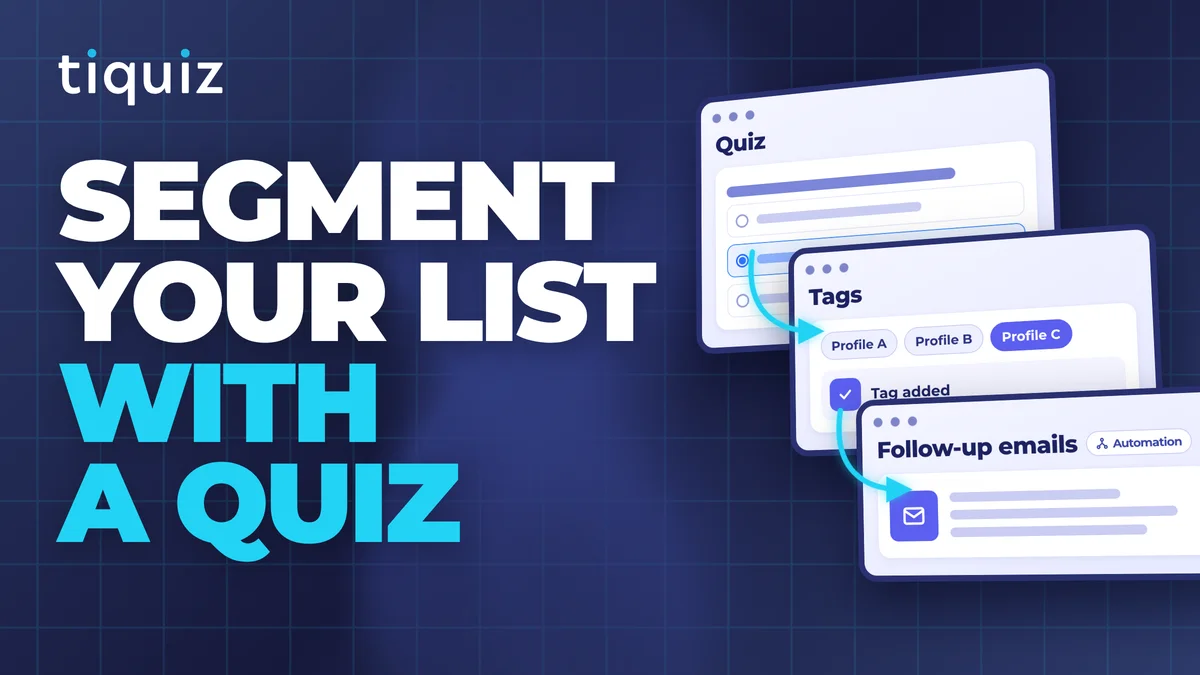
And the segment arrives ready to use: the quiz tool creates the contact in your email tool and adds the tag of the result. Your automation starts from that tag. You don't sort anything by hand.
On Tiquiz's own data, 50.2% of people who start a quiz leave their email, and 78.8% of those who start go to the end. People do answer, when the result is about them.
Audience segmentation with a quiz, in 5 steps
1. Choose segments from what you send, not from who people are. Ask yourself: what are the two or three different emails I'd write tomorrow if I knew who was who? Those are your segments. "People aged 35 to 44" isn't a segment you can write to. "Cooks for a family with allergies" is.
2. Write questions that separate those segments. Five to seven questions. Each answer points to one segment. Situation, goal, obstacle: "What's the hardest part of your week?" sorts better than "How old are you?".
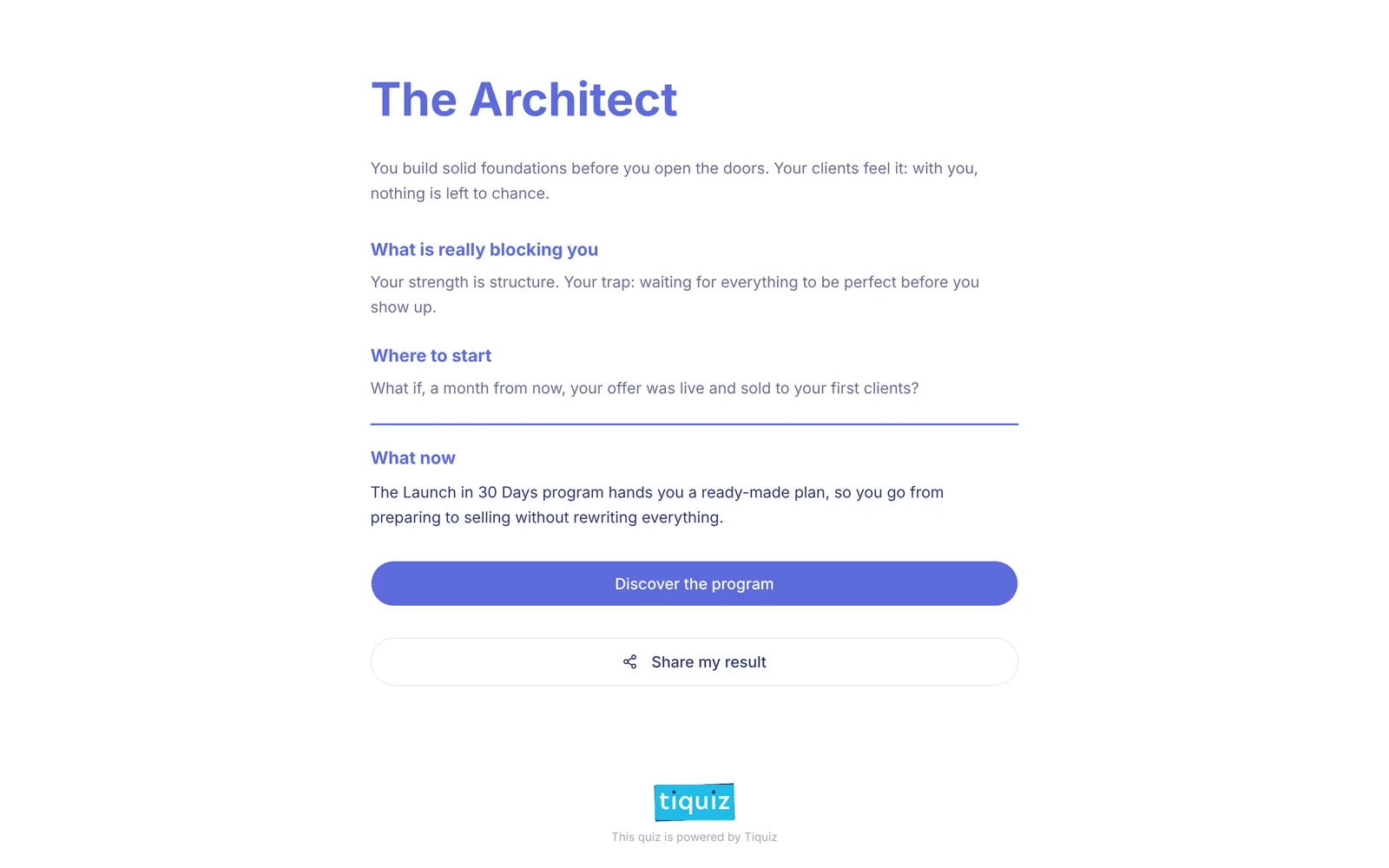
3. Give each segment a name and a result page. People remember "I'm a Batch Cooker". The result page says what it means, gives one useful thing right away, and one next step.
4. Send each result to your email tool as a tag. One tag per segment, created once. In Systeme.io or GoHighLevel, Tiquiz adds it directly. For the rest, a webhook does it: send quiz leads to Make, n8n or Zapier. How tags work in Systeme.io: the complete guide to tags.
5. Write one sequence per tag, then send the quiz to your current list. Start with the first email of each segment. Then email your existing subscribers: "Two minutes to tell me what you need, and I'll only send you that". Your old list gets sorted in one send.
What to send each segment once your audience is segmented
- The welcome sequence: same structure, different examples and a different first tip for each segment.
- The offer: the same product presented with the angle that matters to that segment, or a different product when you have several.
- The newsletter: you can keep one for everyone, and add one line or one link per segment at the top.
- Promotions: send each segment the offer that fits it, as in the Black Friday quiz example.
The limits of audience segmentation with a quiz
- Too many segments. Seven segments means seven sequences to write and keep up to date. Start with three.
- A small list. With 80 subscribers, three segments of 25 people won't show you clear differences in numbers. Segment anyway for relevance, and don't over-read the stats.
- Answers get old. Someone who was a beginner a year ago may not be one now. Send the quiz again once a year.
- A quiz doesn't replace behavior. Once people buy, what they bought tells you more than what they answered. Use both.
Segment my list with a free quiz
FAQ · audience segmentation with a quiz
How does audience segmentation differ between various marketing tools?
Mostly in where the information comes from. Email tools and CRMs segment on form fields and on behavior (opens, clicks, purchases), which takes time to build up. A quiz builder in front of the email tool segments on what people declare about their situation, available at signup as a tag.
What is zero-party data?
Information a person gives you on purpose about themselves: their goal, their situation, their preferences. Quiz answers are zero-party data, as opposed to behavior you observe or data bought from others.
How many segments should I create?
Two or three to start, each tied to a real difference in what you'd send or sell. Every segment needs its own emails, so each extra one is more writing and more upkeep.
Can I segment subscribers who are already on my list?
Yes. Send them the quiz by email. Each person who answers gets the tag of their result in your email tool, and your old list is sorted without any manual work.
Sources
- Mailchimp, "Effects of List Segmentation on Email Marketing Stats" (updated February 1, 2017): mailchimp.com
- Tiquiz, our own numbers from October 15 to November 14, 2026: quiz conversion rate