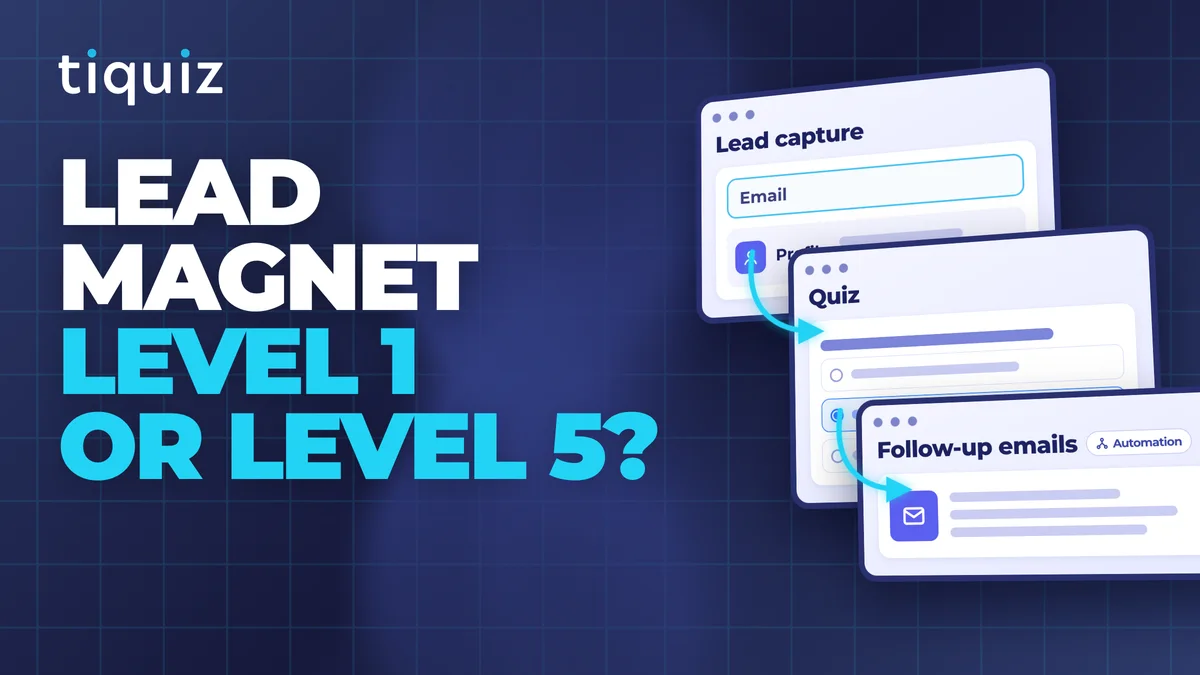
What is a lead magnet?
A lead magnet is the free thing on your website that someone gets in exchange for their email address. A checklist, a PDF guide, a template, a five-day email course, a live workshop, a quiz, a calculator. Same deal every time: you give first, they let you into their inbox.
You'll also see it called an opt-in offer, a freebie or a content upgrade. Same idea.
The idea behind it comes from Seth Godin's book Permission Marketing (1999). On his blog, he defines permission marketing as the privilege of delivering "anticipated, personal and relevant" messages to people who want them (seths.blog, 2008). A lead magnet is how you earn that permission: someone raises their hand and says "yes, tell me more about this."
Three things make a real lead magnet:
- It asks for something in return (an email address, at least).
- It solves one precise problem for one precise person. "Grow your business" is not a problem. "My sourdough comes out flat" is.
- It opens a sequence of emails. Without them, you've collected an address, and that's it.
What does a lead magnet do in your funnel?
A lead magnet sits between your traffic and your sales. Someone finds you (search, social media, a podcast), takes your lead magnet, and lands on your email list. Then your emails do the selling.
So a lead magnet has two jobs.
The first one is to turn a visitor into a subscriber. That's the visible part.
The second one is to tell you who that subscriber is. And that's where a PDF falls short (a guide can't tell you whether the person who downloaded it is a beginner or someone who has been at it for years). If everyone gets the same emails, the day you pitch your offer, most of your list won't feel it was written for them.
Segmentation pays off: Mailchimp compared about 11,000 campaigns and found that emails sent to a segment got roughly twice as many clicks as the same senders' emails sent to the whole list (Mailchimp, 2017).
Lead magnet examples: the 7 formats compared
Here are the formats you'll see most often, and what each one actually tells you about the person who signs up. The third column is the one to look at first.
| Lead magnet format | Effort to create | What it tells you about the person | Best for |
|---|---|---|---|
| Checklist | Low | Only their topic of interest | One offer, one type of client |
| PDF guide or ebook | Medium | Only their topic of interest | Building authority on a broad topic |
| Template or swipe file | Low to medium | What they're working on right now | Practical, done-for-you value |
| Email mini course | Medium | Who opens and clicks, over several days | Building the habit of opening your emails |
| Live workshop or webinar | High (you have to show up) | Who cares enough to attend | Higher-priced offers, live connection |
| Quiz | Medium | Their situation, level or profile, from their answers | Several offers, or clients at different stages |
| Calculator | Medium to high | One number about their situation | Offers that save or earn money |
If you have one offer and one type of client, a checklist does the job, and it's quick to make. As soon as you'd write different emails to different people, pick a format that tells you who's who. That's where the quiz comes in.
The 5 levels of a lead magnet: which one are you at?
Picture someone who teaches sourdough baking online (an example made up for this article, not a real client). Forty visitors a week on their page. Here's how the same traffic gives very different results, level by level.
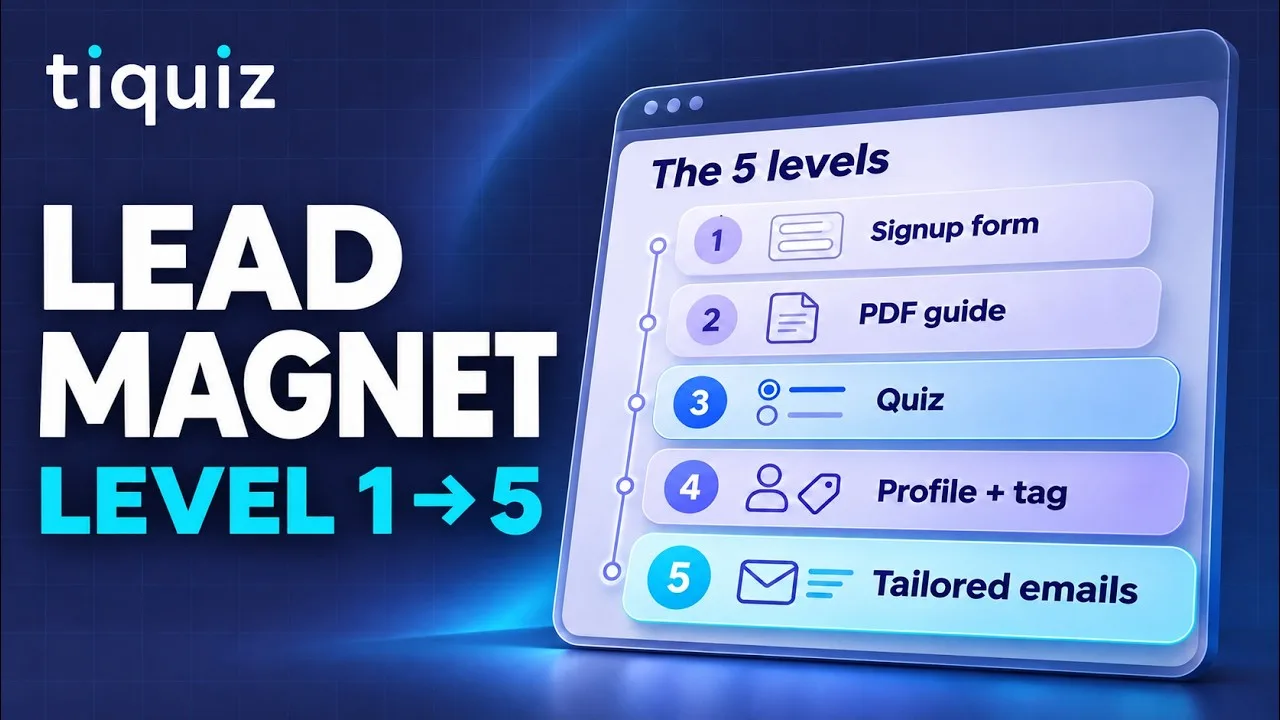
Level 1: the "Sign up for my newsletter" form
You ask for an email and give nothing back. Visitors think "another newsletter" and keep scrolling. It's where a lot of people start.
Level 2: the PDF guide
"The 7 mistakes that ruin your sourdough starter." Now people sign up, because they get something. But everyone gets the same guide and the same emails. The day you announce your course, the beginner, the person whose bread comes out flat and the advanced baker all read the same message. Nobody feels it's for them.
Level 3: the quiz
You swap the guide for a quiz: "Where are you at with your sourdough?" A few easy questions about their situation. The visitor leaves their email to see their result, gets a profile they recognize themselves in, plus a first tip for their situation.
And for the first time, you learn who's signing up. You might think you're talking to beginners and discover that most of your visitors have already tried and failed.
Level 4: the quiz connected to your email tool
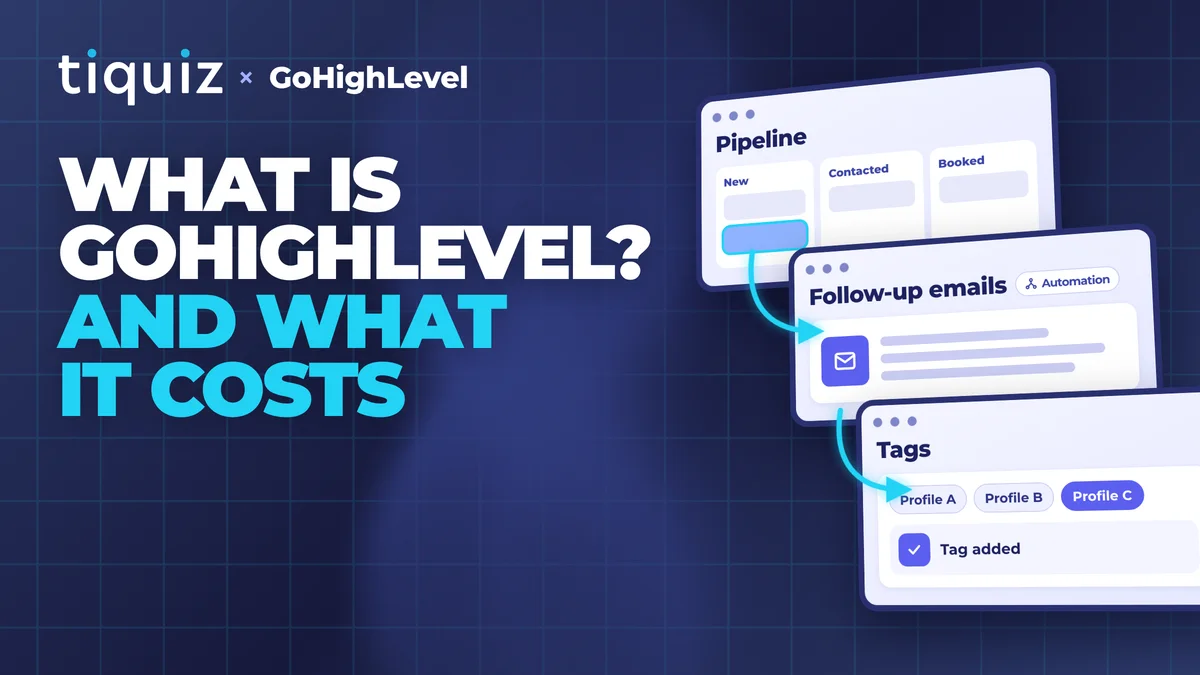
Each person lands in GoHighLevel, Systeme.io or Brevo with their result attached to their contact as a tag. Now you can write to one group at a time. The people whose bread comes out flat get an email called "Your bread comes out flat? Look at this." And they reply, because it's about them.
Level 5: the follow-up runs without you
Each profile gets its own series of emails: their result right away, a tip the next day, and a few days later, the offer that fits their situation. The beginner doesn't get the same emails as the advanced baker. You stop spending your evenings writing emails, and a sale can come in from someone you never wrote to by hand.
Same forty visitors a week. Not one more. The difference is that every visitor leaves with an answer, and you know where each of them stands.
The video walks you through the five levels, in a few minutes.
How to create a lead magnet in 5 steps
1. Pick one person and one problem
Write one sentence that names who it's for and what it fixes. For example: "My lead magnet helps home bakers whose sourdough comes out flat figure out why." If your sentence fits everyone, it attracts no one in particular.
2. Write the promise before the content
What will people get, in their words? "Find out why your bread comes out flat, in 2 minutes" beats "Free sourdough guide." Read your promise and ask "so what?" If the answer isn't obvious, rewrite it.
3. Choose the format that serves your offer
Go back to the table. Pick the lightest format that tells you what you need to know about the person to sell them the right thing. One offer: a checklist is enough. Several offers or several types of clients: a quiz.
4. Set up your opt-in page and your consent
Keep the form short (an email, maybe a first name). Say clearly what people are signing up for. In the US, the CAN-SPAM Act requires every marketing email to include a working way to unsubscribe and a valid physical postal address, and opt-outs must be honored within 10 business days (FTC). If you have subscribers in Europe, GDPR requires freely given, specific, informed opt-in consent.
5. Write the emails that follow, then measure
Write the delivery email and the next few emails before you launch, not after. Then track one number: the share of people who leave their email. For a page, divide signups by visitors. For a quiz, divide emails by the number of people who started it (and say which one you're using when you compare). If you go the quiz route, the full plan is in post-quiz email sequence: 5 emails per result.
Why a quiz makes a strong lead magnet
A quiz isn't the right call every time. If you don't have an offer yet, build the offer first. If you're sending a resource to people who already know you, a PDF does the job.
But when your clients are at different stages, a quiz does something a PDF can't do: the person gets an answer about their own situation, and you get that situation along with their email.
The numbers back that up:
- On Tiquiz, from October 15 to November 14, 2026, 50.2% of the people who started a quiz left their email, and 78.8% of the people who started went all the way to the end (our numbers).
- Interact reports 40.1% across its customers' quizzes, also counted from the people who start (Interact, updated September 2026).
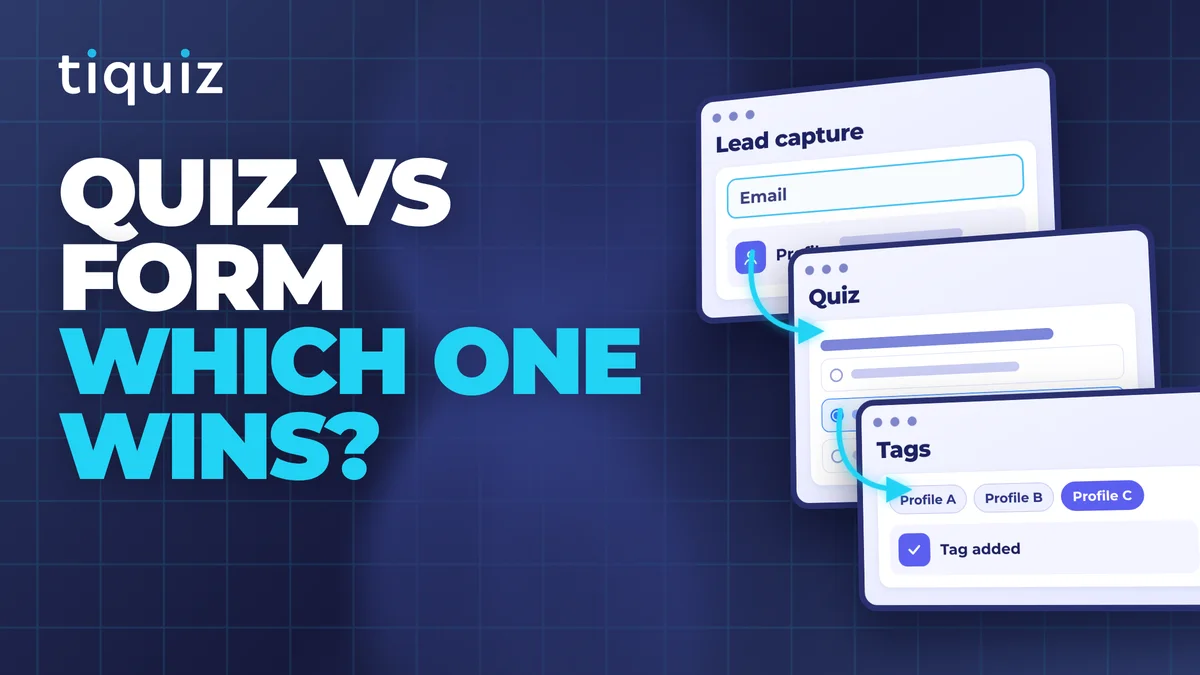
Those rates count from the people who start the quiz, not from every visitor. That difference matters, and it's explained in quiz vs form for lead generation.
With Tiquiz, you describe your audience and your offer, the AI drafts the questions, the results and a follow-up email series for each profile, and you rewrite what doesn't sound like you. The quiz connects natively to GoHighLevel, Systeme.io and Brevo, so each lead arrives with the tag of their result. And Tiquiz sends the follow-up emails itself (one email per profile on the free plan, up to 5 on a subscription and 7 on PLUS).
Start on the free plan: one quiz, no credit card, no time limit.
Build my quiz lead magnet for free
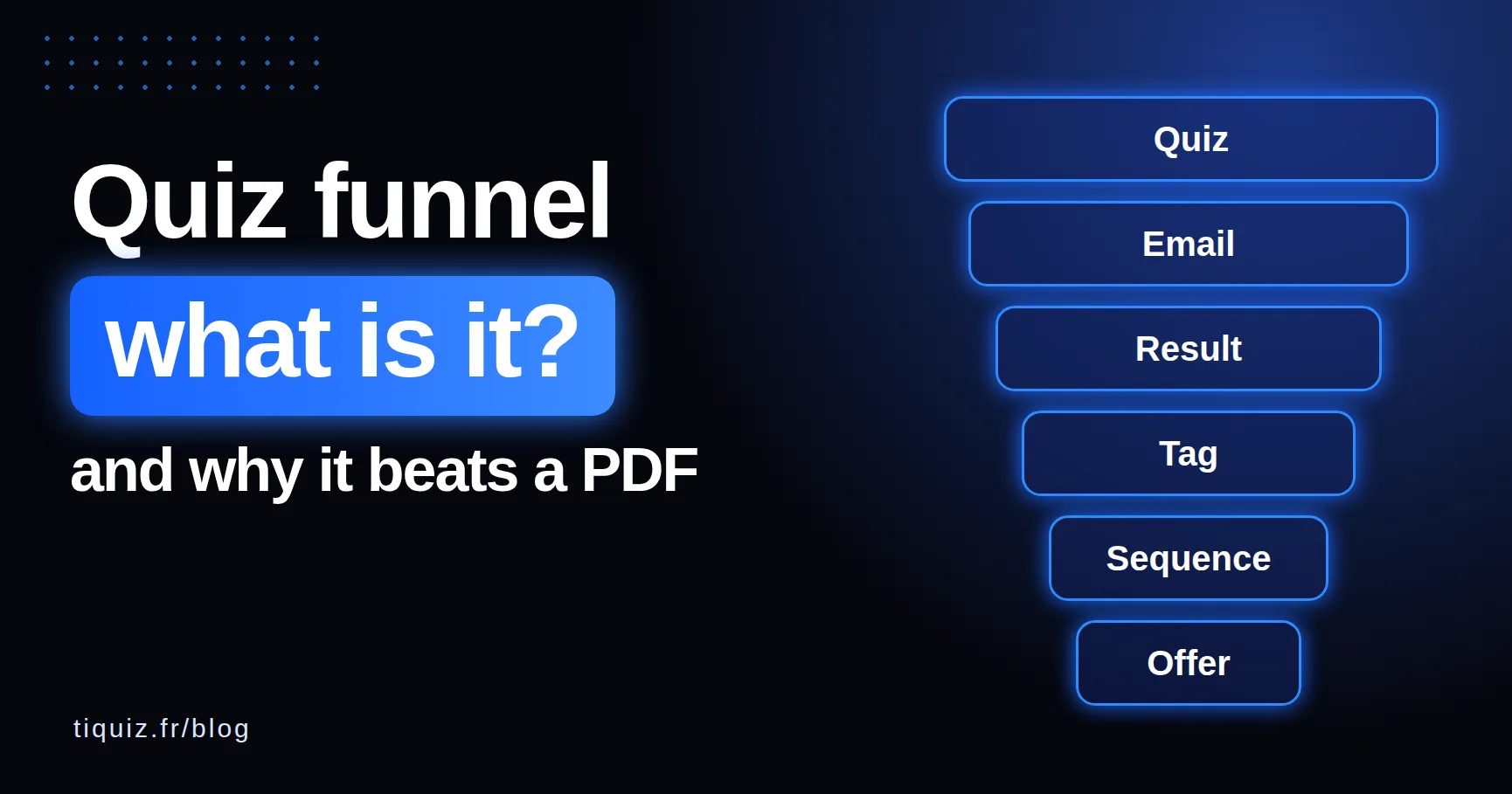
Looking for ideas for your own business? I gathered them in 12 lead magnet ideas for coaches, and the whole system around the quiz is in what is a quiz funnel.
FAQ · what is a lead magnet
What is a lead magnet in marketing?
A lead magnet is a free resource offered in exchange for an email address, such as a checklist, a guide, a quiz or a mini course. It turns a visitor into a subscriber and starts a conversation by email. A good one solves one specific problem for one specific person.
What is the best type of lead magnet?
The best lead magnet is the one that tells you what you need to know to sell the right offer. With one offer and one type of client, a checklist or a template is enough. With several offers or clients at different stages, a quiz works better, because each answer tells you where the person stands.
Does a lead magnet have to be free?
Yes. The visitor "pays" with their email address and their attention. A low-priced paid product right after signup is something else, usually called a tripwire. Keep the lead magnet free, and put your offer in the emails that follow.
What is a good conversion rate for a lead magnet?
It depends on what you count. Unbounce puts the median landing page at 6.6% of visitors across industries (Unbounce, 2024 report). For quizzes, ConvertFlow found that lead generation quiz funnels capture a lead from 7.85% of visitors on average (ConvertFlow, September 2026). Rates counted from the people who start a quiz are much higher (50.2% on Tiquiz, 40.1% at Interact), so always compare the same thing.
How long does it take to create a lead magnet?
It depends on the format. A checklist or a template is the quickest to write. A webinar or a calculator takes the longest. A quiz sits in between, and with Tiquiz the AI drafts the questions, results and follow-up emails from a description of your audience and your offer: your job is to reread them and make them sound like you.
Do I need an email tool for my lead magnet?
Yes, if you want to keep the relationship going. Your lead magnet collects the address, and your email tool (GoHighLevel, Systeme.io, Brevo or another) keeps the contact and its tag for everything you send next. With Tiquiz, the follow-up emails for each profile can be sent by Tiquiz itself. Connect the two before you launch, so no lead sits in a spreadsheet waiting for you.
Sources
- Seth Godin, "Permission Marketing", seths.blog, January 31, 2008
- Mailchimp, "Effects of List Segmentation on Email Marketing Stats" (2017)
- Federal Trade Commission, "CAN-SPAM Act: A Compliance Guide for Business"
- Interact, "Quiz Conversion Rate Report" (updated September 8, 2026)
- Unbounce, "Conversion Benchmark Report" (2024)
- ConvertFlow, "Lead Generation Quiz Funnel Benchmark" (September 2026)
- Tiquiz, quiz conversion rate: our real numbers (October 15 to November 14, 2026)