Black Friday is the week your list gets the most promo emails of the year. Yours land among dozens of others, often with the same subject line and the same discount.
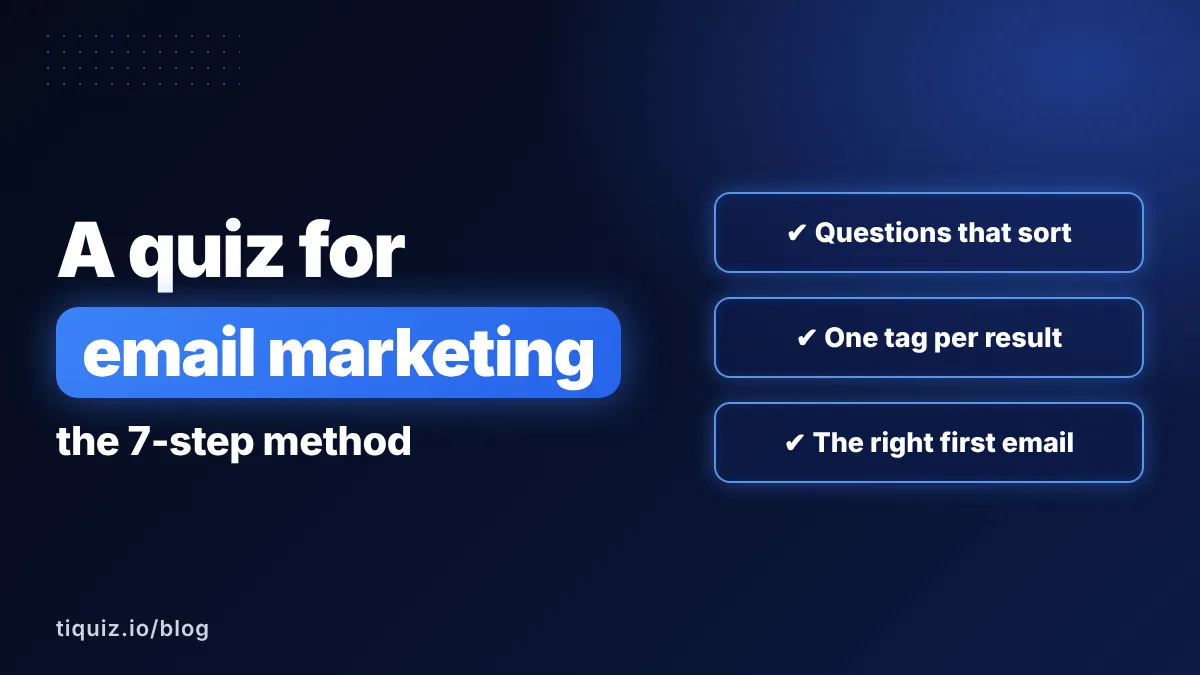
What gets opened and bought is the email that talks about the reader's own situation. To write it, you need to know where they stand. A quiz tells you, as long as you send it before launch day.
Why run a quiz before Black Friday
Without a quiz, your whole list gets the same promo. Beginners receive your most complete offer, advanced people receive your entry product, and everyone reads the same argument.
With a quiz sent a few days earlier, three things change:
- You know who wants what. Everyone who answers lands in your email tool with the tag of their result.
- Your offer is framed by their problem. Same discount, but the argument changes from one result to the next, and the argument is what sells.
- You wake your list up before you sell. A quiz is content people want to take. Those who answer open your next emails.
If you only have one offer, the quiz still helps: it gives you the angle of your email for each result.
The Black Friday quiz timeline, day by day
| When | What you do | Why |
|---|---|---|
| Day -10 to -7 | Send the quiz to your list and share it on your socials | Answers take a few days to come in |
| Day -7 to -1 | One useful email per result, no selling | They recognize themselves and get used to opening your emails |
| Launch day | Your offer, framed for their result | The offer arrives as the logical next step |
| Mid-sale | A reminder that answers this result's most common question | Remove the doubt holding them back |
| Last day | The final email, with the real end time | A real deadline, announced honestly |
If your sale runs from Friday, November 27 to Sunday, November 29, 2026, your quiz goes out between Tuesday, November 17 and Friday, November 20. Launched on the day itself, it comes too late: by the time you know who people are, the sale is over.
Questions to ask in a Black Friday quiz
Five to seven questions are enough. The quiz isn't about your sale, it's about the person. These five come back in quizzes built to sell:
- Where are you today? Their starting point (beginner, on the way, advanced).
- What do you want in the next three months? Their goal, in their words.
- What's holding you back the most? The obstacle your offer removes.
- What have you already tried? So you don't offer what didn't work.
- How do you prefer to move forward? Alone with a program, in a group, one-on-one: it points to the right offer.
Give the quiz a title about them, not about you: "What's your training profile?" rather than "Which Black Friday deal is right for you?". They care about the result. Your offer comes after.
Map quiz results to your Black Friday offers
Each result matches an offer, or an angle if you have one offer. Take Lea, an online fitness coach with three offers for her sale:
| Quiz result | Where they stand | Offer to lead with | Email angle |
|---|---|---|---|
| Restart | Wants to get back to it, doesn't know where to begin | 4-week program | Start again without getting hurt or discouraged |
| Consistency | Trains, then drops off after three weeks | Monthly membership | Stick with it thanks to a weekly appointment |
| Performance | Consistent, wants to break through a plateau | One-on-one coaching | A custom plan to reach the next level |
Same discount for everyone, three different emails. The Restart result doesn't get one-on-one coaching first: they aren't there yet, and they know it.
The setup in GoHighLevel or Systeme.io: one tag per result
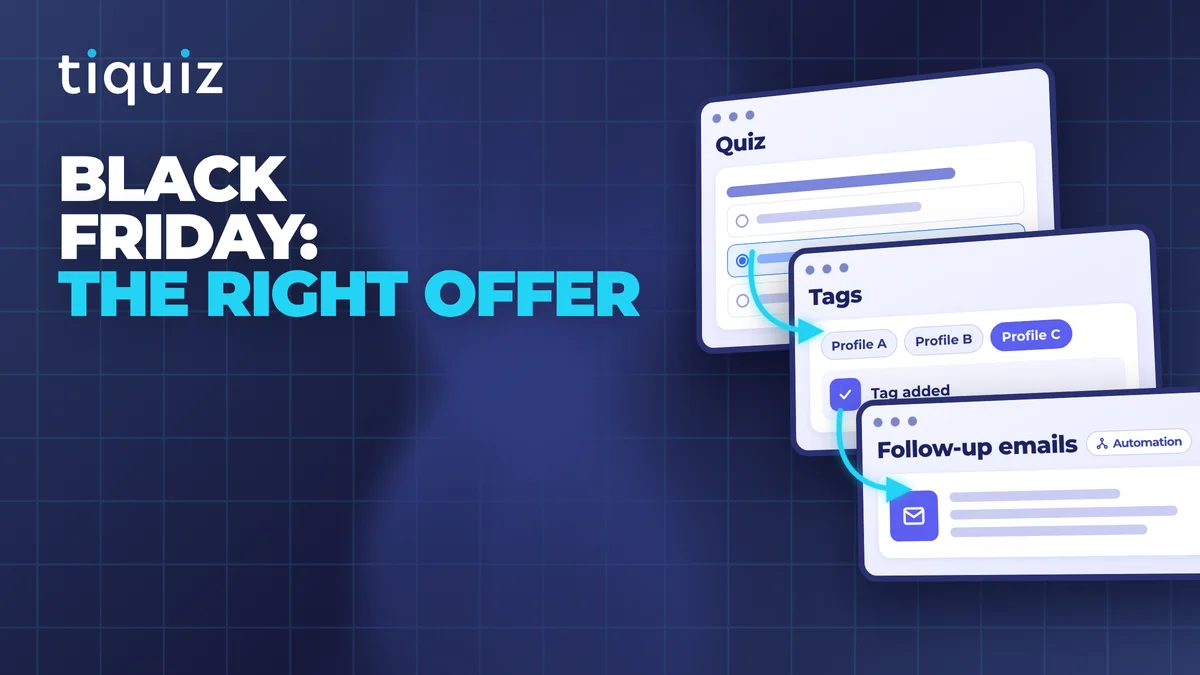
Everything runs on tags. Each quiz result applies its tag in your email tool, and each Black Friday email goes to one tag.
In GoHighLevel:
- Create one tag per result, for example
bf-restart,bf-consistency,bf-performance. - Filter your contacts by tag for a bulk send, or build a workflow triggered by the tag ("Contact Tag", tag added).
- For people who skipped the quiz: a list filtered on contacts with none of the three tags.
- Tag your buyers during the sale and exclude that tag from every later send, so you don't sell them the same thing twice.
The workflows to build after a quiz are in the 5 GoHighLevel workflows that make a quiz sell.
In Systeme.io: write one newsletter per result and pick the result's tag as its recipients. Your general newsletter excludes the three tags. More in the complete guide to Systeme.io tags.
Before you launch, take the quiz with a test address and check that the right tag lands on the contact.
Black Friday emails written for one quiz result
Here are Lea's three promo emails for the Consistency result. The other two results follow the same structure. Only the angle and the examples change.
Launch day, the opening
Subject: Past week three (and 30% off until Sunday)
"Your result said it: you train, then you drop off after three weeks. That's not about willpower, it's about not having a fixed appointment. The membership is one planned session every week, and someone who notices when you don't show up. Until Sunday 11:59 pm, it's 30% off for the first year."
Mid-sale, the doubt
Subject: "What if I don't have time?"
Answer the question this result asks the most, with a real example of a typical week.
Last day, the deadline
Subject: Ends tonight at 11:59 pm
The angle in two lines, the real end time, and the link. Nothing else.
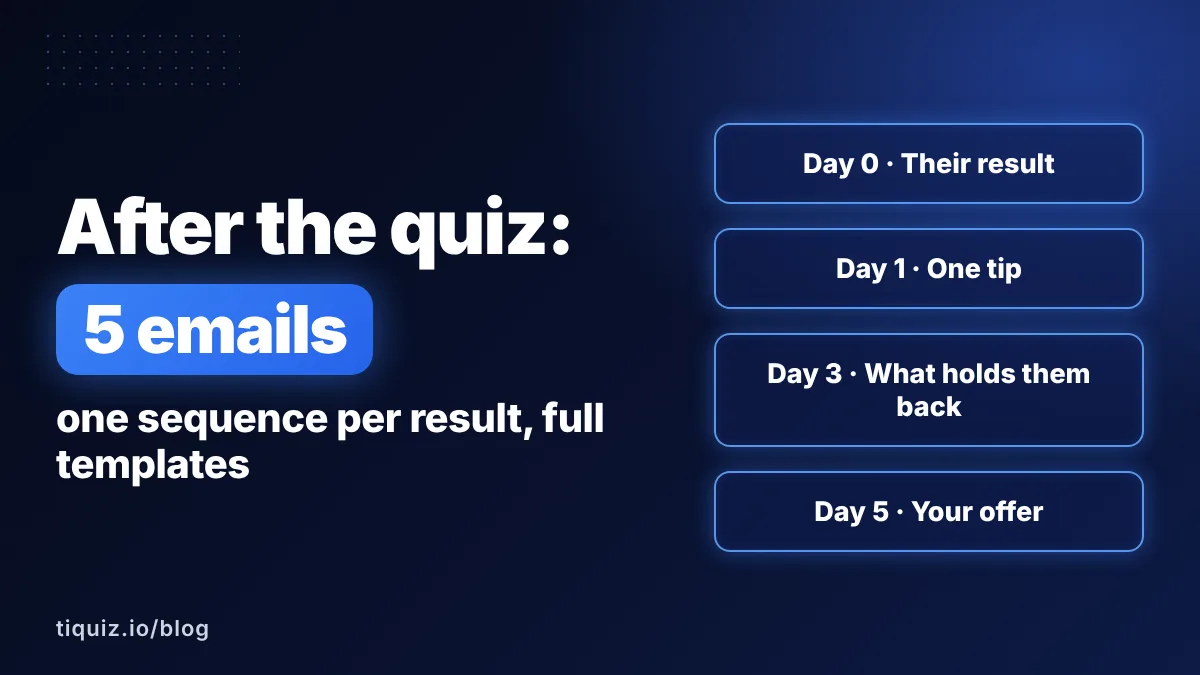
The 7 days before are for value: one tip per result, the typical obstacle, no selling. The full structure is in the post-quiz email sequence, 5 emails per result.
Mistakes that waste a Black Friday quiz
- Launching the quiz on the day. Answers arrive as your sale ends.
- Sending the same promo to all three results. You sorted people, then put them back in one pile.
- Forgetting those who didn't answer. They're still part of your list: your general version is for them.
- Faking urgency. A countdown that resets or a sale quietly extended gets noticed, and your list remembers next year. Announce an end date and time, and keep them.
- Selling again to people who just bought. Exclude your buyers' tag from every later send.
Build your Black Friday quiz with Tiquiz
In Tiquiz, you describe your business and your offers in one sentence: AI writes the questions, the results and each result page. You review, swap two or three phrases for your own, and it's live. The walkthrough is in create a quiz with AI.
- Each result applies its tag in GoHighLevel or Systeme.io, through a direct connection.
- Tiquiz can also send the follow-up emails itself, result by result.
- The free plan lets you build and test the quiz. It shows 10 leads per 30 days: for a quiz sent to your whole list, you need the monthly plan ($17 a month), with unlimited leads. Leads that came in on the free plan are kept, and go to your tool as soon as you upgrade.
FAQ · the Black Friday quiz
How long before Black Friday should I launch my quiz?
Between 7 and 10 days before. Answers take a few days to come in, and you need a few more to send one useful email per result before selling. For a sale running November 27 to 29, 2026, the quiz goes out between November 17 and 20.
Do I need a separate quiz for Black Friday?
Not necessarily. If you already have a quiz that sorts your list, send it again to contacts who haven't taken it. Its results only need to match your offers, or the angles of your promo.
What if I only have one offer?
The quiz still helps: it gives you the angle of your promo for each result. Same offer, same discount, but a different argument depending on the person's problem.
What about contacts who didn't take the quiz?
They get your general version of the promo. In GoHighLevel, that's a list filtered on contacts with none of the result tags; in Systeme.io, a newsletter that excludes those tags.