A quiz that gets visits but few leads is losing people somewhere: a question that's too long, a result that fits nobody, a form that feels like a commitment. Finding it by hand means opening your stats, comparing every step and rereading every question.
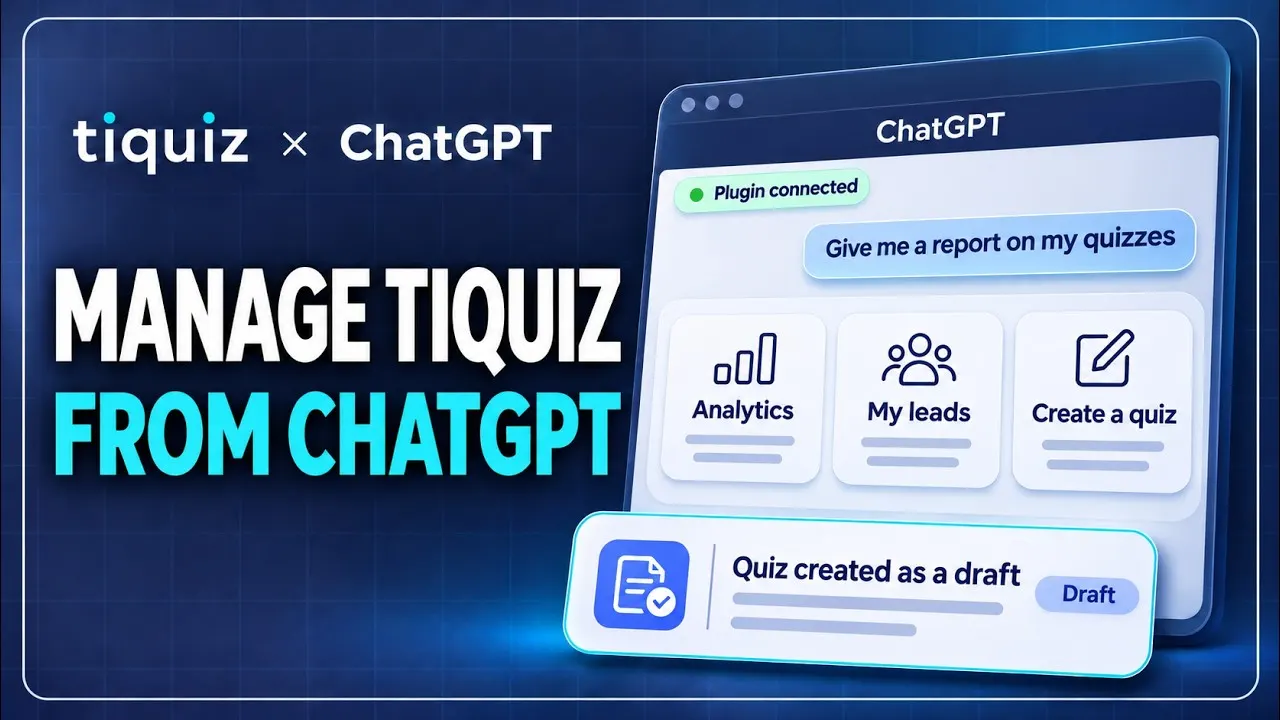
With the plugin, you ask ChatGPT and it looks up the answer in your Tiquiz account, with the same numbers as your screens.
Step 1: install the Tiquiz plugin in ChatGPT
- Open Tiquiz's official page in ChatGPT. If ChatGPT asks, sign in to your ChatGPT account first.
- From that page, add Tiquiz to your ChatGPT.
No server address to copy, no key to create: you authorize access on Tiquiz's page in the next step. Using Claude instead? The steps are in Connect Tiquiz to Claude and ChatGPT.
Step 2: sign in and choose its permissions
ChatGPT opens a Tiquiz page. Sign in to your account, then choose what ChatGPT can do, box by box:
- Read: your quizzes, their stats and diagnoses, your connections and your follow-up emails. This is the box the diagnosis needs.
- Read leads: your leads and their answers, with emails masked.
- See emails in full: unchecked by default.
- Create: create draft quizzes.
To find where your quiz loses leads, Read is enough. You can change these permissions anytime in Tiquiz, Settings, Connected AI tab, where you can also read the log of what ChatGPT looked at and cut off access.
Step 3: ask where your quiz loses leads
Start a conversation and type, for example:
- "Where is my quiz (its name) losing leads?"
- "Run a full diagnosis of my main quiz."
- "Which question do people abandon the most?"
ChatGPT calls Tiquiz's diagnosis tool. The diagnosis is calculated by Tiquiz, with the checks the app already uses, not made up by the AI. It looks at:
- the funnel: the question where visitors stop, and the biggest drop between two steps;
- the results: a profile no combination of answers can reach, ties, a question where a profile has no answer;
- the form: for example a consent checkbox with no privacy policy;
- the connection to your tool (GoHighLevel, Systeme.io, webhook) and its tags;
- the follow-up emails: what's blocking their activation.
Step 4: read the answer and fix it
Each finding comes with its severity (blocking, worth watching or for info), what's wrong, and the fix to make. Start with the blocking ones: they're the ones costing you leads right now.
ChatGPT never edits your quiz. It reads, and at most it creates a new draft quiz if you gave it that permission. You make the fix in the Tiquiz editor, then you can ask for a new diagnosis to check the finding is gone.
Pitfalls to avoid
- Name the quiz. If you have several, say which one you mean, or ChatGPT will ask you to pick, or look at the wrong one.
- Wait for some traffic. With a handful of visitors, the funnel doesn't say anything solid yet. The structure checks (results, form, connection) work from day one.
- Check the Read box. If it's unchecked, ChatGPT can't see your stats and can't run the diagnosis.
FAQ: the Tiquiz ChatGPT plugin
Does the ChatGPT plugin work on Tiquiz's free plan?
Yes, on every plan, free included, no credit card. Your plan's limits apply just like in the app.
Can ChatGPT edit or publish my quiz?
No. It reads your quizzes and their numbers, and can create a draft quiz if you checked that permission. It doesn't edit, publish or delete anything: you make the fix in the editor.
Is the diagnosis reliable?
Tiquiz calculates it from your real data and the structure of your quiz, with the same checks as the app. ChatGPT puts it into words, it doesn't invent it.
Does it work in Claude too?
Yes, with the same question. In Claude, Tiquiz is added as a custom connector: the steps are in Connect Tiquiz to Claude and ChatGPT.