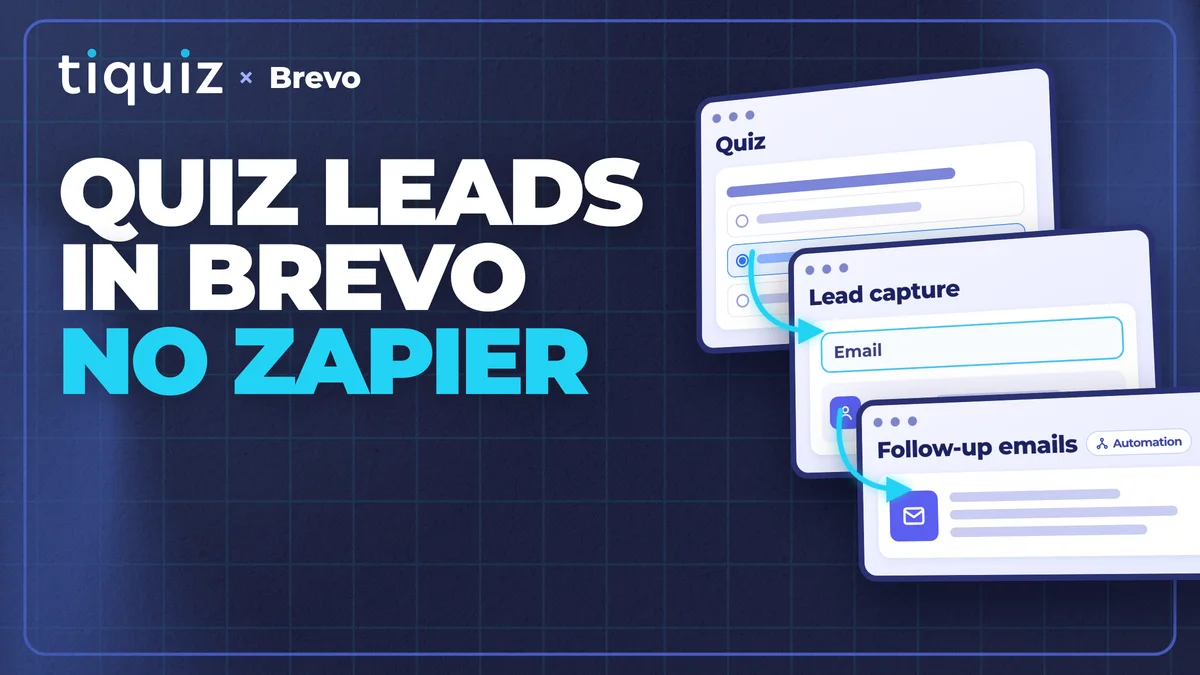
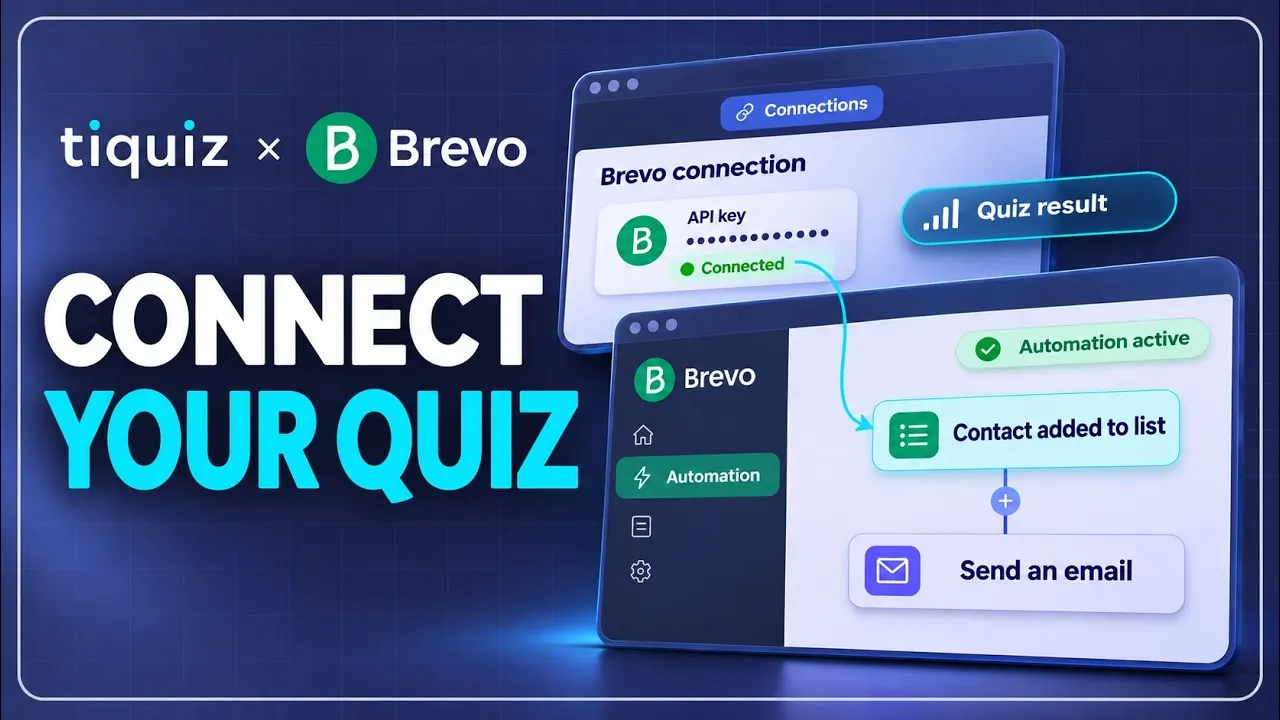
"I'm on Brevo, how do I do it?" It's a question I get often. Until now, my answer went through a webhook, with Make or n8n in the middle. It worked, but you had to build a scenario and keep an eye on it.
I wanted Brevo to be as simple as Systeme.io or GoHighLevel. It is now: one key to paste, and that's it.
What changes with the Tiquiz Brevo integration
| Before (webhook) | Now (direct connection) | |
|---|---|---|
| Setup | A webhook in Tiquiz, a scenario in Make, n8n or Zapier | A Brevo API key pasted into Tiquiz |
| Extra tool | Make, n8n or Zapier, with their subscription past the free quotas | None |
| The quiz result in Brevo | Up to you to map in the scenario | One list per result, created for you, and an attribute with the result |
| When Brevo refuses the key | You find out when leads go missing | The connection shows "disconnected" and you get an email |
What lands in Brevo with every quiz lead
In this order, so your automation finds a complete record when it starts:
- The contact is created if new, or updated if it already exists. Nothing is erased, and it stays in its other lists.
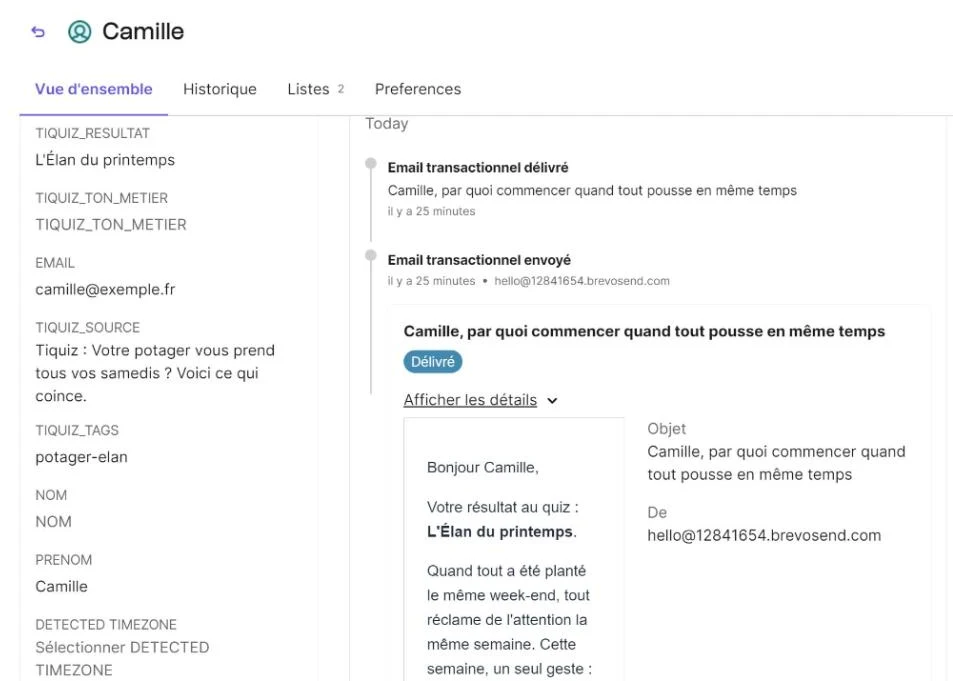
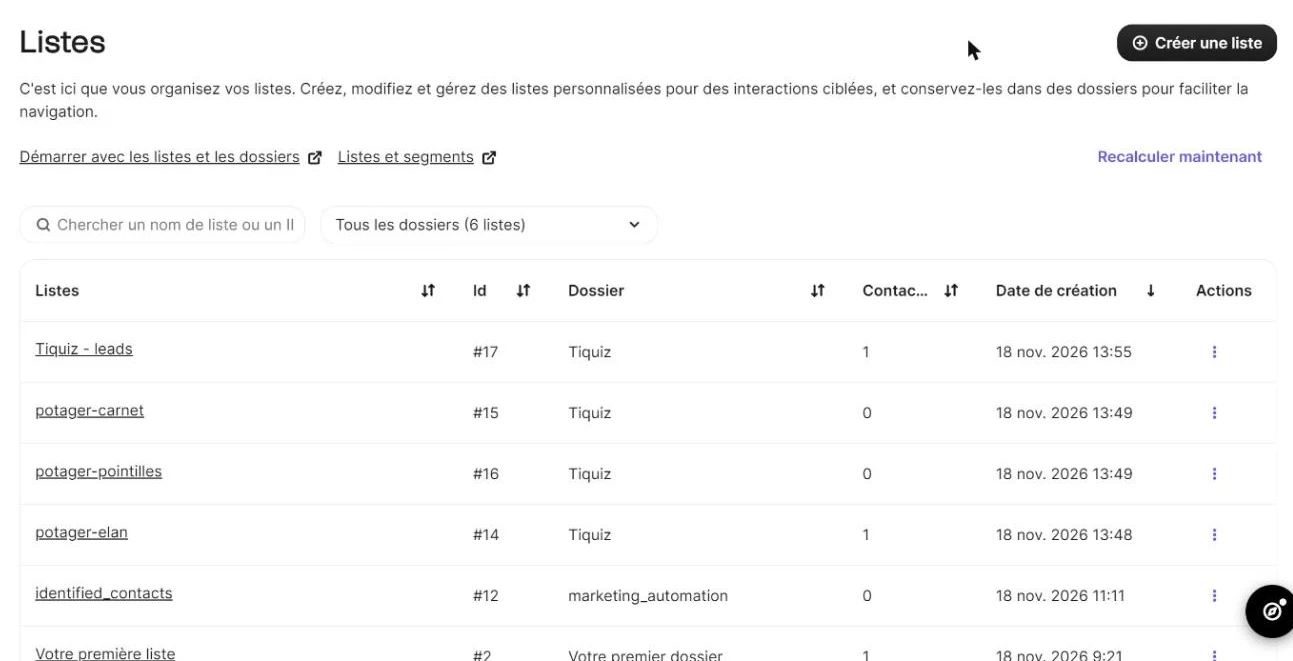
- Its lists: one per quiz tag (result, answers, share, score range), in a "Tiquiz" folder. A list that doesn't exist yet is created.
- The list of all your leads,
Tiquiz - leads, in the same folder. Every lead joins it, even if your quiz has no tags. - Its result, as the person read it, in the
TIQUIZ_RESULTATattribute. - Its tags and the quiz name, in
TIQUIZ_TAGSandTIQUIZ_SOURCE. - Your custom fields: one attribute per field of your form, for example
TIQUIZ_YOUR_JOB. - First name, last name and phone, in the attributes your account already has. The phone number is only sent with its country code, because Brevo refuses the others.
- An event,
tiquiz_quiz_termine, with the result, andtiquiz_quiz_partagewhen the person shares their result.
Tiquiz only writes in the Tiquiz folder and in its own attributes, the ones starting with TIQUIZ. Your own lists and attributes don't move.
Brevo has no tags: one Brevo list per result
In Systeme.io or GoHighLevel, a quiz lead arrives with a tag. Brevo sorts contacts into lists and describes them with attributes. Nothing in it is called a tag.
So in Tiquiz you keep setting your tags as usual, and each tag becomes a Brevo list with the same name. Your result tag is "profile-strategist"? The list has that name, and joining it is the trigger Brevo automations understand.
Already have a list you want to use? Write its exact name as a tag in Tiquiz, and that list gets filled.
To go further in Brevo, here's how to segment Brevo contacts with a quiz (lists, attributes and automations).
Once your leads are in Brevo, here's the Brevo automation to build after a quiz, with each profile's welcome series.
Connect Tiquiz to Brevo in four steps
- In Brevo, create an API key (your name at the top right, SMTP & API, API Keys tab), name it Tiquiz, and copy it: Brevo only shows it once.
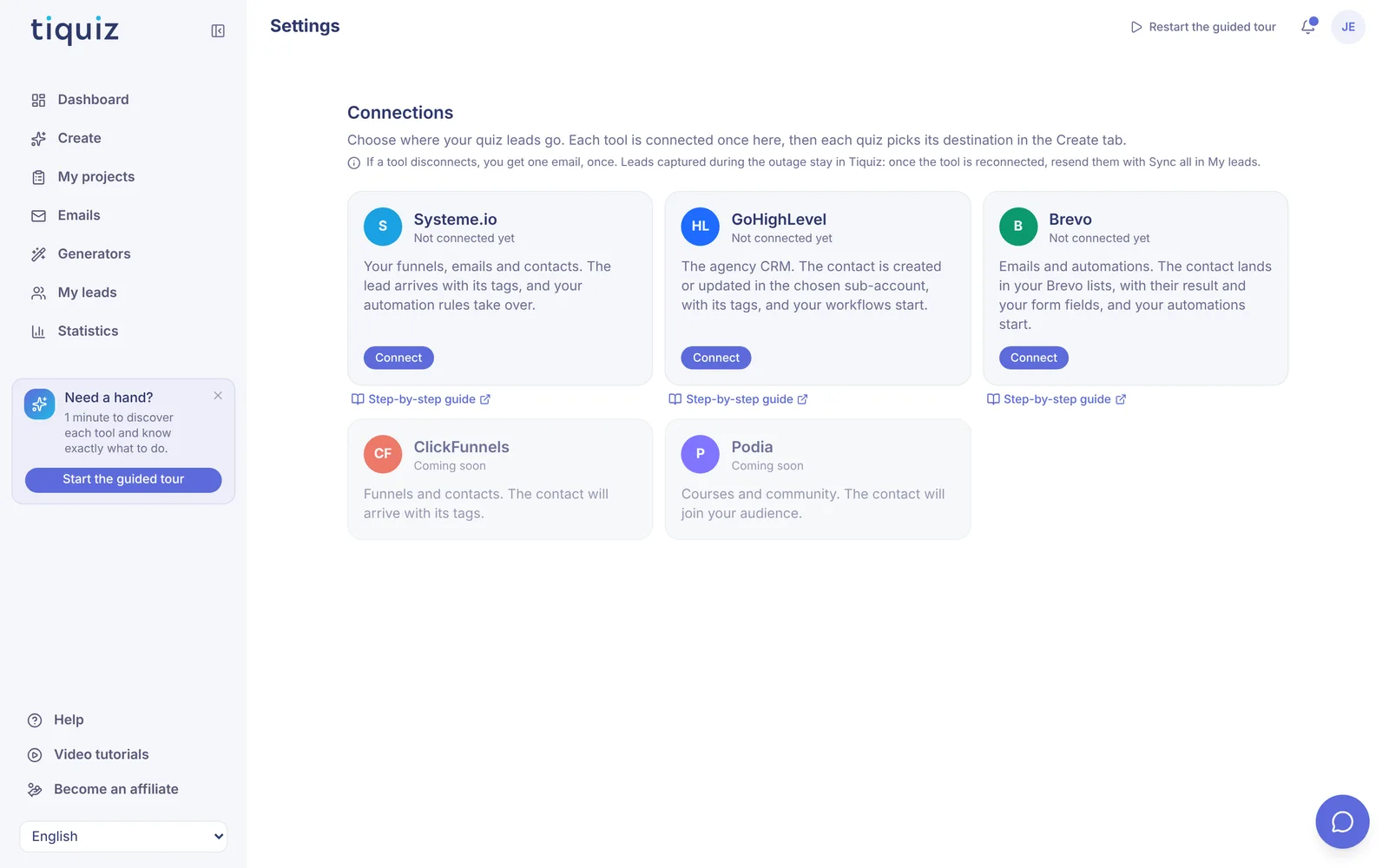
- In Tiquiz, go to Settings, Connections tab, Brevo card. Paste the key and click Connect: Tiquiz checks it with Brevo before saving it.
- In Tiquiz, pick Brevo as the quiz destination (Create tab), then open the Automate tab: the lists are created and Tiquiz shows you which ones are ready.
- In Brevo, create one automation per list: trigger "contact added to a list", then send your email or sequence.
If your Brevo account blocks unknown IP addresses, Tiquiz shows you the address to allow. Every case is covered in the step-by-step guide to connect Tiquiz to Brevo.
Brevo on Tiquiz's free plan
Brevo is available on every plan, like Systeme.io, GoHighLevel and the webhook. Each connected tool counts as one connection: 1 on the free plan, 2 with a subscription, as many as you want with PLUS.
So you can test the whole path, from the quiz to the Brevo automation, without paying anything.
Brevo and Tiquiz follow-up emails, together
Tiquiz can send the email sequence that follows the quiz itself, one per result. With Brevo connected, you choose:
- Brevo sends everything: your automations start from the lists, and your emails stay in one place.
- Tiquiz sends the quiz sequence, Brevo the rest: the lead gets their first emails from Tiquiz, and joins Brevo for your newsletter and campaigns.
What matters is that the same person doesn't get the same message twice. Pick who sends what, and turn the other one off.
FAQ · Tiquiz and Brevo
How do I connect a quiz to Brevo?
With Tiquiz, paste your Brevo API key in Settings, Connections tab. Every quiz lead then lands in your Brevo contacts, in a list named after their result, with no Zapier or Make.
Do I need Zapier or Make to connect Tiquiz to Brevo?
No. The connection is direct: the API key is enough. The webhook is still there to send leads to other tools.
Do I have to create the lists in Brevo myself?
No. Tiquiz creates a Tiquiz folder and one list per quiz tag when you open the Automate tab, then with each lead if a list is missing.
Do my contacts get a Brevo confirmation email?
No. Tiquiz adds the contact to your lists without Brevo's double opt-in: consent is asked in your quiz, when the person leaves their email. Your automations decide what they receive.
Is Brevo included in Tiquiz's free plan?
Yes. Brevo counts as one connection: the free plan has one, the subscription two, and PLUS as many as you want.
Sources
- Tiquiz, the step-by-step guide to connect Tiquiz to Brevo (tested on a real Brevo account on November 18, 2026)
- Tiquiz pricing: tiquiz.io/pricing