Coaching and course quizzes are the ones where people leave their email most often: 44.9% of those who start, according to Interact's report on its own customers. That makes sense. Someone who looks for a coach wants to understand their own situation, and a quiz starts exactly there.
But a quiz tool built for an online store or a classroom won't help you. Here's what to check, in order. Full disclosure: I built Tiquiz, so I tell you where it fits and where another tool is the better pick.
Quiz builder for coaches: start with profile or score
Your choice of mechanism comes before your choice of tool.
- A profile quiz sorts people into types: "You're a Sprinter, a Planner or a Juggler". No type is better than another. It fits coaches whose clients have different problems, each with its own path.
- A scored quiz measures a level: "Your routine is 40% solid". It fits a diagnosis, when your coaching closes the gap between where they are and where they want to be.
Check that the tool does the one you need, and ideally both. Tiquiz and Interact do profiles. ScoreApp specializes in scores by category. Tiquiz does scores too.
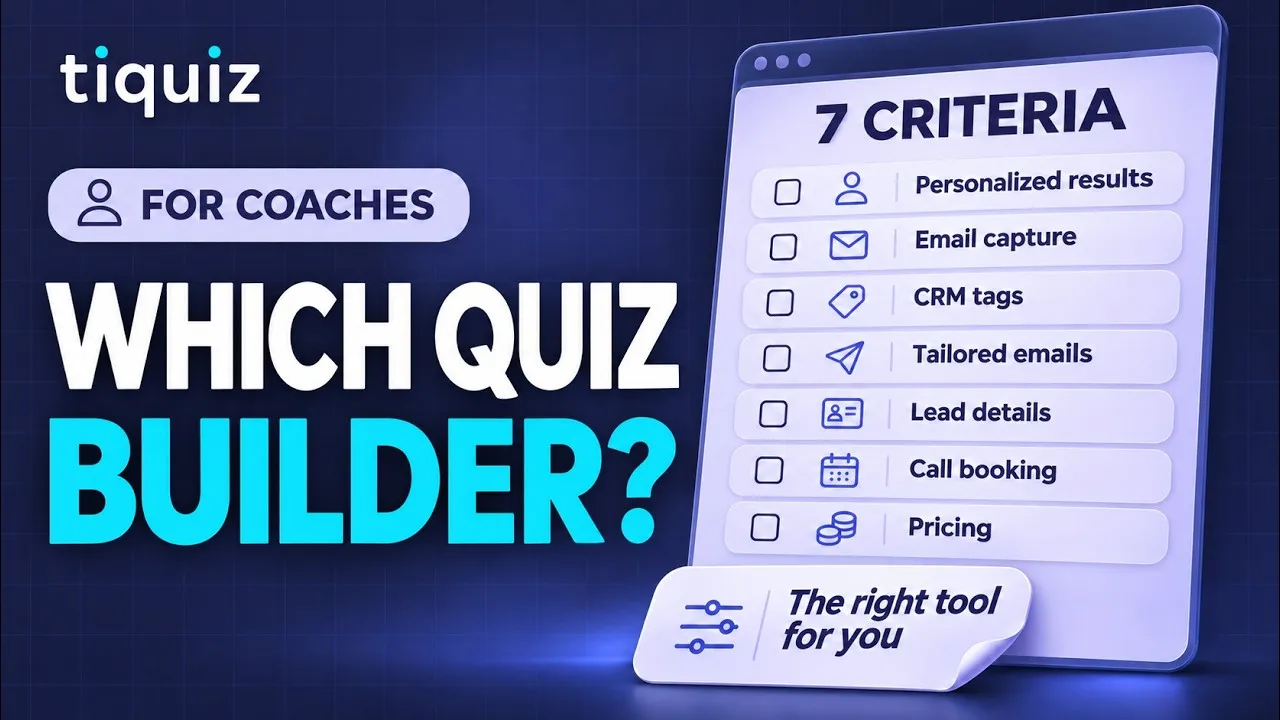
The 7 features to look for in a quiz tool for a coaching business
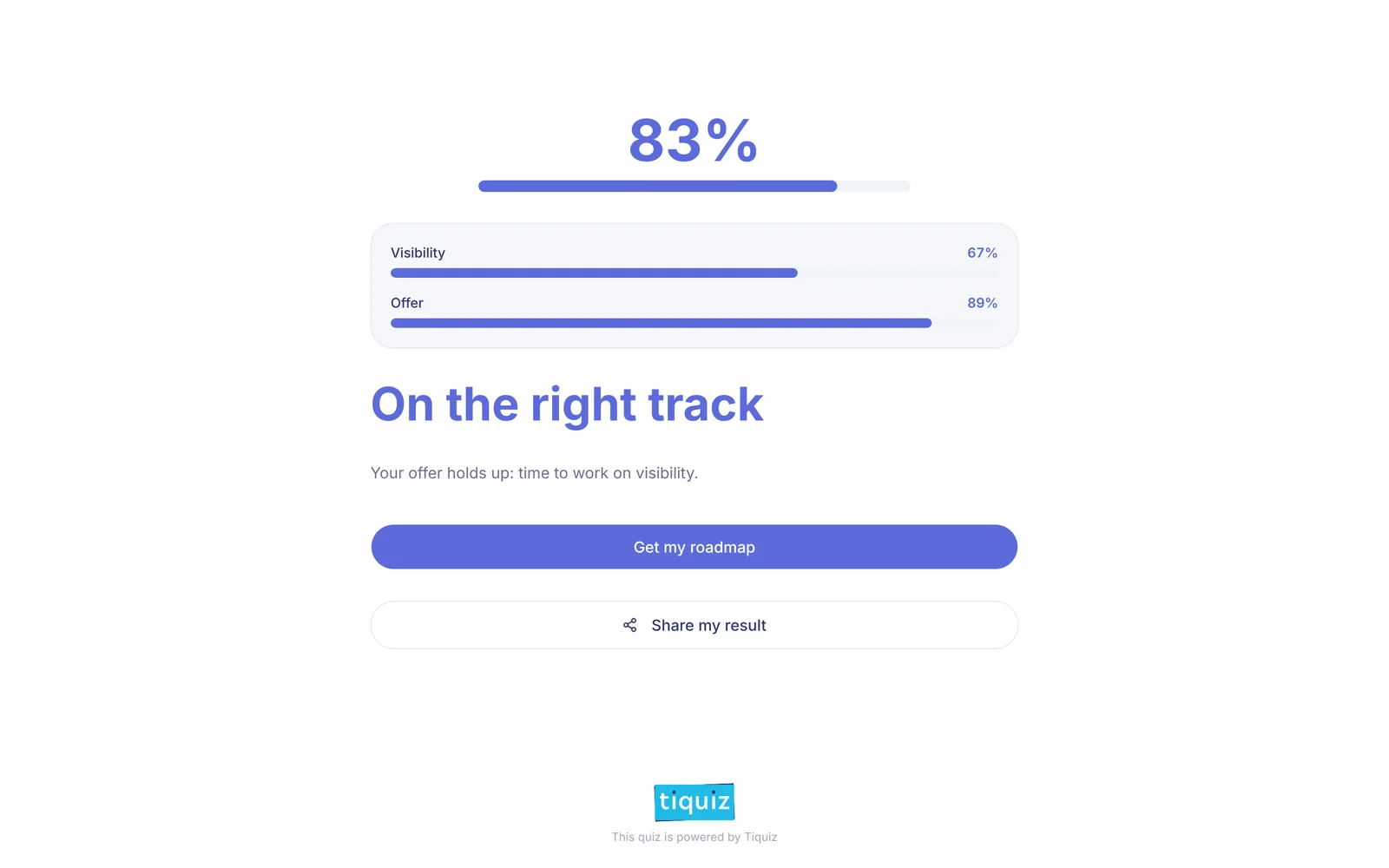
1. A result page for each profile, with one next step. The result is the moment people pay the most attention. The page should say who they are, what it means, and offer a single action: book a call, watch a video, read a guide. If every result shows the same page, you've built a form with extra steps.
2. The email asked right before the result. Not on the first screen, not after. Right when curiosity is highest. Check that you can also add a consent checkbox and one or two fields of your own (a phone number, a first name).
3. Each lead in your email tool, with the tag of their result. This is the feature that turns a quiz into a client pipeline. Look for a direct connection to the tool you already use. If it goes through Zapier, count one more subscription and one rule per result.
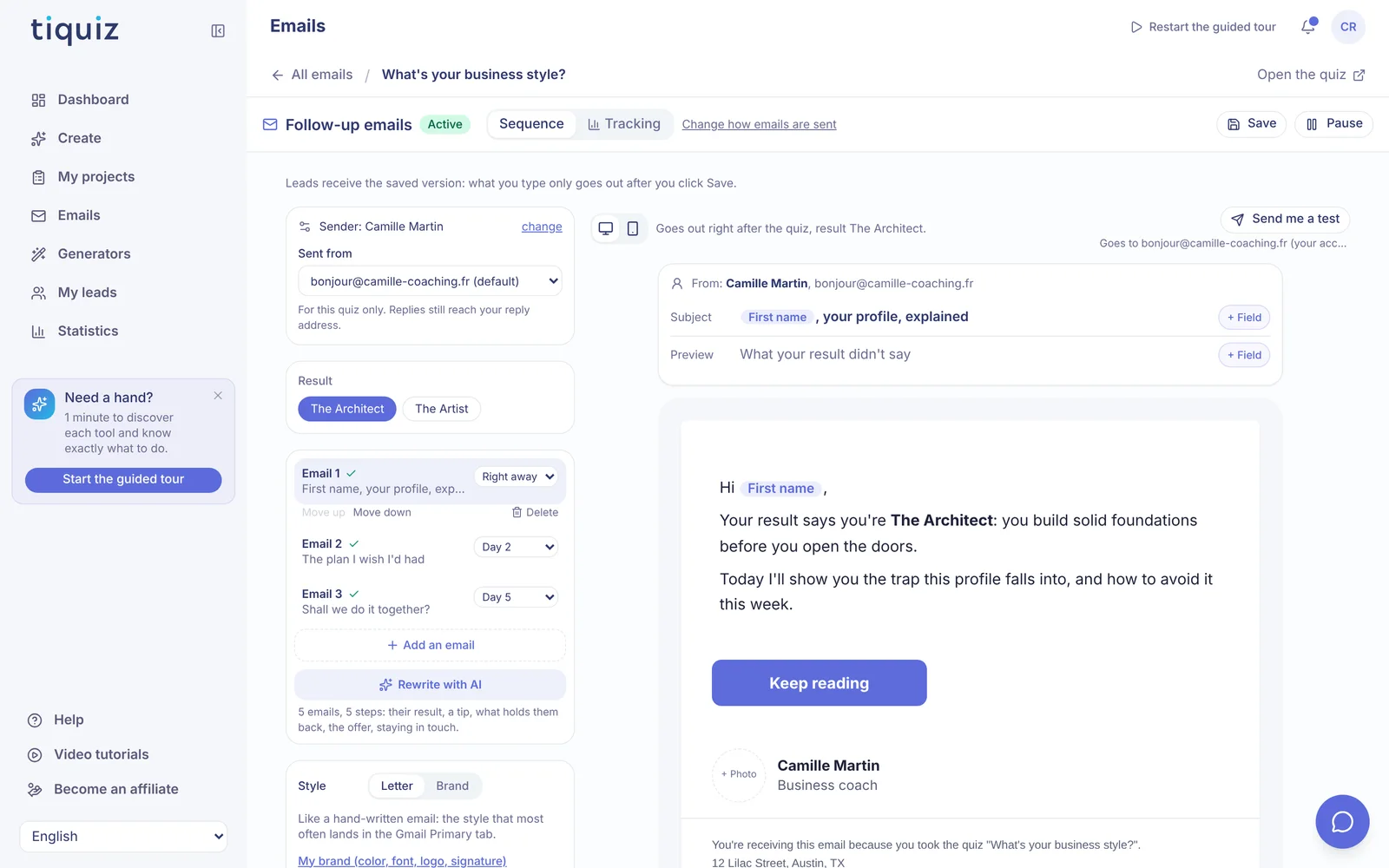
4. Follow-up emails for each result. A Sprinter and a Planner shouldn't receive the same email the next morning. Either your email tool sends a sequence per tag, or the quiz tool sends the emails itself. The templates are in the post-quiz email sequence.
5. Every answer readable, lead by lead. For a coach, this is gold. Reading someone's answers before a discovery call lets you skip the first fifteen minutes of questions. Check that the tool shows them per person, not only as totals. How it looks in Tiquiz: manage your quiz leads.
6. A way to turn a result into a booked call. A button on the result page that opens your calendar is enough. If you work in GoHighLevel, the walkthrough is in turn quiz results into booked calls.
7. A price that doesn't punish a good month. Many tools count responses: 100 a month on a first paid plan is common. One podcast interview can bring that in a day. Know the cap, and what happens past it.
What a coach doesn't need in a quiz tool
- Dozens of question types. Single choice does most of the work. People answer on their phone, with one thumb.
- Payment inside the quiz. You sell on a call or on a sales page. If you really want to take payment at the end of the quiz, involve.me does that.
- Live leaderboards. Kahoot-style tools are for workshops and classrooms, not for finding clients.
Which quiz tool for which coaching business
| Your situation | Tool to look at first | Why |
|---|---|---|
| Your list is in GoHighLevel or Systeme.io, and you're solo | Tiquiz | Direct connection from the free plan, AI writes the quiz and the emails, $17 a month unlimited |
| You sell with a scored diagnosis and want a PDF report per person | ScoreApp | Scorecards by category, personalized PDF reports from its $99 a month plan |
| Your list is in Kit, Mailchimp or ActiveCampaign | Interact | Direct connections to many email tools, from $39 a month |
| You want a payment or a quote at the end | involve.me | Funnels with payments, from $49 a month |
Prices are on monthly billing, checked on each pricing page on November 13, 2026. The seven tools side by side: the best lead generation quiz builders.
A first quiz for a coaching business, in one afternoon
- Name three profiles you meet again and again in your calls.
- Write six questions whose answers separate those three profiles.
- Write one result page per profile: what it means, the first thing to do, and a button to book a call.
- Connect your email tool and write the first email of each profile.
- Share it at the end of your content and in your bio, and send it to your current list.
On Tiquiz, you describe your clients in one sentence and the AI writes those five steps as a first version. More ideas for coaches: 12 lead magnet ideas for coaches.
Build my coaching quiz for free
FAQ · quiz builder for coaches
What features should I look for in an interactive quiz tool for my coaching business?
A result type that fits how you coach (profile or score), a result page per profile with one next step, the email asked right before the result, each lead sent to your email tool with the tag of their result, follow-up emails per result, answers readable per lead, and a price without a low cap on responses.
What kind of quiz works best for coaches?
A profile quiz when your clients have different problems with different paths, a scored quiz when you sell a diagnosis and your coaching closes a gap. Coaching and course quizzes convert 44.9% of people who start them, according to Interact's report on its own customers.
Can a quiz help me book discovery calls?
Yes. Put a booking button on each result page, and read the person's answers before the call. You start the conversation knowing their situation, their goal and what's stopping them.
How much does a quiz tool cost for a solo coach?
From $0 on a free plan to $17 to $49 a month for a first paid plan on monthly billing, depending on the tool. Check the cap on responses: 100 a month is common on first paid plans.
Sources
- Interact, "Quiz Conversion Rate Report" (updated September 8, 2026): tryinteract.com
- Pricing pages of each tool, checked November 13, 2026: listed in the comparison